
Customer management for trades
CRM for Tradespeople: When Does a Small Trade Business Need One?
If you can return calls reliably, missed calls may not be your problem. The harder part can be finding the last conversation, remembering a promised quote and knowing what happens next. A CRM can bring that customer context together, provided it takes less effort than your current system.
What does a CRM actually do?
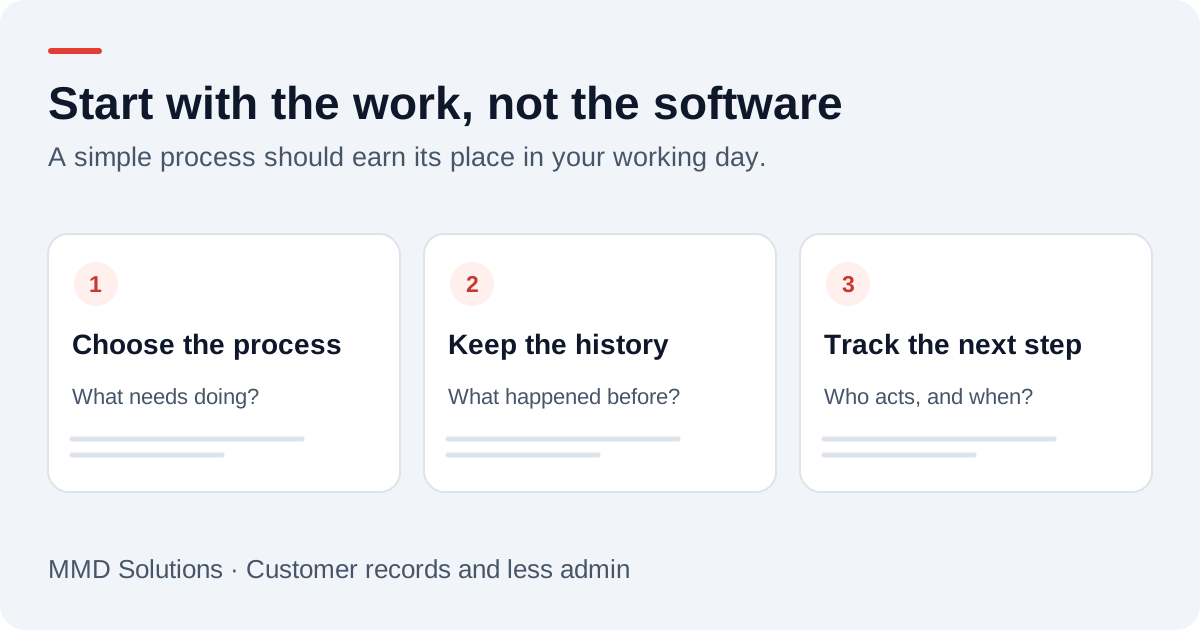
CRM stands for customer relationship management. In software, it usually means linked customer details, communication history and follow-up work. A useful system lets you open a customer, understand the previous contact and see the next action without searching several places.
HubSpot’s documentation describes records with fields, relationships and activity histories. That is an example of the underlying model, rather than a recommendation that every tradesperson needs HubSpot. The customer master record guide shows how we would apply that idea to a small trade business.
When is it worth changing your current process?
A notebook, calendar and WhatsApp can be adequate for a solo operator with a manageable workload. Consider a change when the same friction repeats:
- You enter the same customer details into several tools.
- You cannot quickly tell whether a quote or callback is still outstanding.
- Another team member needs the history that is on your phone.
- Returning customers have to explain the previous job again.
- Finding messages takes longer than acting on them.
Start with one recent example and count the steps. Being busy is not itself evidence that a CRM will help. If your current approach is quick, reliable and easy to hand over, migration may add work without enough benefit.
CRM or job-management software?
| Approach | Useful starting point | Check before choosing |
|---|---|---|
| Simple tracker | A short list of enquiries and next actions | Can you maintain it and find the history? |
| General CRM | Customers, conversations and follow-up ownership | Will quotes and job visits require another connected tool? |
| Trade job-management system | Enquiries through quotes, scheduled work and invoices | Does its enquiry capture fit your channels and subscription? |
These categories overlap. Tradify, for example, documents enquiry capture and conversion into quotes, jobs and invoices. A broader CRM is not automatically better than a trade-focused system. Compare the entire route from first contact to completed work, including the parts you still do manually.
Our Tradify enquiry guide, Jobber workflow guide and ServiceM8 workflow guide explore existing-system options.
An example beyond answering a missed call
A useful record would connect those separate events to the same enquiry. It would show who needs to review the photos and when the quote is due. The benefit is less searching and clearer responsibility, even if the original call was answered immediately.
Recording the enquiry is not the same as booking a job. Inspection, pricing and customer agreement may still be required. Keep the customer’s request separate from what your business has confirmed.
Start small enough to keep using it
- Choose the customer record you will maintain as the main reference.
- Agree a handful of statuses: new, awaiting details, quote needed, quoted and closed.
- Give each open enquiry an owner and next action.
- Move active work first, rather than importing years of unreviewed contacts.
- Trial the process on mobile during a normal working week.
Measure time spent looking for information, repeated entry and overdue follow-ups. Include setup, subscription, connector costs and time correcting errors when judging whether it is worthwhile. A cleaner-looking dashboard alone is not a result.
How MMD fits into this
MMD Tracker is our simple customer and job tracker at £19 per business/month with one owner login. It keeps contact details, job stages, next actions and follow-up dates together, with CSV imports and exports. Read the getting-started guide for the actual workflow.
It does not generate quotes or invoices, provide team scheduling, store photo attachments or automatically capture calls, WhatsApp or email. Our callback service is separate. If your existing trade software already covers the workflow reliably, adding another CRM may not help.
Sources and review
Reviewed 22 October 2026. HubSpot: CRM records and activity history · Tradify: enquiry and job-management features.
Provider documentation supports the product descriptions. Record structures, examples and setup checklists are MMD planning guidance, not customer results or a claim that these connections are already installed.
Plan the human follow-up too: use the free callback checklist and customer reply templates.
Working locally? Explore CRM and business automation for Cardiff tradespeople.
Explore the trade-specific workflows: CRM for plumbers and CRM for electricians.