
Customer records and job history
One Customer Record: Keep Trade Customer Details and Job History Together
A master customer record is the main reference for who your customer is and how to contact them. Link their enquiries and job history to it so each new conversation starts with context. It should help you find the right information, not become one enormous notes field.
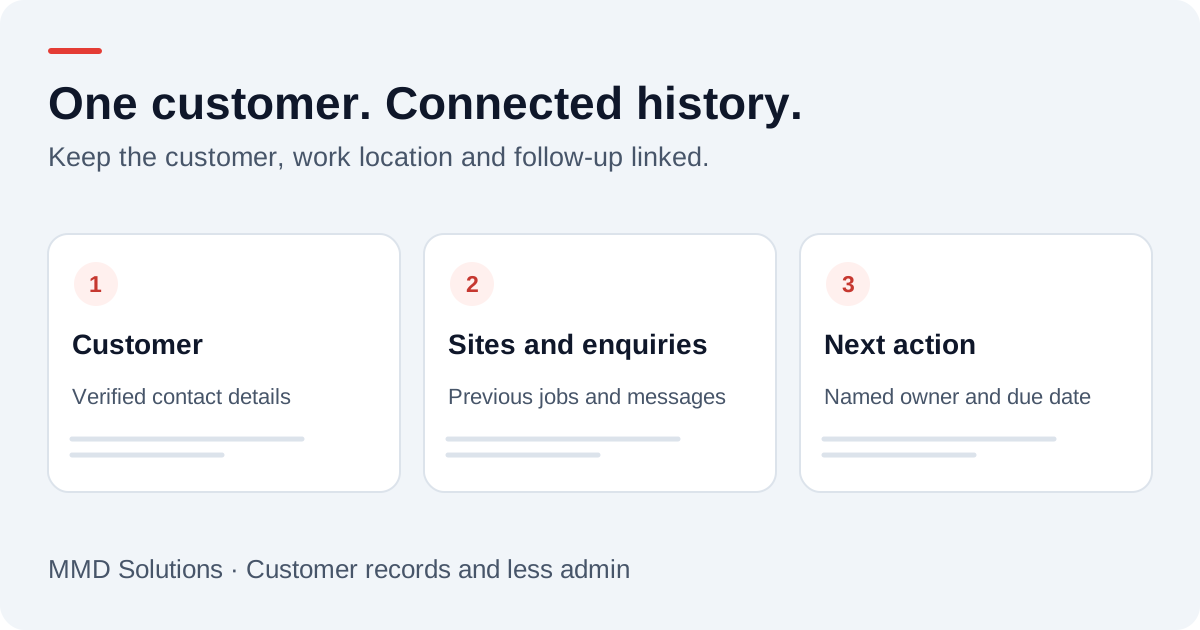
One customer can have several contacts, sites and jobs
For a domestic customer, the person arranging the work may also pay the invoice. For a letting agent, the person requesting a repair, the tenant providing access and the organisation paying may be different. A customer can also have several properties or repeat jobs.
Keep these relationships visible instead of putting every address and phone number into a single contact. HubSpot’s record-association model illustrates how separate business records can be linked. The exact record types available depend on the software you choose.
| Record | Useful information | Links to |
|---|---|---|
| Customer | Customer ID, name, preferred contact method | Contacts, sites and enquiries |
| Contact | Name, role and confirmed contact details | The customer and relevant site |
| Site | Work address and necessary access arrangements | The customer and jobs at that location |
| Enquiry or job | Request, status, owner and next action | Customer, work site and related quotes |
| Activity | Message, timestamp, source and action taken | The relevant enquiry and customer |
This is an example design, not a claim that every CRM has all these record types built in. Avoid collecting fields simply because your software supports them.
What a useful customer view could show
Opening the current enquiry should reveal the relevant previous job without marking the new request as a warranty claim or an accepted booking. Store the original message and any reviewed summary separately. A transcript can contain mistakes; it should not overwrite confirmed facts.
If Alex asks about another property, create or link the appropriate site. Do not replace the old job’s address with the new one, because that would change the meaning of the history.
Which system owns each fact?
A main customer view does not require every system to own every field. Decide where a detail is corrected and which connected tools receive that update.
- Customer contact details: use one agreed place for verified changes.
- Job status: keep the operational system responsible for scheduling and completion.
- Invoice and payment status: use the accounting or invoicing system as the authority.
- Original messages: preserve their source and time instead of repeatedly rewriting them.
These are proposed ownership rules. Confirm them against the tools you actually use. If a connection fails, the customer view should show when it last updated rather than appearing current when it is not.
Match records without merging the wrong people
A stable internal customer ID is safer than using a name as the identifier. Names can repeat; numbers can be shared or reassigned. Normalising phone formats helps searching but does not establish identity.
Route uncertain matches for review. When confirmed duplicates are merged, preserve linked jobs, quotes and messages and retain a record of the decision. For repeated event deliveries, store the source event reference so one message does not become two tasks. Two genuine calls should still remain visible as separate events.
The voicemail-to-CRM guide goes further into matching callers and recording delivery failures.
Keep the record useful and controlled
The ICO’s small-organisation guidance highlights collecting only necessary personal data and keeping it accurate. Apply those principles when choosing customer fields. Restrict access to people who need the information, agree retention rules and include connected copies when handling corrections or deletion requests.
For example, temporary entry instructions may be useful for a visit without belonging permanently in a customer’s general notes. Give staff a clear place for operational details and a clear process for removing them when no longer needed.
Keeping a service history does not automatically give permission to send promotional messages. Manage marketing preferences separately from contact details used to fulfil an enquiry.
Build the smallest useful version first
Take one active customer with more than one enquiry. Try finding the latest request, related quote and next action from the customer view on your phone. Ask a colleague to do the same without help. If either of you needs to search another inbox, decide whether a link or a tested connection would solve the gap.
For a business starting from scratch, read when a trade business needs a CRM. For the next stage, see automating the enquiry workflow. Treat this structure as a plan to test, not a replacement for understanding how your customers and jobs actually relate.
Sources and review
Reviewed 17 October 2026. HubSpot: linked CRM records · ICO: small-organisation data protection principles.
Provider documentation supports the product descriptions. Record structures, examples and setup checklists are MMD planning guidance, not customer results or a claim that these connections are already installed.
Plan the human follow-up too: use the free callback checklist and customer reply templates.
See the process in context: three illustrative trade admin workflows, from enquiry to invoice.
Before sending the next quote, check its job profit, including your labour and admin time.