
Trade enquiry resource
Trade Enquiry Checklist: What to Ask Before a Callback
Good intake gives the person returning a call enough context to have a useful conversation. Ask for the essentials first, then confirm the details needed to quote or arrange work.
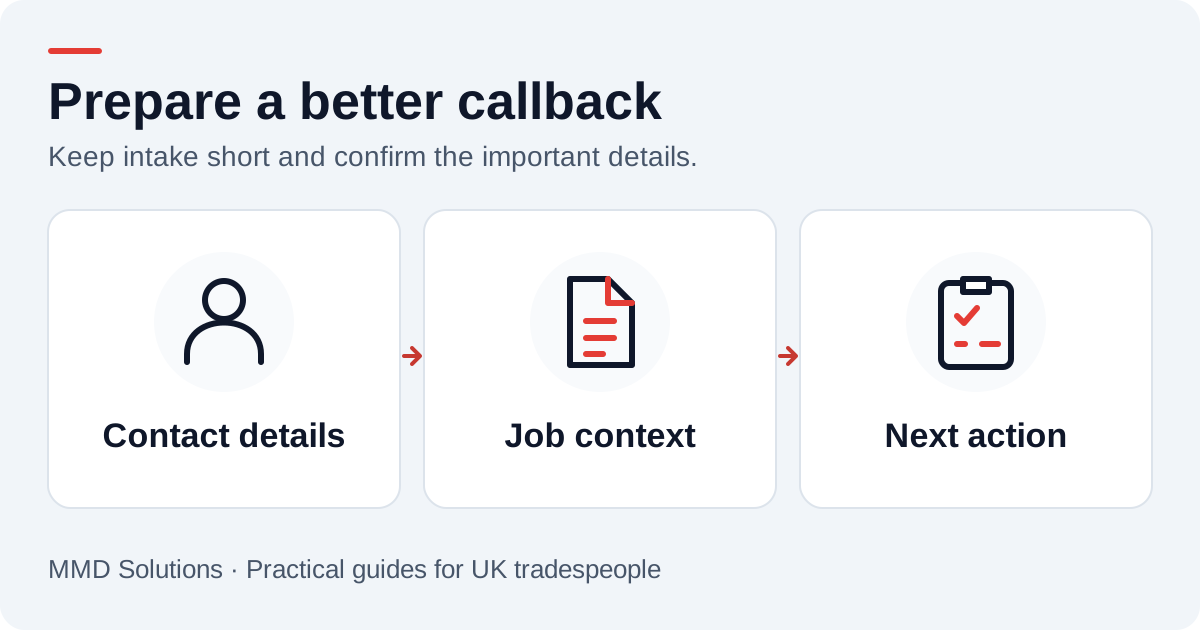
A simple intake card to reuse
Copy the fields into your current form, notes or CRM. You can also download the intake columns (CSV). Ask only for information you will use. A first message rarely needs every detail of the property or a long account history.
Confirm how to reach the right person
The number displayed on an incoming call may not be the number the customer wants you to use. Confirm their preferred callback number and name. A household or office may share a phone, so a number match alone should not overwrite an existing customer record.
If they have already given a job reference, carry it through to the callback. It is often more useful than asking them to repeat the whole story to a different colleague.
Ask for a short description, not a diagnosis
“Replace a kitchen tap” and “tap leaking after recent work” may need different conversations. Record what the customer reports without rewriting it into a technical finding. A transcript or photo can help prepare the call, but the person handling the work confirms scope and suitability.
Postcode helps establish whether the job is in the area you cover. Ask for fuller address or access details when needed for an agreed next step. Keep alarm codes, payment information and unrelated sensitive details out of a general enquiry queue.
Separate preferences from commitments
“Please call after 3pm” is a contact preference. “Can you come on Friday?” is a request to discuss availability. Neither should become a confirmed appointment automatically. Record the request, then confirm it with someone who can make the commitment.
If the team cannot meet the requested timing, say so when responding. It is better to agree a workable next step than to leave a customer assuming a visit is booked.
Add the two internal details callers cannot supply
- Owner: who is responsible for responding?
- Next action: what will they do, and when?
These details turn a message into a working enquiry. Review them when the owner is away or when a reply comes in through a different channel. The same customer should not need to start again because they called first and emailed later.
We map these fields into your existing CRM or job-management workflow. See the integration guide, or use the blank callback tracker while you agree the routine.
Sources and review
Reviewed 17 October 2026. Jobber: request intake as a workflow example.
The intake card is MMD’s general workflow aid. It is not a technical inspection checklist or a substitute for trade-specific assessment.
Plan the human follow-up too: use the free callback checklist and customer reply templates.