
Plumbing enquiry workflow
How to Handle Plumbing Enquiries While You’re on a Job
You cannot give a customer your full attention while you are halfway through another job. A clear message route and a reliable callback routine help you pick up the enquiry when you can actually deal with it.
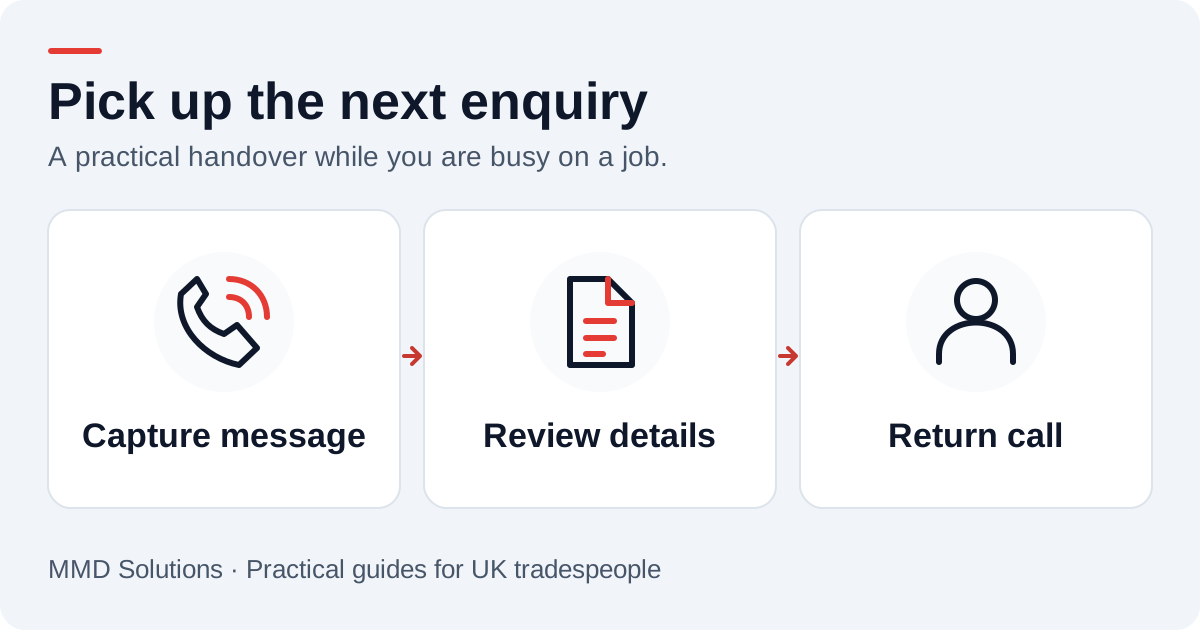
Give an unanswered caller a useful route
Decide what should happen when you cannot answer: your normal voicemail, a separate message service or office cover. Tell callers whose business they have reached and ask for a short message. Keep the greeting short enough that they can remember what to leave.
Only give a callback promise you can keep. Message capture should not imply that an emergency response, attendance or appointment has been confirmed.
Collect enough to prepare for the return call
- Name and a number they want you to call.
- Job postcode and a brief description of the work.
- Whether they are an existing customer and any job reference they know.
- A convenient time to speak and any relevant access arrangements.
These details prepare a conversation; they do not establish the cause of a fault or the final price. Confirm technical details directly with the customer. For urgent hazards, callers need the relevant emergency route rather than waiting on a routine voicemail queue.
Review messages at safe breaks
Set review points that fit your working day. Give one person responsibility for the queue, even if that person is you. Mark a new message as awaiting a callback, and keep it visible until you have reached the customer or recorded a clear outcome.
A transcript lets you scan the enquiry, but names, numbers and addresses can be misheard. Confirm any detail you will rely on. Our transcription guide explains practical ways to improve capture without rewriting what the caller said.
Turn the callback into an agreed next step
Start by confirming who you are speaking to and the job they called about. Then establish the scope, location and whether a visit is needed before quoting. Record whether the next action is a survey, a quote, a booking discussion or a polite decline.
If they do not answer, log the attempt and choose a sensible next contact. Use a short missed-call reply where appropriate, rather than leaving the enquiry in your memory.
Keep the enquiry beside the rest of the job
We connect phone enquiries to your existing CRM or job-management system so the office and the person on site can work from the same context. The destination depends on your process: a new enquiry, an existing customer’s job or a callback task. See the Jobber, Tradify and ServiceM8 examples.
Before choosing software, try the routine with the free tracker for a week. You will learn which details are missing, when calls can be returned and where a handover needs to be clearer.
Sources and review
Reviewed 17 October 2026. EE Business: call-divert options · Jobber: request intake.
The examples and checklists are written by MMD Solutions. Adapt the wording and working hours to your own business.
Plan the human follow-up too: use the free callback checklist and customer reply templates.