
Free callback resource
Free Callback Tracker Template for Small Businesses
A missed-call list tells you who rang. A callback tracker tells you who is dealing with it and what happens next. Download the blank sheet and make it part of the way you review enquiries.
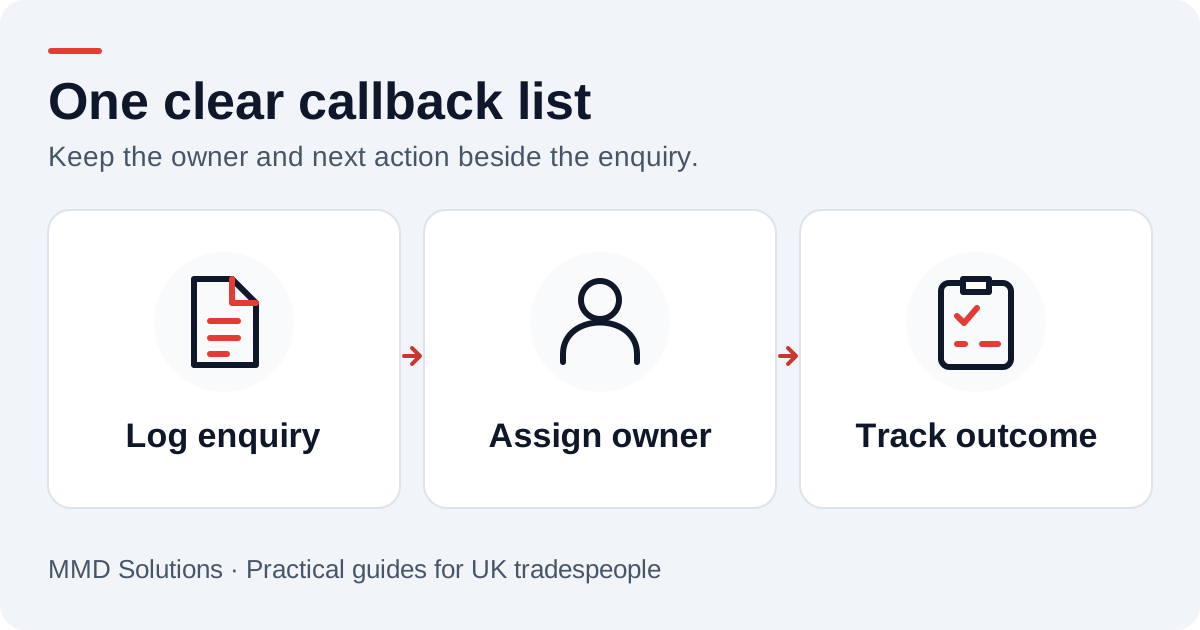
Download the blank callback tracker
Download the callback tracker (CSV)
No signup is needed. Import the CSV into Excel or Google Sheets and save your working copy in a location only your team can access. It contains column headings and blank rows, with no customer data or macros. You can also print this guide as a setup reference.
When importing, treat the phone and reference columns as text so leading zeroes and international prefixes are preserved. A shared team drive is easier to manage than several copies attached to emails.
What each enquiry row needs
- Received at and source: when the enquiry arrived and whether it came by phone, voicemail, web or WhatsApp.
- Name, phone and job postcode: enough context to contact the right person.
- Enquiry summary: the customer’s request, with uncertain details marked for confirmation.
- Owner and status: one person responsible, with a clear current state.
- Next action and due date: what the owner will do and when.
- Last attempt and outcome: what happened and whether the enquiry needs another action.
You do not need a separate column for every detail of a job. Link to the quote or customer record when the enquiry moves into your main system. Keep sensitive information out of a general callback sheet.
An example row, using made-up details
The important part is the action. “New” should mean someone still owes the customer a response. After a call, record “quoted”, “visit to arrange”, “not proceeding” or another agreed outcome, with a new action if anything remains open.
Use a short daily review
At the start of the review, find due and overdue actions. Work through those before sorting every row by newest first. After each attempt, update the row while the conversation is fresh. Agree who covers the queue when the usual owner is away.
An unanswered callback is still an open enquiry. Set the next attempt or a final-message decision; do not mark it completed just because a call was dialled. Our callback checklist covers the steps in more detail.
When a spreadsheet becomes too much admin
A sheet is useful while one person can maintain it. Once several people are copying messages between tools or losing track of ownership, connect the capture step to your CRM. We can save the message, match the customer and create the next action in your normal working view.
The CRM integration guide shows the choices. Keep the tracker’s simple questions even after the software changes: who owns this, what happens next and when will we review it?
Sources and review
Reviewed 17 October 2026.
This is an original MMD template, not a measured conversion study. The sample phone number and enquiry are fictional.
Plan the human follow-up too: use the free callback checklist and customer reply templates.