
Tradify integration guide
Tradify Phone Enquiries: Capture Messages and Cut Duplicate Admin
A customer can call while you are busy, email later and then ask about the same job on WhatsApp. We connect the enquiry workflow around Tradify so your team can see what has already happened.
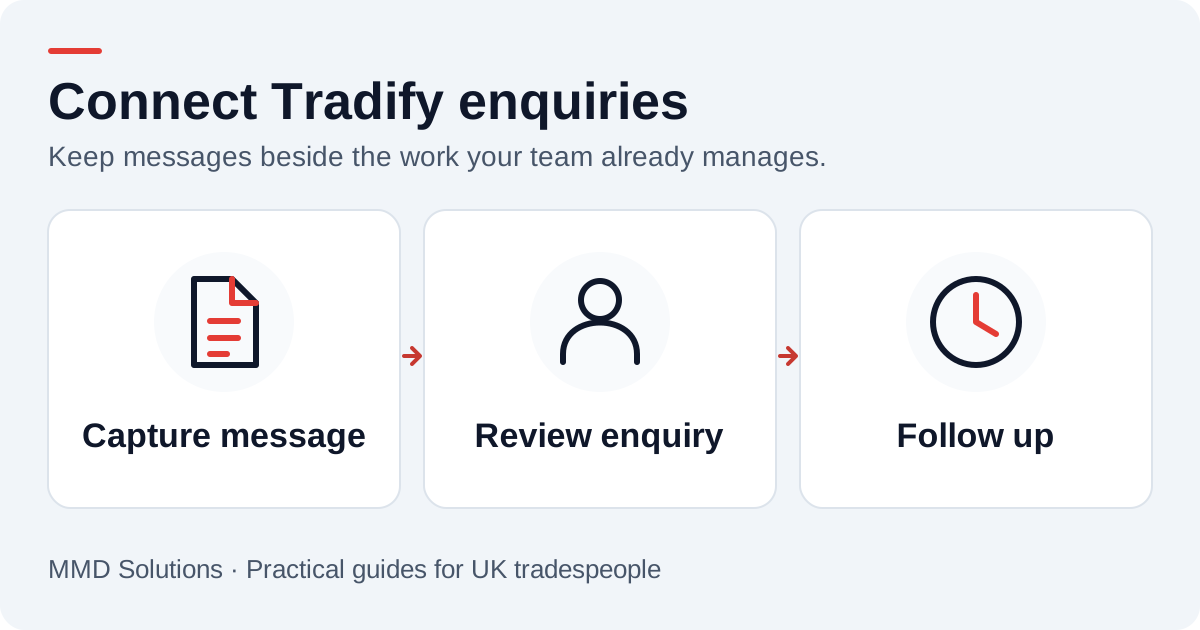
Start with your existing enquiry process
Tradify documents an Enquiries workflow that can receive its web form and forwarded email. That provides context for designing intake, rather than treating every new channel as a separate list. We choose the delivery route around your account and how your team handles new work.
The goal is practical: preserve the message, identify the customer where possible and give someone the next action. The implementation can vary by client. You should not have to decide the technical transport before explaining where the enquiry belongs.
Keep the original message and the useful context
For a new caller, capture the number, received time and short job description, plus any name, postcode or preferred callback time they supply. Keep the transcript as the original message. If someone clarifies it on the return call, add the confirmed detail without presenting a machine guess as a fact.
For an existing customer, the more useful destination may be the current job or the colleague coordinating it. We agree when an enquiry should become new work and when it is an update to an ongoing conversation.
Example: an enquiry becomes a quote discussion
The callback owner records whether photos, an assessment or more information are needed. The request does not become a confirmed price or visit just because it reached the system. Once a quote exists, keep the reply and follow-up connected to that quote so a colleague can pick up the conversation.
Our quote follow-up templates provide wording for that later stage. Set the reminder according to the customer’s situation and your existing process.
Agree a few handover rules
- One owner reviews new enquiries and knows when cover is needed.
- Known customers are matched carefully, with shared numbers sent for review.
- A repeated technical delivery does not create another enquiry.
- Staff can see a delivery problem and recover the message.
- An accepted quote, declined enquiry or customer reply stops an inappropriate reminder.
These rules matter more than adding lots of fields. They make it clear who needs to act and avoid the “I thought someone else had called” gap.
Connect the channels around your team
Show us how you currently receive enquiries, create quotes and pass work between the office and the people on site. We build the phone connection to fit that routine and test both new and existing-customer messages.
If you are still using a paper list, the free callback tracker helps identify the minimum information to carry across. You can also read about keeping your existing phone number while trying a new message route.
Sources and review
Reviewed 17 October 2026. Tradify: enquiry form and forwarding-email setup.
The examples and checklists are written by MMD Solutions. Adapt the wording and working hours to your own business.
Plan the human follow-up too: use the free callback checklist and customer reply templates.