
WhatsApp Business templates
WhatsApp Business Quick Replies for Tradespeople
Quick replies save you typing the same opening message all day. They work best as a draft you check, not a substitute for reading what the customer actually asked.
Start with a few replies you use often
WhatsApp Business supports saved quick replies. Create a small set around your real conversations and use shortcut names that are easy for your team to recognise. Check the current app help for the controls on your device.
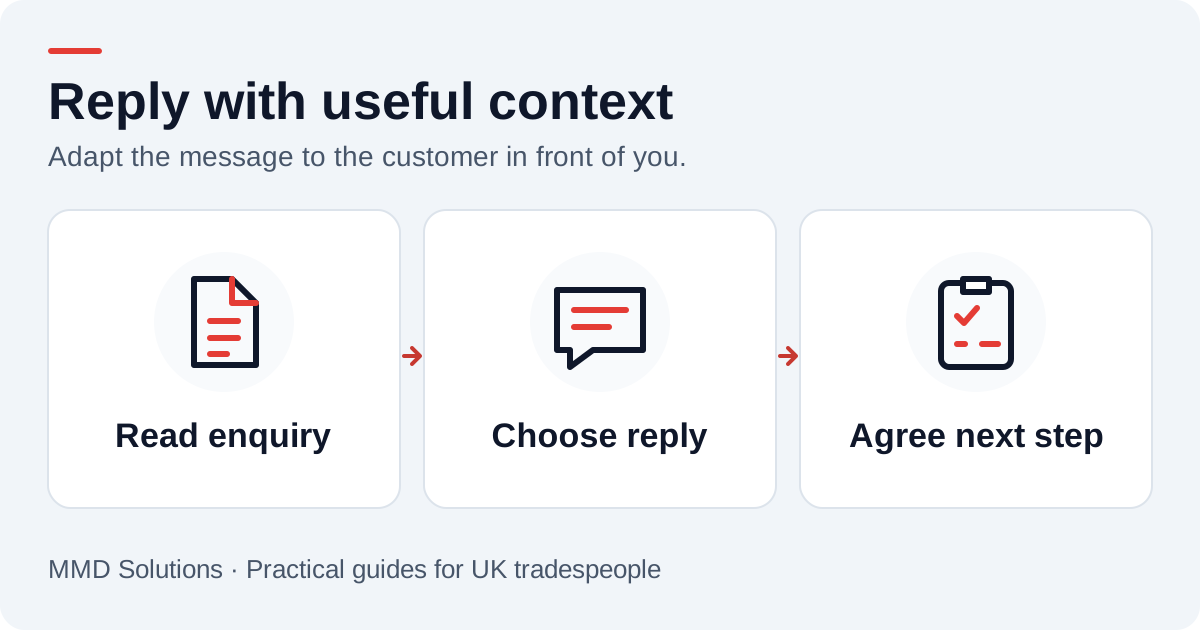
Before sending a saved reply, replace its placeholders and remove questions the customer has already answered. Someone who has just sent a postcode should not receive an automatic-looking request for their postcode again.
New enquiry and callback time
Offer a time you can actually meet. A suggested call time is different from a confirmed site visit, so keep the wording specific.
When photos would help the conversation
Ask for a particular view only when it will help. A photo can prepare a discussion, but it should not imply a diagnosis, final quote or instruction to carry out work. Do not ask a customer to take risks to collect information.
Quote questions and out-of-hours messages
Only use the hours message when it matches the business. Avoid suggesting that messages are monitored constantly. If the customer has already accepted a quote, move to the booking conversation instead of sending another follow-up.
What the website WhatsApp button does
The WhatsApp button on the MMD website opens a conversation in WhatsApp. It is a click-to-chat route; the conversation continues in the customer’s WhatsApp app or web session rather than inside an embedded website chat window.
If several people need shared ownership, CRM handover or more automation, we can design that as a separate workflow around the business. Start by agreeing which enquiries need a call, what should enter the CRM and who is responsible for replying.
Keep a record of the next action
Read the reply before choosing another template. Record an agreed quote, visit or callback in the system the team uses for work, rather than relying on a busy chat list. The intake checklist helps keep the same useful details across phone and WhatsApp, while our quote templates cover later follow-up.
Sources and review
Reviewed 17 October 2026. WhatsApp: using quick replies.
The examples and checklists are written by MMD Solutions. Adapt the wording and working hours to your own business.
Plan the human follow-up too: use the free callback checklist and customer reply templates.