
ServiceM8 workflow guide
ServiceM8 Phone and Voicemail: Build a Clear Follow-Up Workflow
The best phone workflow is one your team can follow from its normal ServiceM8 view. We help bring enquiries and next actions together, using the features you already have and adding a custom connection where it helps.
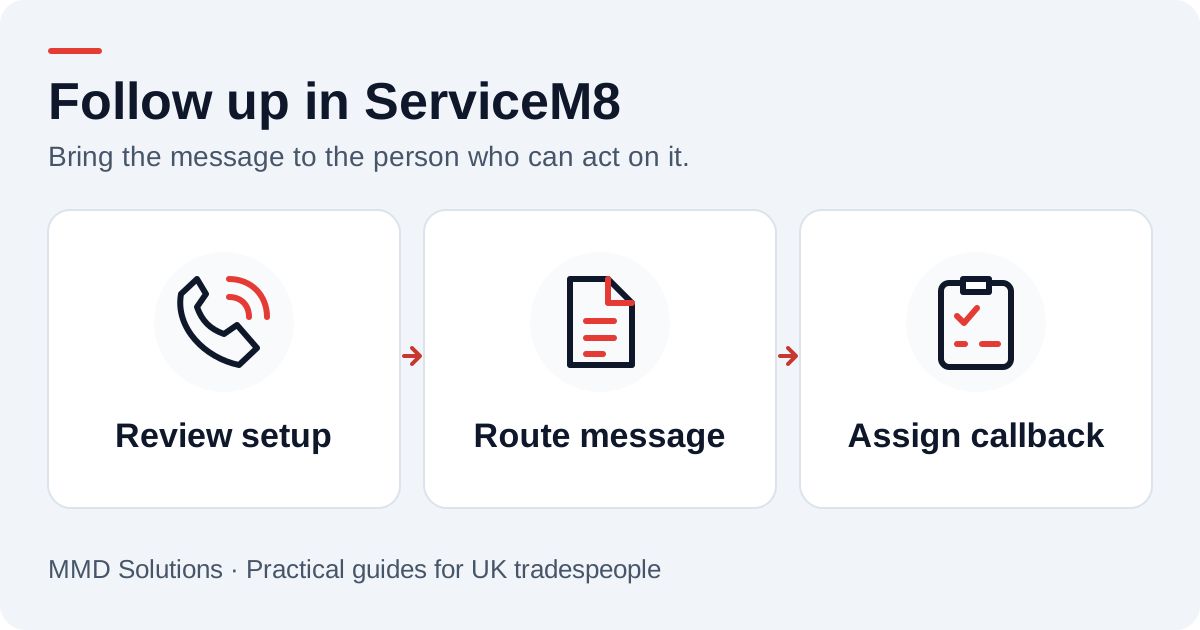
Check the phone setup you already have
ServiceM8 Phone documents native call and voicemail features, including voicemail reaching its inbox. Review your existing configuration before adding another capture service. If a native feature already handles the message well, the useful improvement may be the handover rather than another copy of the transcript.
If your calls arrive through a separate provider, we work out how that source should connect to your ServiceM8 process. The choice depends on the current number, where staff work and who reviews enquiries.
Give each type of message a destination
- New work: enough detail for the person qualifying enquiries to return the call.
- Existing job: context for the colleague already handling that customer.
- Scheduling question: a task for the person who can confirm availability.
- Unclear message: a visible review item rather than a guessed booking.
A phone number is a matching clue, not proof of identity. Keep an explicit review route for shared numbers or several possible client records. The office should be able to correct a match without losing the original enquiry.
Example: a customer asks to change a visit
The useful result is that the person arranging the visit sees the message and returns the call. It should not silently reschedule the job or mark a visit completed. Staff confirm the location, caller and agreed change before updating the schedule.
For a new-work message, the next action will be different. Agreeing these two examples during setup is often more useful than asking for every enquiry to go into the same bucket.
Avoid double messages and double reminders
List which tool captures the call, which one notifies staff and which one owns the follow-up. If ServiceM8 Phone and another service both notify the same team, decide which alert they should act on. A repeated delivery from a provider should not produce another task.
A visible status helps with cover: awaiting review, callback due, customer contacted and closed are simple starting points. Use labels that fit your existing process rather than introducing a second vocabulary nobody checks.
Try the complete handover
Test a known customer, a new caller, an unclear transcript and a message delivered twice. Ask the actual callback owner to find the message and record an outcome. That checks the working process as well as the connection.
We tailor the integration to your setup. Bring the existing call route and a couple of sample enquiries; we handle the delivery details. Our CRM overview compares the same handover across other tools.
Sources and review
Reviewed 17 October 2026. ServiceM8: Phone FAQs · ServiceM8: integration resources.
The examples and checklists are written by MMD Solutions. Adapt the wording and working hours to your own business.
Plan the human follow-up too: use the free callback checklist and customer reply templates.