
Jobber integration guide
Jobber Phone Enquiries: Connect Missed Calls to Follow-Up
If your team already works in Jobber, a phone message should reach the person managing the request. We build that connection around your intake process, so missed calls do not become a separate admin queue.
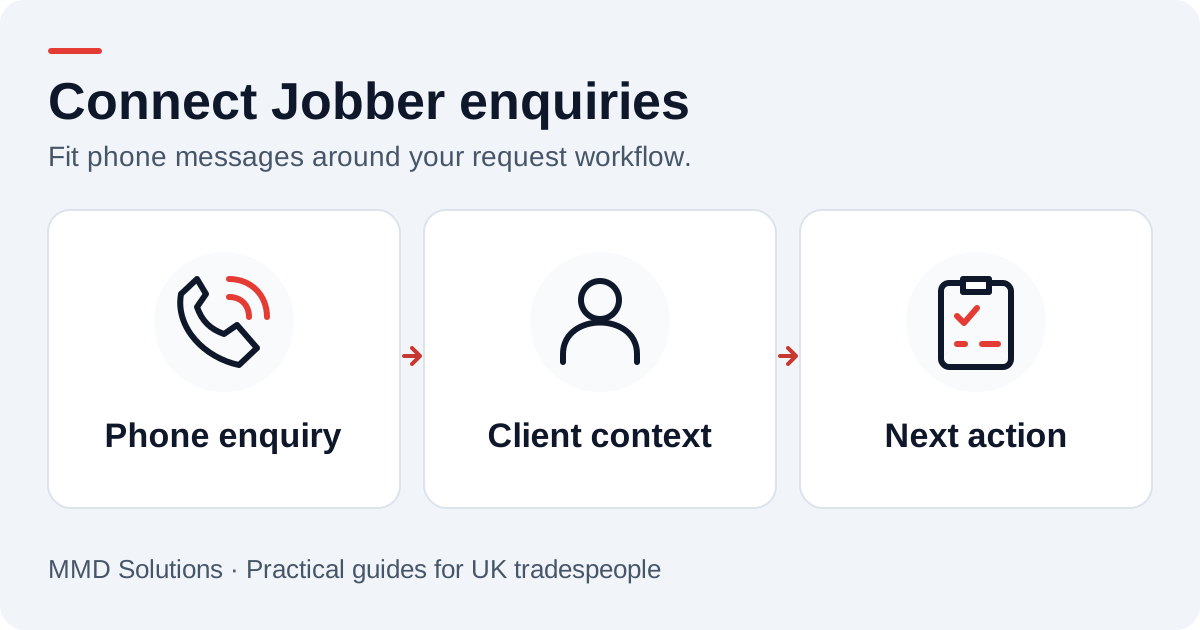
Decide where a phone enquiry belongs
Jobber’s Requests feature gives teams a way to handle incoming work before deciding on an assessment, quote or job. That makes the intake process a useful starting point. An existing customer’s question about a booked visit may belong with the current work instead of becoming a new request.
We map those routes with you. The outcome is a useful enquiry in the working view your team already checks, with a link to the right client context and an obvious next action. The exact record and handover depend on your account and the way your office uses Jobber.
Bring across the information that helps the team
- Caller number, name if supplied and the time of the enquiry.
- Original message or transcript, with uncertain details left for confirmation.
- Job location or reference when the caller gives one.
- The person responsible for reviewing the enquiry and the next contact due.
Match an established client where the details support it. A shared family phone or office switchboard needs a review path rather than silently joining two people’s records. A repeat delivery of the same message should not create another enquiry.
Example: a new quote request while everyone is busy
The message enters the agreed intake route, assigned to the person who handles new work. They confirm the customer and address, decide whether an assessment is needed and continue through the normal quoting process. The request for a call after 4pm stays visible as a preference, rather than being mistaken for a confirmed appointment.
A different message — “I need to change tomorrow’s visit” — should reach the person handling the existing job. That distinction saves the customer from explaining the situation again.
Fit the reminders you already use
Jobber documents built-in automations, including quote follow-ups. We review those alongside your custom connection so one customer does not receive two reminders for the same action. A response, a declined quote or a booked next step needs a clear stopping rule.
The first message capture and the later quote follow-up are separate parts of the journey. Connecting them should reduce duplicate work while keeping staff in control of decisions about scope, prices and scheduling.
What to show us when we set it up
Bring one new-work example and one existing-customer example. Show us where you want the team to find each, who owns the first reply and how the enquiry is closed. We handle the integration details and test the handover using sample enquiries before enabling it for customers.
You can start with the enquiry information checklist and use our quote follow-up templates to agree the language your team prefers.
Sources and review
Reviewed 17 October 2026. Jobber: request basics · Jobber: automations.
The examples and checklists are written by MMD Solutions. Adapt the wording and working hours to your own business.
Plan the human follow-up too: use the free callback checklist and customer reply templates.