
Voicemail transcription guide
Voicemail Transcription Accuracy: Make Messages Easier to Use
A transcript can make messages easier to scan, but one wrong word can change the meaning. Treat it as a starting point for a callback and test the details that matter to your business.
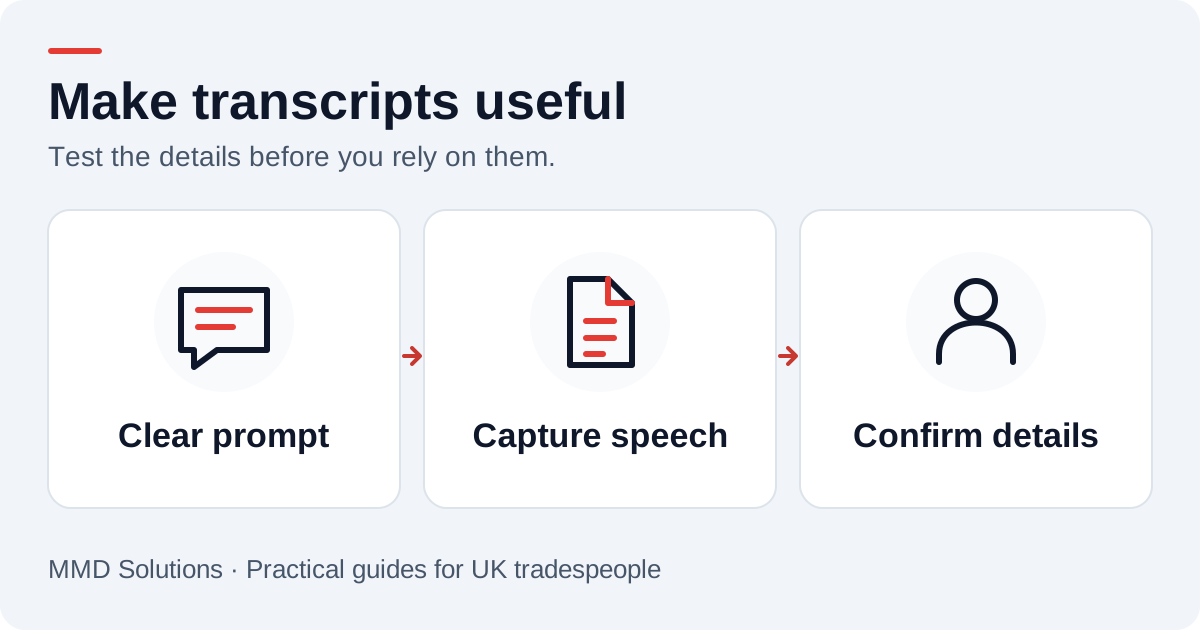
Why a normal phrase can turn into the wrong word
Phone audio, background noise, accents, unfamiliar business names and the way speech ends all affect what a recogniser receives. A surprising word does not mean the caller said it. It may be a plausible guess from unclear audio or a phrase captured without enough context.
Do not silently replace an awkward word with what you think the customer meant. Keep the original transcript and confirm important details on the return call. A corrected summary can be stored separately once a person has checked it.
What we changed in the MMD demo
Our speech demo uses an en-GB language setting, the Deepgram Nova-3 model through Twilio, and hints for the MMD name and callback vocabulary. It waits for three seconds of silence before treating the message as finished. The greeting asks the caller to pause when they have finished speaking.
Those are configuration choices, not an accuracy guarantee. They address likely language and end-of-speech issues, but a real test is still needed for the voices and job terms your business receives. The current speech demo keeps a transcript rather than a stored audio recording.
Ask a short, focused question
A long list is hard to remember. Ask for the essentials, then let the callback fill the gaps. Give specialist names or addresses a chance to be confirmed by text when accuracy matters. Speaking naturally in a quieter place is more useful than reading out an entire quote specification.
Use a repeatable test rather than a single good example
- Write several fictional enquiries with different job types and callback preferences.
- Include names, postcodes, trade terms and a number that must be repeated correctly.
- Try ordinary speakers and realistic background conditions with their permission.
- Compare the known script with the transcript and mark each important field correct, wrong or missing.
- Repeat the same scripts after a settings change so the comparison is fair.
Use the transcription test sheet (CSV) to record results. It is blank; we have not filled it with invented accuracy scores. A sensible acceptance target depends on whether a mistake merely needs clarification or could cause a wrong appointment or address.
Build the review into the workflow
Make uncertain details easy to see. A callback owner should confirm the number, location, work requested and any timing preference before relying on them. Keep a failed or empty transcription visible for review rather than treating it as a completed enquiry.
The enquiry checklist separates useful intake from details that need confirmation. When we connect transcripts to a CRM, the original message and the next human action stay together.
Sources and review
Reviewed 17 October 2026. Twilio: speech models, hints and speech timeout.
MMD configuration details were checked against the deployed application on 17 October 2026. No numerical accuracy claim is made.
Plan the human follow-up too: use the free callback checklist and customer reply templates.