
Salesforce integration guide
Salesforce Voicemail Integration: Route Phone Enquiries to the Right Owner
We connect phone enquiries and voicemail transcripts to Salesforce, with customer context and a clear next action for your team. The workflow follows the way you handle new enquiries and existing customers.
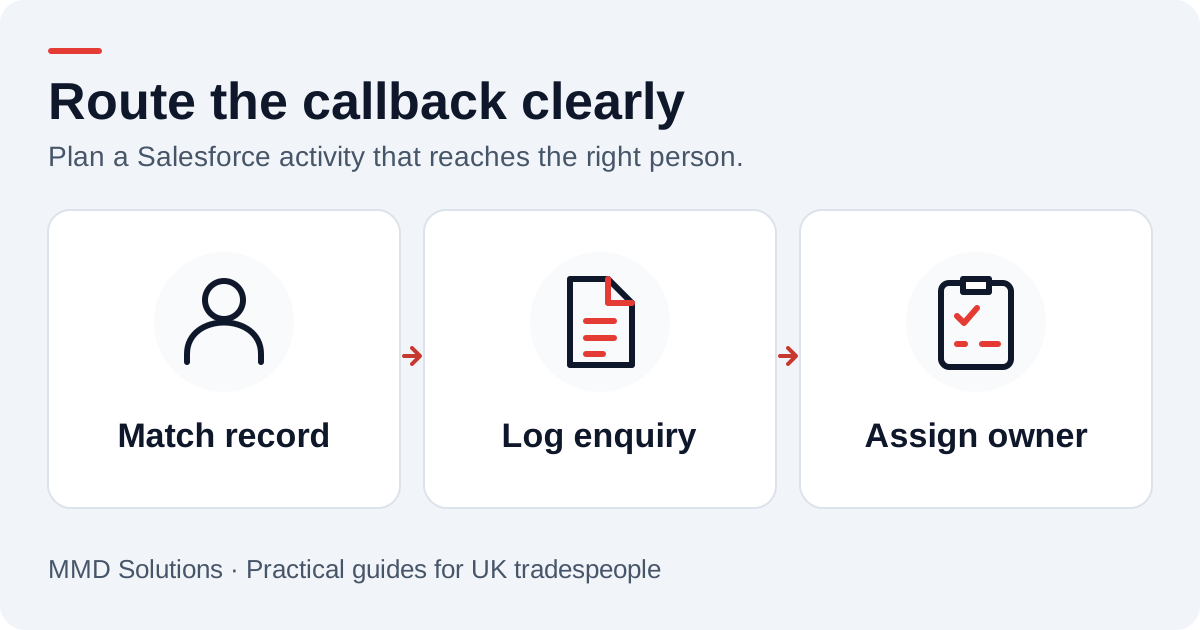
Start with the Salesforce process you already use
We first establish whether the enquiry belongs to an existing Contact, an existing Lead or a new lead-review process. Your organisation might already have service Cases or custom job records. Those should be considered before creating a parallel pipeline.
We also check your edition and integration user’s API permissions. Salesforce documents supported editions and required permissions; access should be confirmed in the customer organisation rather than assumed from the product name.
Keep the person and the next action related
A callback is usually a future activity, so a Task is a useful starting point. We attach it to the appropriate Lead or Contact, set an owner, and include the number and message needed to make the call. Salesforce’s Task object reference describes person relationships such as WhoId.
Relationships to other records need care. Do not apply a Contact-based relationship recipe blindly to a Lead, or assume every custom object accepts the same activities. An administrator should confirm the right links and what users see in their activity timeline.
| Enquiry detail | CRM destination |
|---|---|
| Caller identity | Matched Lead or Contact; ambiguous matches go to review |
| Original message | Task description or another agreed, related message record |
| Next action | Task subject, due date and supported status value |
| Responsibility | Approved Task owner and your routing convention |
| Call event | External reference plus stored Salesforce IDs to control retries |
Use external IDs without confusing calls and customers
Salesforce’s REST API can insert or update records using an external-ID field. That is useful when an integration needs to recognise a record it has already delivered. The official upsert guide explains the mechanism.
The chosen object still needs an appropriate field and configuration. If it cannot hold the required unique reference, an integration delivery ledger can record the CRM IDs instead. A call reference identifies an event; it does not identify a customer for life.
We keep the matching rule separate: one established person may have several calls, and one shared number may belong to several people. Do not overwrite a customer record merely because a telephone number happens to match.
Example: routing an enquiry to a service team
If the caller matches an existing Contact, the integration can preserve the message and assign the callback under your service-team routing rule. A member of staff would confirm which premises and inspection the caller means. The transcript would not automatically create an Opportunity or update an inspection outcome.
If there is no reliable match, the enquiry would enter the agreed review process with a visible owner. “Nobody matched” should not mean “nobody follows up”.
Test validation and automation in a sandbox
Salesforce organisations often have required fields, validation rules, duplicate rules, Flows and custom record types. We test with representative sample enquiries before switching on a live connection.
- Create a known-customer enquiry using the integration user’s permissions.
- Try a new caller without a supplied company or surname and check the agreed review path.
- Verify assignment and visibility for the person doing the callback.
- Replay the same call event and confirm no extra Task appears.
- Recover a partial write failure without losing or repeating the original message.
- Check that existing automation does not send an unintended email or change a sales stage.
A technically successful API request is only part of acceptance. The team needs to find the activity, understand it and complete the return call from its normal working view.
What we would need to scope the connection
Bring the intended phone setup, Salesforce edition, relevant record types, sample fields and owner-routing rules. Include any existing telephony integration so we can avoid recording the same event twice.
Would this replace a Salesforce contact-centre system?
A focused voicemail-to-task connection would handle a narrower job: bringing an external enquiry into the CRM for follow-up. Live agent routing, diallers, recordings, reporting and service-level commitments would need separate scoping.
Will a CRM task guarantee a callback?
No. The integration can make ownership and overdue work visible. Your team still needs agreed cover and a process for completing or reassigning the task. Our printable callback checklist is a useful place to start.
Sources and review
Reviewed 17 October 2026. API access and permissions · Task object relationships · External-ID upserts.
Our custom integrations are configured around your records, team and follow-up process. Platform documentation informs the setup; the examples here illustrate workflow choices.
Plan the human follow-up too: use the free callback checklist and customer reply templates.