
Business admin for UK trades
How to Reduce Duplicate Data Entry in a Trade Business
Repeatedly entering a customer's details can feel like a software problem, but the cause is not always a missing integration. First identify what is being copied, why the destination needs it and which record should be trusted when two copies disagree.
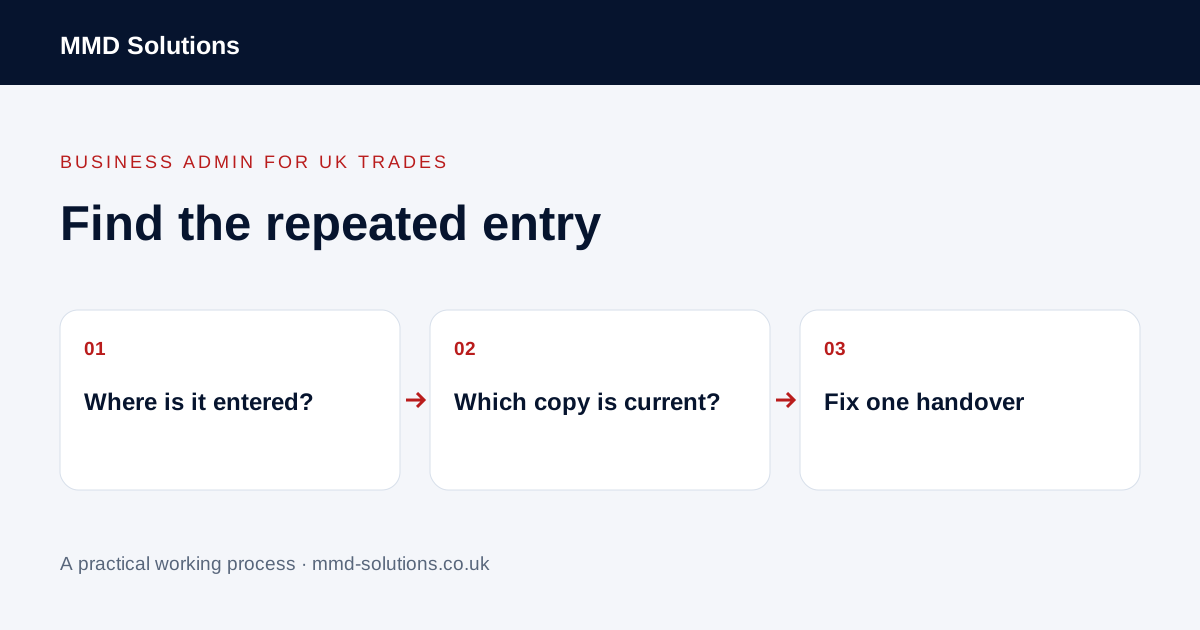
Follow one job from enquiry to invoice preparation
Choose one recent job. List the places its business information passed through: a message, a notebook, a quote, the job schedule, a spreadsheet or the accounting process. Record who moved each piece and whether they typed it again, copied it or used an existing software action.
Do not begin by connecting every tool. A small map of one repeated field is easier to check. The same phone number entered three times is a different problem from a job description being deliberately reviewed before a proposal is issued.
The enquiry automation guide discusses a possible connected workflow. This article is the audit to do first, including cases where no automation is needed.
Map information, not just application names
| Information | Question to investigate |
|---|---|
| Customer name and contact | Why is a new contact being made if this customer already exists? |
| Property address | Is the job site being confused with the customer's billing address? |
| Approved proposal reference | Which version should the office use for the next document? |
| Next action/date | Why is a reminder being maintained in two different lists? |
| Job completion information | What does the invoice process still need, and who supplies it? |
For each field, identify an authoritative record and the person responsible for updating it. Other systems may need their own copy for a legitimate reason. The aim is to stop unnecessary re-entry and uncertainty, not to force every task into one application.
Check existing features before adding a connection
Look for an existing-customer selector, enquiry-to-quote action, record export or supported accounting connection. Confirm the exact behaviour in the product's documentation. In Tradify, for example, the documented enquiry-to-quote route can reuse an existing customer. That is a specific action to test before designing an alternative.
Check how matching works. Names alone can be ambiguous, while one organisation may have several properties. A connection that creates a new contact for every request can move data quickly while making the database harder to use.
Use the existing-software checklist to distinguish a missing feature from a configuration or training issue.
Choose the smallest useful change
- Remove an unnecessary extra spreadsheet column or copy.
- Link to the source record instead of pasting its contents.
- Use the product's existing conversion, template or export feature.
- Use a checked import for a one-off move.
- Only then investigate a supported connection for repeated transfers.
These are options to test in order of complexity, not a claim that each business should use them all. A manual step can remain appropriate where judgement or approval is required.
For an illustrative example, the office retypes customer details from a quote into a separate job list. If the job software already creates a job from that quote, trial that route with a safe example. If no supported route exists, document exactly which fields would need moving before seeking help.
Design the exception route as carefully as the normal route
Before connecting systems, decide what happens when a customer changes address, a job is cancelled, a duplicate appears or the receiving tool is unavailable. Decide which changes flow in which direction. Do not assume that “connected” means every update is synchronised both ways.
For transfers that create records, check how repeated attempts are handled and how a person sees failures. Keep approval before actions that issue financial documents or change commercial commitments. Use supported account permissions and protect customer information; a faster process is not useful if nobody can explain where the data went.
Download the duplicate-entry audit worksheet
Download the audit worksheet (CSV)
Record a small before-and-after sample from your own work. Include checking and correcting records when comparing the process. Do not count an automatic transfer as a success until the destination record is correct and the exception route works.
If you want to discuss a particular handover, bring a redacted example of the field, source, destination and repeated task. That provides a clearer starting point than “automate our admin”.
Sources and review
Reviewed 23 October 2026. Tradify: create a quote from an enquiry.
Source material supports the specific examples referenced. The checklists, worksheets and illustrative scenarios are MMD's suggested business-admin processes, not customer results. Product workflows can change; check current documentation for the software you use.