
Business admin for UK trades
Before Buying Another CRM: A Trade Business Software Audit
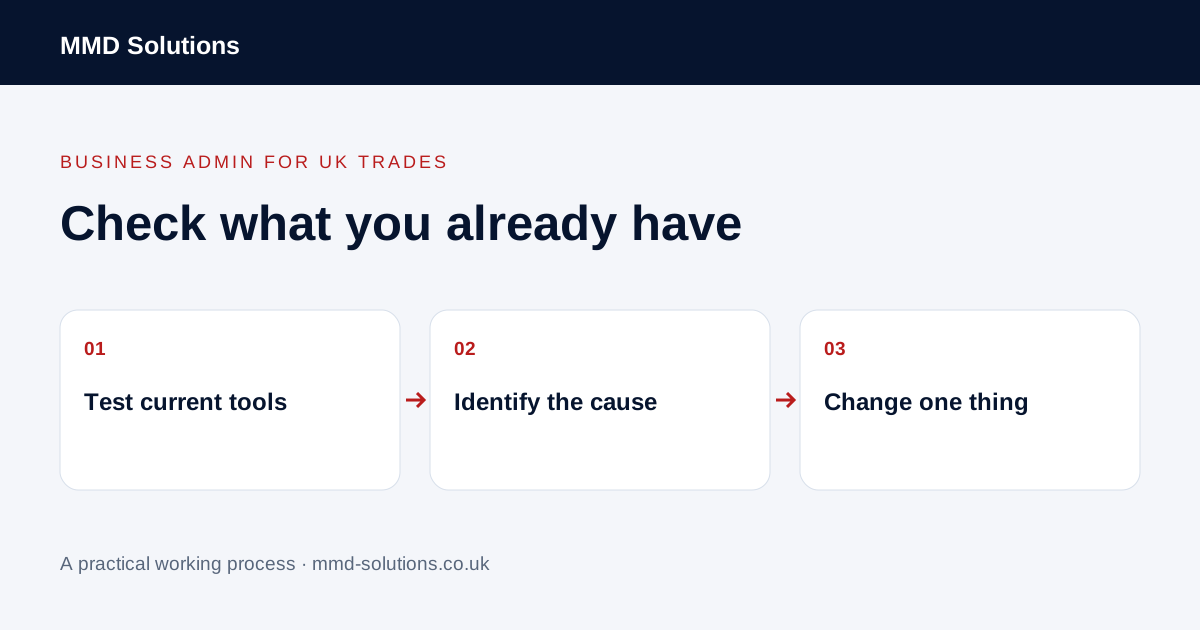
If you already pay for accounting, CRM or job-management software, test what it can do before adding another subscription. This audit uses recent work to separate a missing feature from a setup problem, an unclear process or a feature nobody is using.
Choose five recent examples
Pick an enquiry that became a job, one that needed clarification, a quote awaiting a decision, a returning customer and a completed job ready for the invoice process. Use examples from your actual business, even if several are handled by the same software.
Ask the person doing the task to show the current route. Record where information is found, entered again, checked and passed on. “The software is frustrating” is a starting point; a specific step that cannot be completed is something you can investigate.
The separate CRM-for-tradespeople guide explains software categories. This page is for checking the tools you already have, rather than choosing a category from scratch.
Run six practical checks
- Find a returning customer: can you identify the right person, property and previous job?
- Prepare the next document: can an enquiry become a quote without re-entering the same details?
- Record follow-up: can someone see the next action and when it needs attention?
- Hand work over: can an authorised colleague understand the position without calling the owner?
- Pass approved details onwards: can the agreed customer/job reference reach the invoice process accurately?
- Take records with you: can you export the information you would need if you changed systems?
Test with a safe example or review an existing record. Avoid making live invoices, changing permissions or connecting production accounts merely to explore a menu.
Classify the problem before choosing a fix
| What you find | Try first |
|---|---|
| The feature exists but is not configured. | Check the relevant settings and documentation. |
| The feature is configured but people avoid it. | Observe the difficult step and simplify training or the process. |
| The record is incomplete or inconsistent. | Agree who maintains it and which fields matter. |
| The task works within each tool but breaks between them. | Map that handover and check supported connections. |
| A required capability is genuinely absent. | Compare a workaround, integration or replacement against that specific need. |
This is an MMD working framework, not a software certification or scoring standard. One awkward job does not prove the whole system should be replaced.
Read documentation for the exact task
Check current documentation for your product and subscription, including permissions, import/export formats and the direction of any connection. “Integrates with accounting” is too broad to establish whether your particular fields transfer or how errors are handled.
For example, Tradify documents creating a quote from an enquiry and selecting an existing customer. That demonstrates a workflow to check before manually copying contact details. It does not mean every CRM, plan or connector behaves the same way.
Where the documentation is unclear, ask support a concrete question using a redacted example: which record should be created, which fields should move and what happens when a match already exists?
Compare the whole change, not only the monthly price
List setup, migration, learning, permissions, connector costs, exception handling and ongoing checking. Include the time spent maintaining two tools if both will remain. Then compare that with the specific task you expect to improve.
An illustrative decision: your quoting tool already stores customer contacts, but a separate spreadsheet is used only to remember follow-up dates. If an existing task/reminder feature covers that need reliably, configuring it may be a better first step than migrating the customer database. Check this with the person who will use it.
Keep a new tool only if the complete process becomes easier to operate and maintain. A different dashboard alone is not evidence of an improvement.
Download the existing-software audit
Download the audit worksheet (CSV)
Record evidence and the smallest proposed change for each task. Review one change on ordinary work before expanding it. If the issue is copying between tools, use the duplicate-entry audit to examine the handover.
Sources and review
Reviewed 23 October 2026. Tradify: create a quote from an enquiry.
Source material supports the specific examples referenced. The checklists, worksheets and illustrative scenarios are MMD's suggested business-admin processes, not customer results. Product workflows can change; check current documentation for the software you use.