
Business admin for UK trades
Admin Handover Checklist for a Small Trade Business
Handing admin to another person works better when they can see what is agreed, what is missing and which decisions they can make. This checklist is for an owner, partner or administrator sharing enquiries, quote preparation and customer updates in a small trade business.
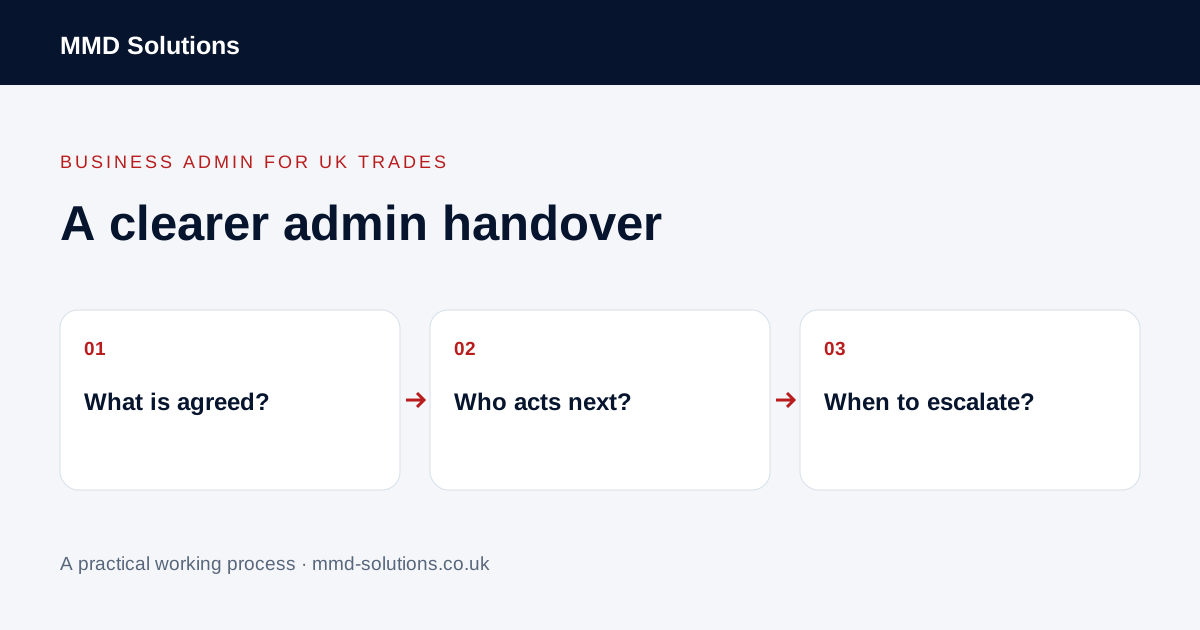
Hand over one live job first
Start with a current enquiry rather than trying to explain the entire business at once. Open the customer and job record together. Ask the person taking over to explain what they believe the next action is. If their answer differs from yours, fix the record before adding more work.
Use a job reference as well as the customer name. One landlord, builder or returning customer can have several separate jobs. A surname alone does not tell the office which quote, address or promise a message belongs to.
A public UK electrical-business discussion about office support highlighted the difficulty of passing on quoting context and customer knowledge. It is one account, not a survey. The checklist below is MMD's suggested working process, not a measured customer result.
The owner-to-admin handover checklist
- Identify the record: customer, job reference, property address and main contact.
- State the confirmed position: what has been requested, sent, accepted or booked.
- Separate open questions: information still needed and who can supply it.
- Name the next action: a specific task, not “deal with this”.
- Assign responsibility: one person owns that action, even if someone else reviews it.
- Set the review point: when the action is due or when to check for a response.
- Define approval: what must come back to the owner before it is sent or agreed.
- Show the source: link the current quote, message or instruction rather than relying on memory.
Store this beside the work. Do not make the administrator search personal messages to discover which version is current.
Replace vague instructions with a checkable task
The administrator now knows the document, action and exception. The owner can review the outcome without repeating the entire conversation. This is a process example, not a claim that it saves a particular number of minutes.
Use a short review rather than constant interruption
Agree a review time that suits the work. Review tasks waiting for approval, messages that change scope and commitments that need confirming. Deal with urgent exceptions through an agreed route. Keep ordinary progress in the shared record so it does not need another call simply to check status.
During the first week, note what still sends work back to the owner. Was a detail missing, was approval unclear, or did the person lack access to the right document? Fix that cause before adding automation. Use individual authorised accounts and appropriate permissions where your software supports them; do not share a personal password as a handover method.
Download the business admin handover sheet
Download the handover sheet (CSV)
Use one row per job/action. Keep confidential access details in the appropriate restricted record. If you already use a job system with tasks, notes and ownership, put these headings there instead of creating a parallel list.
For the information needed before quote preparation, use the pre-quote checklist. The separate job-sheet guide covers recording a job; this article focuses on who does the administration next.
Sources and review
Reviewed 23 October 2026. UK electrical-business discussion: handing work to office staff · Tradify: create a quote from an enquiry.
Source material supports the specific examples referenced. The checklists, worksheets and illustrative scenarios are MMD's suggested business-admin processes, not customer results. Product workflows can change; check current documentation for the software you use.