
Pipedrive integration guide
Pipedrive Voicemail Integration: Leads, Notes and Callback Activities
We connect phone enquiries and voicemail transcripts to Pipedrive, with customer context and a clear next action for your team. The workflow follows the way you handle new enquiries and existing customers.
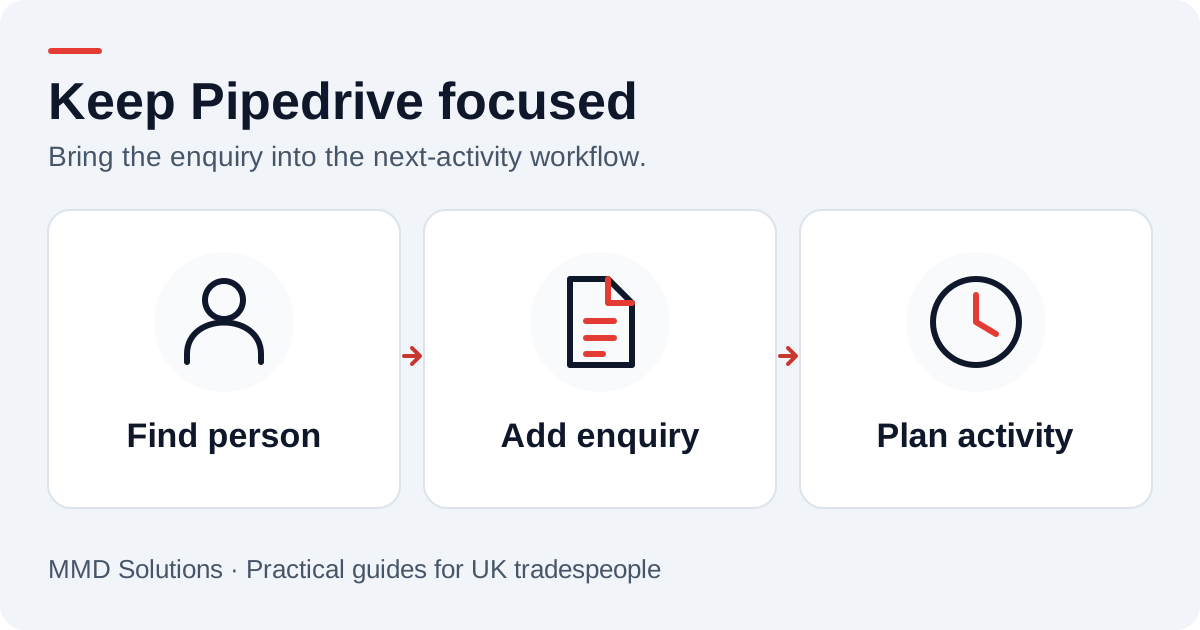
Start with the person, not a new deal
We first try to find the caller’s Person record. Pipedrive provides person search options including phone numbers; the integration would also need a consistent number format and a rule for shared numbers. A phone match should be a candidate to check, not an instruction to overwrite a person’s existing details.
If no reliable person exists, agree whether to create a provisional Person or hold the enquiry for review. The Persons API documentation describes the fields and search options your implementation would use.
Choose between a lead, an activity and a deal
Pipedrive distinguishes people, leads, deals and activities. We agree the rule with the team using the account: a potential new job might belong in the Leads Inbox; a known customer asking for an update might need only a note and callback activity.
A Deal should represent an opportunity your team wants to progress. A supplier voicemail, a repeat enquiry and a confirmed new sales opportunity need not take the same route. Keep the initial integration small enough that staff can recognise what it has created.
Pipedrive’s core API concepts explain these records. They also note that API-created leads have API as their source. If you want to distinguish voicemail enquiries in reporting, agree a separate field or label rather than assuming the system source can be renamed.
An activity-led field mapping
| Enquiry detail | CRM destination |
|---|---|
| Caller | Matched Person and its phone number |
| Message | A note attached to the chosen person or enquiry |
| Callback | An unfinished call activity with subject, owner and due date |
| Sales context | Lead or Deal only when your qualification rule calls for one |
| Delivery identity | Stored call reference and the IDs of created CRM items |
The Activities API documents links to people and sales records. Check the selected API version’s relationship fields rather than copying an old integration recipe. The important result is that staff can reach the person and enquiry from the scheduled activity.
Example: a quote request becomes a next activity
Under an agreed new-job rule, we create or match the Person, preserve the message and add a lead for review. The owner’s next activity would be “Call about radiator quote request”, scheduled in line with the caller’s preference and your working hours.
The integration would not mark the activity done when the transcript arrives. It would also avoid moving an existing Deal to won or adding an expected value based on a guessed interpretation of the message. The person returning the call makes those decisions.
Handle repeats without hiding genuine enquiries
One customer can leave two different messages about the same job. Keep those as separate call events while reusing the right Person. In contrast, a provider retry of one event should reuse the existing note and activity.
A practical delivery record would retain the phone provider’s reference and the Pipedrive IDs already created. If a note succeeds but the activity fails, retry the missing activity, not the entire sequence blindly. A daily review of unresolved delivery errors is more useful than an optimistic “synced” badge.
What we would check in a Pipedrive pilot
- Confirm the account’s access, integration permissions and current API limits.
- Choose the owner, activity type, working-hours rule and lead qualification rule.
- Test an existing Person, a new caller and a number shared by several people.
- Check an enquiry linked to an existing Deal without creating another Deal.
- Replay one delivery and recover a partial failure.
- Ask the assigned user to complete the callback from their normal activity view.
Would this replace Pipedrive’s own calling features?
The proposed connection would bring an external phone enquiry into the existing CRM workflow. It is not a promise to replace every calling, recording or mobile-app feature. We scope those separately, including any provider or platform charges.
Sources and review
Reviewed 17 October 2026. People and phone search · Activity fields and relationships · Leads, deals, notes and API source.
Our custom integrations are configured around your records, team and follow-up process. Platform documentation informs the setup; the examples here illustrate workflow choices.
Plan the human follow-up too: use the free callback checklist and customer reply templates.