
Customer records
Making Tax Digital for Sole Traders: Trade Admin Checklist
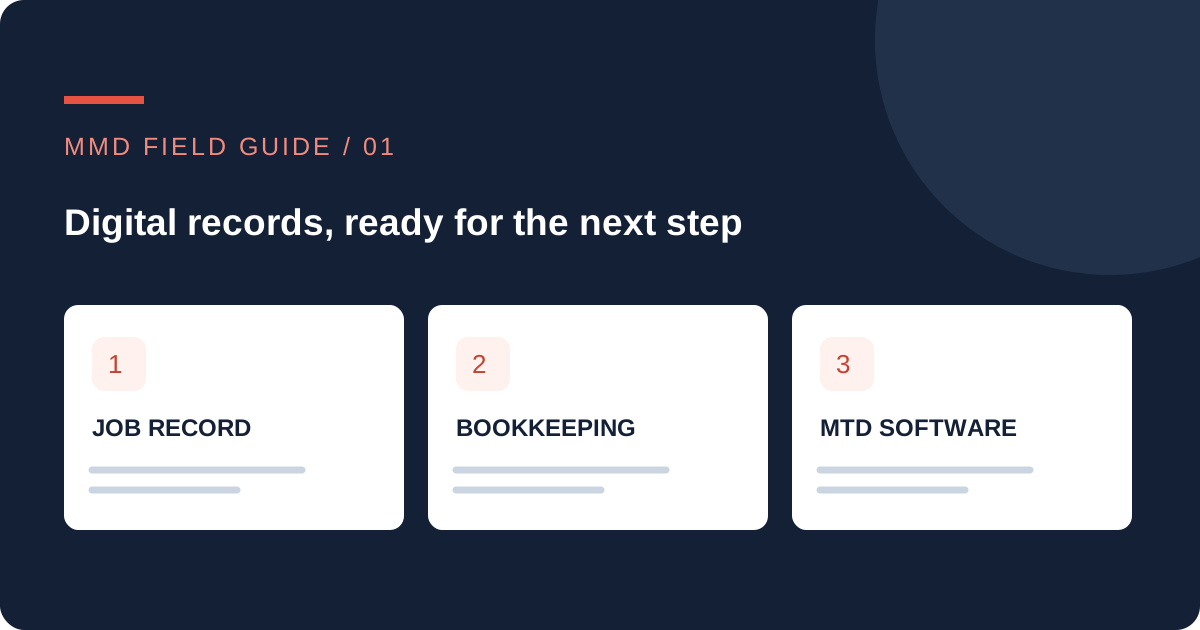
Making Tax Digital for sole traders is a record-keeping change as much as a software decision. For a small trade business, the practical job is to connect the work you finish, the invoice you issue and the records your accountant needs.
Who needs to prepare for April 2027?
HMRC’s current guidance sets these thresholds for qualifying income. Exemptions and individual circumstances can affect the position, so use its checker rather than deciding from your latest bank balance. Check HMRC’s start-date guidance.
| Qualifying income | Tax year measured | Start date |
|---|---|---|
| Over £50,000 | 2024–25 | 6 April 2026 |
| Over £30,000 | 2025–26 | 6 April 2027 |
| Over £20,000 | 2026–27 | 6 April 2028 |
Qualifying income is broadly gross self-employment and property income before expenses, not profit. A trade business and a rental property may need to be considered together. HMRC explains what counts.
For example, £27,000 of relevant trade income plus £6,000 of relevant property income makes £33,000. If those are the appropriate figures for 2025–26, the £30,000 threshold needs checking. This is an invented illustration, not a tax assessment. MTD for Income Tax is also distinct from MTD for VAT.
Follow one job from the enquiry to the accounts
Choose a recent, ordinary job. Find the enquiry, the accepted quote, the work record, the supplier receipt, the invoice and the payment. Can you tell which versions belong together without opening several message threads?
If the same customer appears under three names, fix the matching process before adding more automation. Keep the billing customer separate from the site contact where needed. A landlord, tenant and property address can all belong to one job without being the same person. Our guide to a single customer record explains that distinction.
- Use a job reference. Carry it from the enquiry into the quote and work record.
- Decide who confirms completion. “Engineer attended” and “ready to invoice” are different states.
- Send approved figures to bookkeeping. Check the recipient, dates, description and amounts.
- Reconcile the payment. A payment notification is a prompt to check, not a reason to assume every invoice is settled.
- Keep an exception list. Give missing receipts, uncertain matches and disputed amounts an owner.
Check software features before changing systems
HMRC says suitable software must support digital records, quarterly updates and the tax-return tasks you need. Its guidance also covers bridging software and using more than one product. Check the current recognised options and your own income sources; recognition is not a personal recommendation from HMRC. Read the software guidance.
Ask your accountant and software provider how records should move between products. Do not replace an agreed digital-link process with casual copying and pasting. A useful operational connection still needs to fit the tax-record requirements.
For a small team, a reliable connection with a visible review step may be more useful than a large new system. Test whether a corrected customer address reaches the right place, whether a cancelled invoice stays cancelled and whether failed transfers are obvious. Keep a way to recover the original record.
A practical preparation checklist
Download the preparation checklist (CSV)
The checklist gives you a place to record the question, the person responsible, the evidence and the next action. It is a preparation aid, not an HMRC submission file or proof of compliance.
Start by confirming scope and dates. Then test a small set of normal and awkward records: one straightforward job, one part payment, one corrected invoice and one customer with several properties. Ask the person doing the bookkeeping to review the result before changing the wider process.
Common questions
Does a CRM replace accounting software?
No. A CRM can organise customer context and follow-up. Check separately how the required tax records and submissions are handled.
Does being below the threshold remove ordinary record-keeping duties?
No. Check your existing obligations with HMRC or your accountant. This article concerns preparation for a particular digital reporting service.
Can MMD make my business MTD-compliant?
MMD can discuss operational handovers and scoped connections. We do not provide tax advice or promise that a generic automation makes a business compliant. Your accountant and the relevant software provider should confirm the tax process.