
HubSpot integration guide
HubSpot Voicemail Integration: Turn Phone Enquiries into Callback Tasks
We connect phone enquiries and voicemail transcripts to HubSpot, with customer context and a clear next action for your team. The workflow follows the way you handle new enquiries and existing customers.
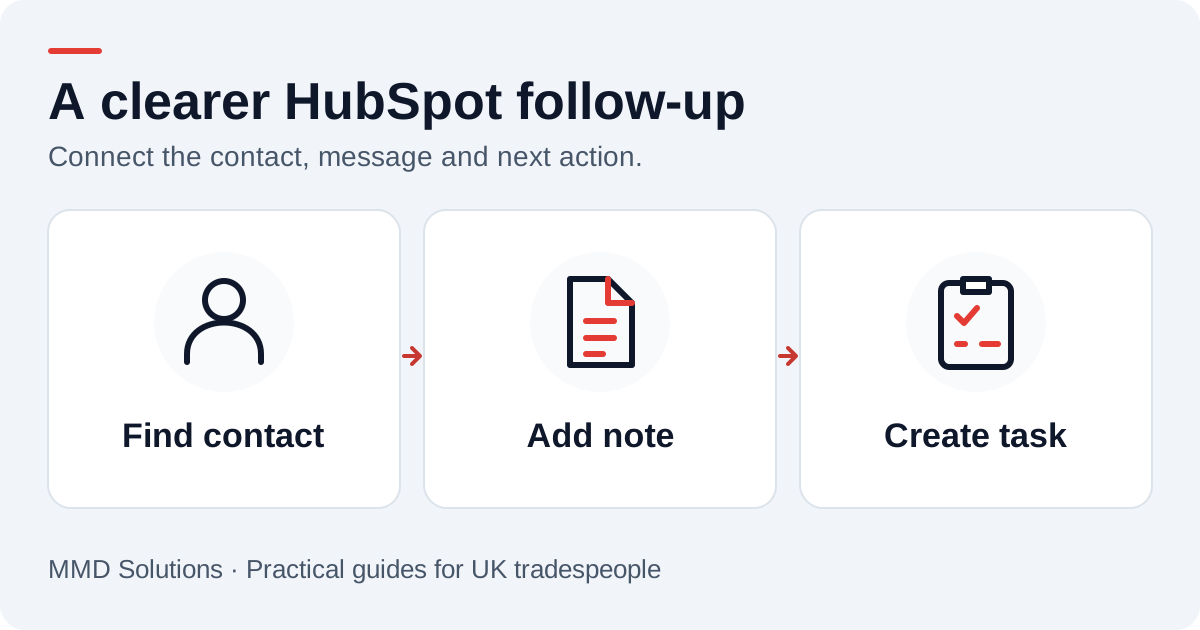
The HubSpot workflow we build
For a small service business, we usually start with a Contact, an associated Note containing the transcript, and an associated Task assigned to the person returning the call. A Deal would be a separate choice once you know the enquiry represents work you want to track.
Find the contact before creating another one
HubSpot’s contact API supports phone and mobile-phone properties. Its documentation recommends email as a primary identifier for avoiding duplicate contacts; a phone enquiry may not provide one. We compare available phone fields, normalise formats and route ambiguous matches for review instead of treating every call as a new person.
If the caller gives no name or email, agree a visible provisional-record policy before deployment. Do not turn a guessed transcription of a name into a verified identity or make up an email address simply to fill a field. HubSpot’s current create-contact requirements should be checked against that policy.
See the official Contacts guide and CRM search documentation. Search results also need to be handled carefully when recent writes have not appeared yet.
Keep the transcript and callback task connected
| Enquiry detail | CRM destination |
|---|---|
| Callback number | Contact phone or mobilephone, according to your existing convention |
| Original message | An associated Note, preserving the text and call reference |
| Next action | Task subject and body with a clear callback instruction |
| Responsibility | HubSpot owner and an agreed task due time |
| Call reference | Integration delivery record used to prevent duplicate writes |
HubSpot documents Notes and Tasks as separate activities. Creating one without associating it to the intended contact can leave staff with a disconnected item. We check both the activity and its association before marking delivery complete.
Example: an existing customer rings about a repair
If there is one reliable contact match, the message would become a new note on that customer’s record. The callback task would go to the agreed owner, with a subject such as “Return call: tap repair enquiry”. The existing customer lifecycle stage would stay as it is unless your team deliberately changes it.
Someone still needs to establish which job the caller means, check what was actually said and agree the response. The transcript alone should not create a warranty decision, appointment or new deal.
Access, subscriptions and automation
A HubSpot administrator would authorise the connection using an app authentication route appropriate to the deployment. Credentials belong on the integration server, with only the permissions needed to find contacts and write the agreed activities. Staff should not paste an account token into a public website form.
We confirm available owner assignments, workflow actions, account limits and subscription features in your portal. Do not assume that access to the CRM also includes every automation feature. Start with one owner and one task rule, then extend it after a successful pilot.
Keep enquiry follow-up separate from marketing settings. A callback task should not, by itself, enrol a contact in an email campaign or change their communication preferences.
A HubSpot acceptance checklist
- A known customer gets a new note and task on the existing contact.
- A repeated delivery creates neither a second note nor a second task.
- A shared phone number goes to review rather than merging two people.
- A task failure after a successful note write is recovered without recreating the note.
- The assigned person can see the task, number and transcript in their normal view.
- Revoked access produces a visible delivery failure rather than silently dropping the enquiry.
Can I try this through the MMD demo?
The public demo shows speech becoming text in a private browser session. It does not connect to your HubSpot portal. For that, we agree a small integration pilot and test it with invented enquiries first.
Sources and review
Reviewed 17 October 2026. Contact requirements and properties · CRM search behaviour · Notes and associations · Task fields and associations.
Our custom integrations are configured around your records, team and follow-up process. Platform documentation informs the setup; the examples here illustrate workflow choices.
Plan the human follow-up too: use the free callback checklist and customer reply templates.