
Business phone troubleshooting
Business Calls Going Straight to Voicemail? What to Check
If a customer says your phone never rang, start by finding out whether it happens to everyone, only unknown callers or only at particular times. That narrows the problem before you change the setup.
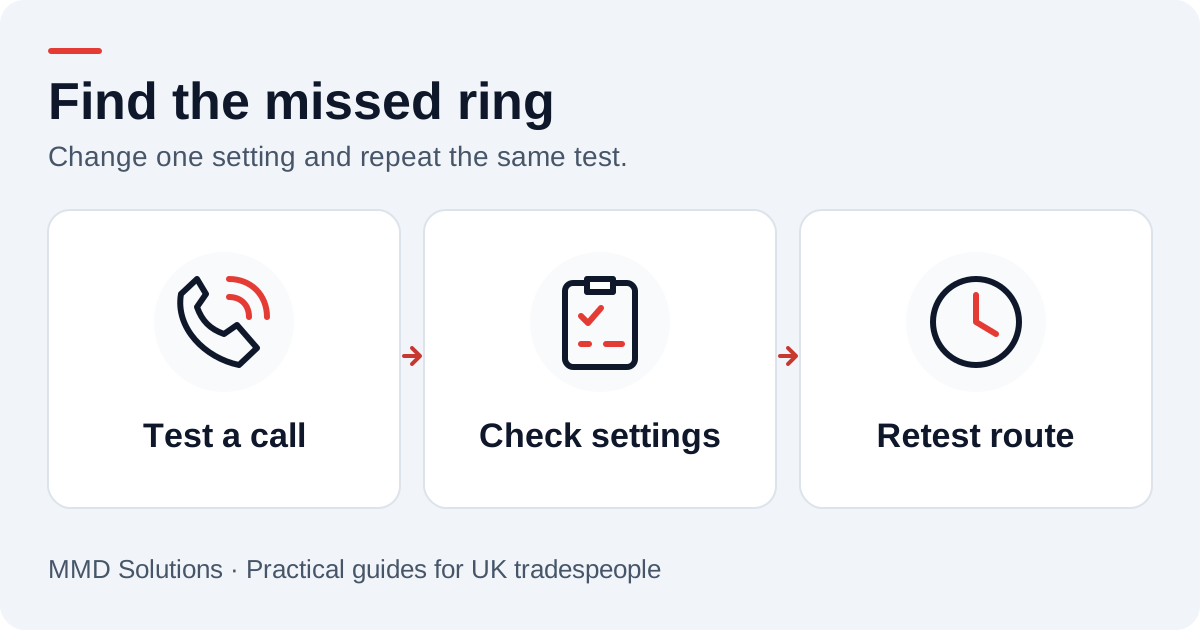
Make one controlled test call
Use a second phone with someone’s permission. Note the time, whether its number is saved in your contacts, whether your phone shows a missed call and what the caller hears. Repeat with your screen locked and unlocked if the behaviour changes.
Check that the phone has service and that the correct SIM or line is enabled. If you use a business app or desk-phone system, include it in the test. A problem on one route does not prove that every call to the business number is failing.
Review silencing and filtering settings
- Check any Focus, Do Not Disturb or scheduled quiet mode.
- Review blocked numbers and settings for unknown or suspected spam callers.
- Check the business line and any linked calling app, not only the handset ringer.
- Confirm whether the problem appears only when the line is already in use.
Google Phone documents caller ID and spam protection settings. Phone controls and menu names vary by device, app and software version. Review the relevant setting and test its effect rather than turning every protection off.
Check where calls are being sent
An unconditional divert can send all calls elsewhere without your handset ringing. A conditional divert should apply only to the conditions you configured, such as no answer or a busy line. Record your existing destinations before editing them.
Our call-forwarding guide explains the difference. Use your provider’s instructions for your account; a copied dial code may affect the wrong setting or leave you without the voicemail route you expected.
Change one thing, then call again
After a change, repeat the same second-phone test and write down the result. If the issue follows a SIM, location, schedule or caller type, include that in the notes for your provider. It gives support a clearer problem to investigate than “the phone sometimes does not ring”.
If a setting was not responsible, restore it before moving on. Preserve access to the business’s normal message route while you troubleshoot so a missed ring does not also become a lost message.
Confirm the fallback still captures an enquiry
Let a test call reach voicemail and leave made-up details. Check who receives the message and whether anyone owns the return call. A working fallback matters even after the ringing issue is fixed, because a busy business will still miss some calls.
Use the greeting examples to make the next step clear and the callback tracker to record messages that need a response.
Sources and review
Reviewed 17 October 2026. Google Phone: caller ID and spam protection · EE Business: divert conditions.
The examples and checklists are written by MMD Solutions. Adapt the wording and working hours to your own business.
Plan the human follow-up too: use the free callback checklist and customer reply templates.