
Business admin for UK trades
A Weekly Admin Review for a Small Trade Business
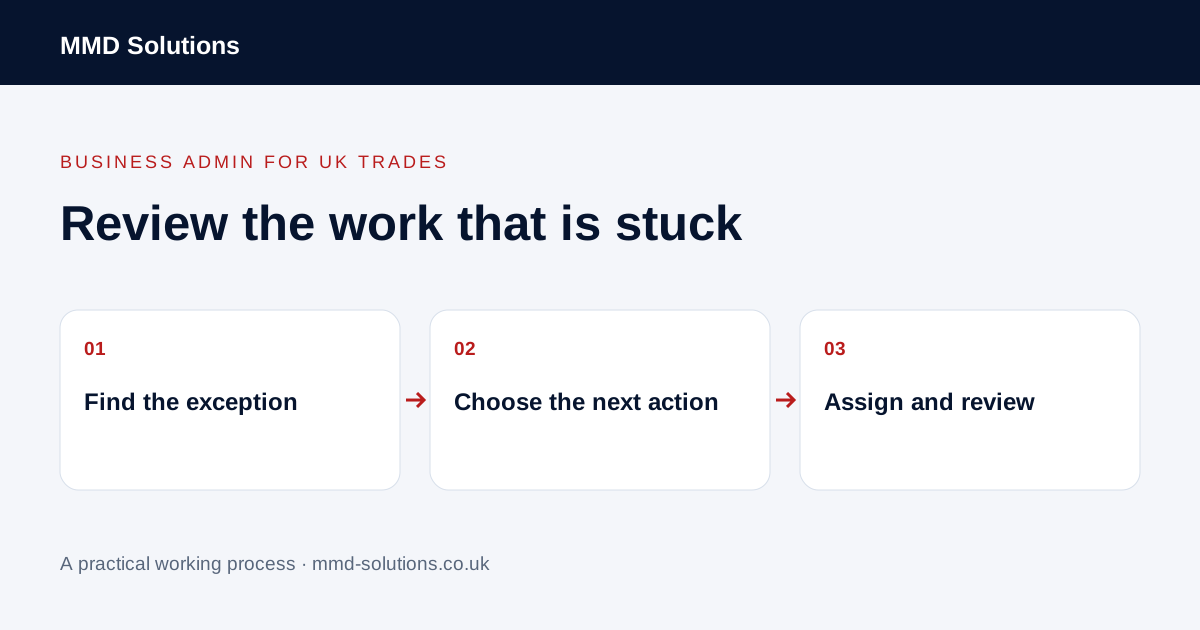
A weekly admin review should finish with clear next actions, not a longer list of worries. Use it to spot the few enquiries or jobs waiting on information, a decision or an update. It is an original working routine to adapt, not a claim that every trade business needs a weekly meeting.
Start from the records you already use
Open the current enquiry, job and invoice-preparation lists. Keep the review linked to those records rather than copying every open job into another spreadsheet. A sole trader can do the review alone; an owner and administrator can work through the same exceptions together.
Choose a regular point that fits the business and allow urgent issues to be raised through the usual route. Do not delay a time-sensitive customer update just because the weekly review is tomorrow. The review is a backstop for overlooked work, not a replacement for normal communication.
Review five exception queues
- New enquiries without a next action: is enough information available to respond?
- Proposals awaiting a decision: what was agreed about the next contact?
- Visits with unconfirmed details: what still needs confirming before attendance?
- Changes awaiting approval: whose decision is missing?
- Completed work awaiting office information: what prevents the invoice handover?
A row belongs in the review because a decision or action is needed, not simply because the job is open. Keep ordinary work progressing in its existing system.
Ask the same practical questions for each exception
What is the confirmed position? What evidence supports it? Exactly what is missing? Who can supply that information or make the decision? What will the action owner do next, and when will they check the outcome?
Replace “chase this” with a specific task. An instruction to request a missing property reference is different from an instruction to ask whether a customer wants to proceed. Review the last contact before setting a reminder, especially where a reply may have arrived elsewhere.
Turn a review item into a usable action
Keep the task with the job and give it one owner. If a task appears again next week, examine why it remained blocked: missing authority, the wrong contact, no response or a record that was not updated. Repeatedly moving the date is not the same as resolving the blocker.
Use filters and tasks before adding a dashboard
Your job system may already filter by status and store notes, responsibility and reminders. Tradify documents staff notifications attached to job or document notes; that may help with an assigned handover. A notification alone does not prove a task was completed or that the recipient had authority to decide.
Start with the smallest view that exposes the exceptions. If you cannot explain what action a new dashboard would prompt, do not build it yet. Avoid measuring success only by how many records become green: premature closure can hide unfinished work.
Download and trial the review sheet
Download the weekly review worksheet (CSV). Use it for one review and keep links to the real job records. Delete unnecessary duplicate tracking once the routine works inside your existing tools.
At the next review, check which actions were completed, which remain blocked and what process change might prevent the same exception. Note actual examples from your own work; this guide does not supply a promised time saving or a target number of tasks for every business.
Sources and review
Reviewed 24 October 2026. Tradify: job notes and staff notifications.
Source material supports the specific examples referenced. The checklists, worksheets and illustrative scenarios are MMD's suggested business-admin processes, not customer results. Product workflows can change; check current documentation for the software you use.