
Business admin for UK trades
Trade Visit Access Checklist: Confirm the Details Before Travelling
A time in the diary does not tell the team who will open the door or which unit they should attend. Confirm access through the customer’s agreed process before travelling. This guide covers coordination and records; it does not set a no-access charge or tell anyone to enter a property without permission.
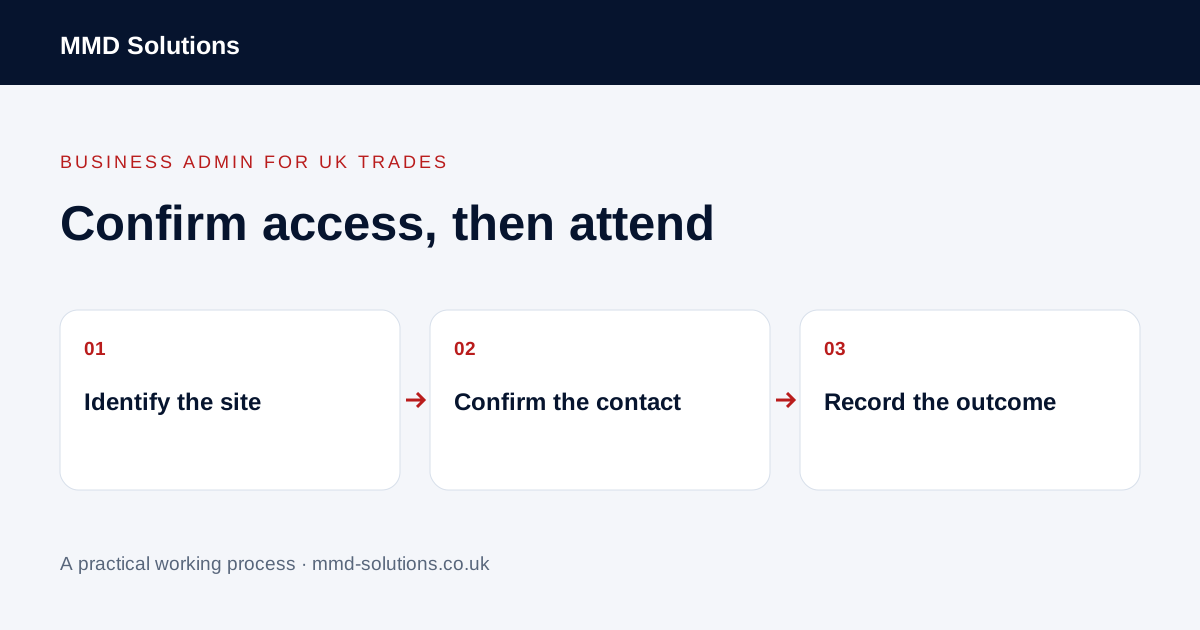
Identify the exact property and visit
Check the job reference, address, flat or unit and purpose of the visit. A customer’s billing address can differ from the work location. Where an agency manages several properties, keep each visit attached to the relevant property rather than adding access notes to a generic agency record.
Distinguish who ordered the work from who arranges access. The office may need to speak to a tenant, site manager or authorised keyholder. Ask the ordering contact which route should be used instead of assuming the last number on the record is appropriate.
Confirm only the details needed for attendance
- Agreed date and arrival window.
- Correct property and meeting point.
- Who can arrange access and how to reach them.
- Whether the arrangement is confirmed or still proposed.
- Where authorised restricted instructions are stored.
- What to do if the arrangement changes.
Keep door codes, keys and other sensitive access information out of broad calendars, public worksheets and group messages. Link to the appropriate restricted record rather than copying those details into every reminder.
Use a clear confirmation request
Adapt the wording to the actual booking position. If already confirmed, do not imply the booking is only provisional. Ask for clarification where instructions conflict; do not let an automated reminder manufacture permission or agreement.
Record an access problem factually
If access is unavailable, record the visit reference, the observed situation, contact attempts and the next agreed action. Separate what the team observed from what someone later explained. Avoid blame or assumptions about why a person did not answer.
Refer decisions about charges, customer commitments or further work to the owner and the applicable agreement. This checklist is not contractual advice. A new appointment should be handled through the normal confirmation process rather than created automatically from an unsuccessful visit.
Check the job record and reminder together
Existing visit records, notes and reminders may already support the coordination. Jobber documents visit records and internal notes; internal information is not necessarily shown to a customer. Check the actual outgoing message rather than assuming a note has been delivered.
Trial one visit with the office and the person attending. Can each find the site and the right contact without exposing access details unnecessarily? If something is missing, identify the field or handover that failed before buying another booking tool.
Download the working checklist
Download the blank worksheet (CSV). Use fictional details for a trial, then adapt the fields in the system you already maintain. Do not keep a separate spreadsheet just to duplicate a working process. Protect real customer details and share only what the person handling the task needs.
Sources and review
Reviewed 25 October 2026. Jobber: visit records · Jobber: internal notes and permissions.
Source material supports the specific examples referenced. The checklists, worksheets and illustrative scenarios are MMD's suggested business-admin processes, not customer results. Product workflows can change; check current documentation for the software you use.