
Business admin for UK trades
Track Enquiry Sources: Find Where Trade-Business Enquiries Come From
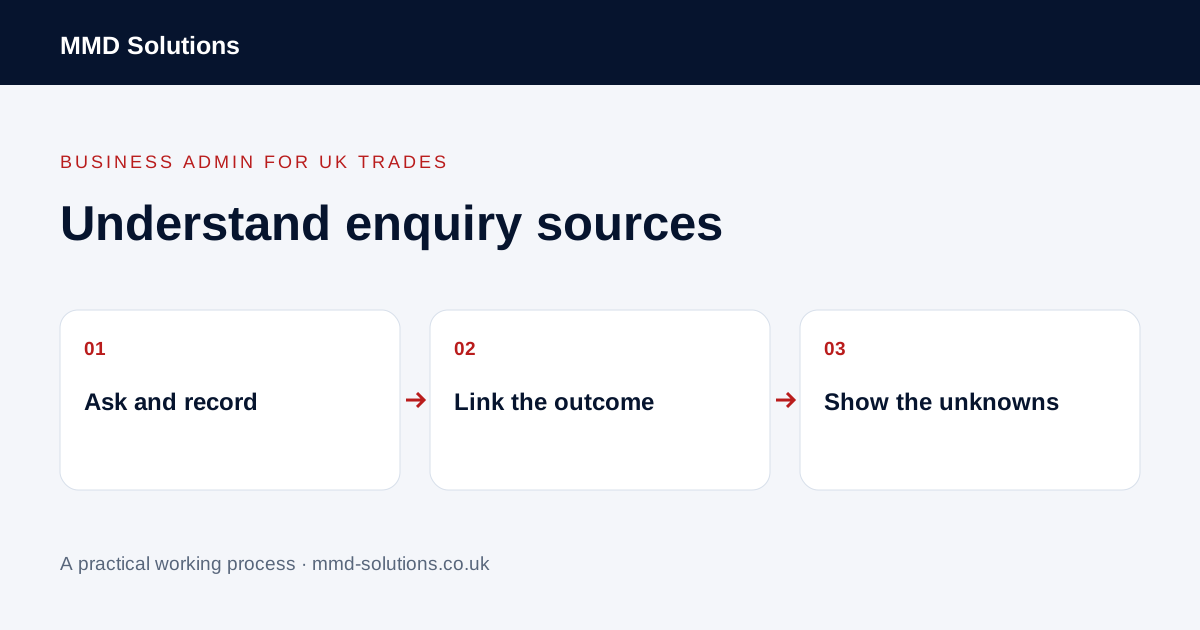
“Most work comes from word of mouth” may be true, but a consistent record helps you check it. Start by asking how a customer found the business, keeping the answer connected to their enquiry and its outcome. This is a measurement routine, not a promise that tracking will create more enquiries.
Choose what you are counting
Define an enquiry as a distinct request for potential work, rather than every call, message or form submission. A customer emailing after a phone call may be continuing the same enquiry. Keep duplicate contacts linked so one request does not appear to be several new opportunities.
Distinguish new customers from existing customers asking for another job. A returning customer may originally have found the business through a referral years ago; their current request should not automatically be counted as a new referral lead.
Use a short source list and keep the answer
- Recommendation or referral.
- Search, with the detail the customer actually provides.
- Social channel, where known.
- Vehicle, sign, printed material or event.
- Existing customer or established business relationship.
- Other, or source not known.
Ask a short optional question such as “How did you hear about us?” during the normal enquiry conversation. “Google” does not tell you whether they used an advert, an organic result or a map listing. Record the answer without upgrading it to a more precise attribution than the evidence supports.
Connect sources to outcomes with consistent dates
For a chosen group of enquiries, record whether each has a quote, a booked job or a known decision. Use the same definitions across sources. Show requests still in progress rather than forcing every enquiry into won or lost on the review date.
If you compare booked-job outcomes, say whether you are grouping by enquiry date or booking date. Those are different views. Do not combine website sessions, phone calls and invoiced jobs into a single conversion figure without defining how the records connect.
Show unknowns instead of inventing certainty
This makes the limits visible. It does not imply all unknown enquiries came from the website or that the referral is more profitable. Avoid publishing personal referrer details; retain only information appropriate for the business process.
Inspect existing reporting before another dashboard
Jobber documents a lead source report with linked request, quote, job and invoice measures and CSV export. Its documented invoice-value measure uses the first invoice linked to the lead. Check definitions, permissions and current feature availability in your account before comparing those figures with another system.
Review actual source completeness and duplicated enquiries first. Small samples and delayed decisions can distort a comparison, and revenue is not profit. Use a pattern to decide what to investigate next, not to guarantee a marketing result or justify spending from one unusually good job.
Download the working checklist
Download the blank worksheet (CSV). Use fictional details for a trial, then adapt the fields in the system you already maintain. Do not keep a separate spreadsheet just to duplicate a working process. Protect real customer details and share only what the person handling the task needs.
Sources and review
Reviewed 27 October 2026. Jobber: lead source report definitions and CSV export.
Source material supports the specific examples referenced. The checklists, worksheets and illustrative scenarios are MMD's suggested business-admin processes, not customer results. Product workflows can change; check current documentation for the software you use.