
Business admin for UK trades
Switching Job Management Software: A Small-Business Migration Checklist
Before moving to another job system, decide what must remain usable on the first working day. Customer rows are only part of the change: active jobs, documents, ownership and the team’s routine also matter. Use this checklist to plan the move rather than assuming one CSV contains the whole business.
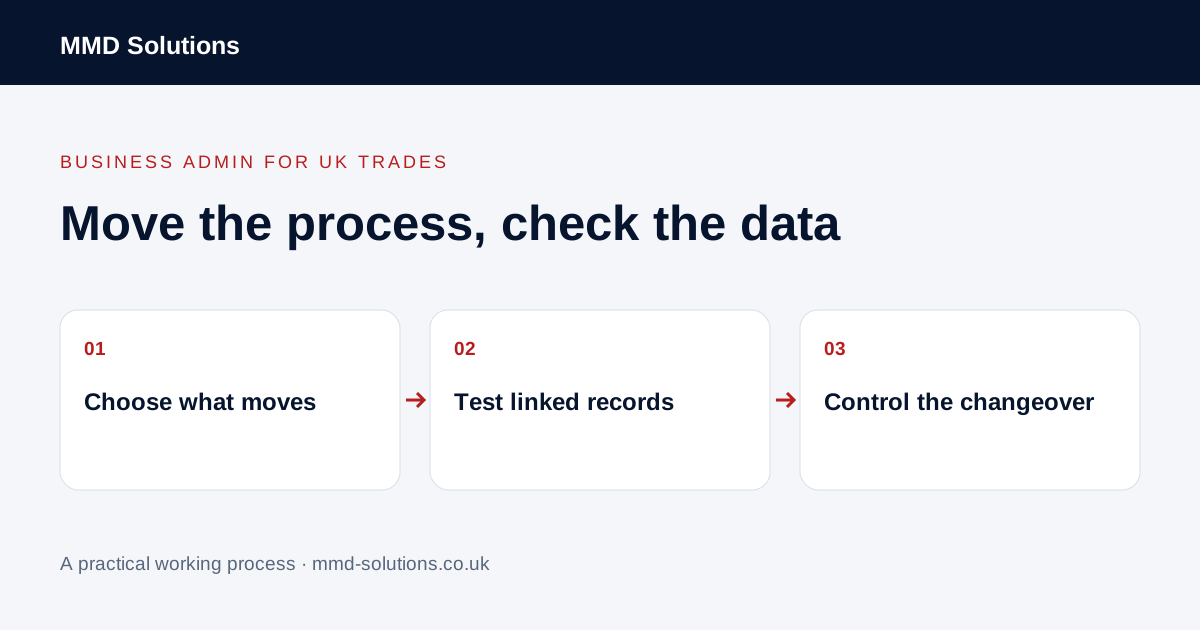
Decide what needs to move now
List active customers, current jobs, open actions and records needed for the agreed workflow. Separate those from older information that may remain in an appropriate archive. Confirm access and retention arrangements before closing an old account; this guide does not set a universal retention period.
Use the existing-software audit first. If the current problem is missing setup or inconsistent use, moving all records may be a costly way to preserve the same problem.
Map fields and relationships
- Identify source and destination fields.
- Define which identifiers match existing records.
- Keep customer, organisation, property and job relationships distinct.
- Check dates, statuses and required values.
- List documents, notes and history that need another transfer route.
- Name who resolves conflicting or missing information.
HubSpot’s import guidance illustrates required fields and unique identifiers for updating records. Those rules are product-specific. Do not assume that names alone prevent duplicates or that another tool interprets the same column in the same way.
Test a representative small sample
Include a simple customer, a customer with several jobs, an organisation with separate contacts and a record with an open action. Use a safe test environment or fictional examples first, then follow the business’s authorised process for real data.
Check not only the row count but whether people can find the correct linked work, dates, status and document references. Record excluded or rejected rows. An import success message does not demonstrate that all history and attachments moved correctly.
Choose when each system becomes authoritative
Make responsibility and fallback explicit. Avoid two independent systems both sending customer reminders during a transition. Keep a recoverable copy appropriate to the tools involved; a CSV export is not necessarily a complete restorable backup.
Verify the working day after the move
Ask the people doing the work to find a customer, update a job and identify the next action. Confirm user access and supported connections, and check that old scheduled messages will not continue unnoticed. Use approved individual accounts rather than transferring shared personal passwords.
Keep an issues list until the agreed acceptance examples pass. If the migration is incomplete, say which records or functions are still missing. MMD’s product-specific import guides can explain their own supported fields; they should not be treated as a promise that every source system or historical document can be migrated automatically.
Download the working checklist
Download the blank worksheet (CSV). Use fictional details for a trial, then adapt the fields in the system you already maintain. Do not keep a separate spreadsheet just to duplicate a working process. Protect real customer details and share only what the person handling the task needs.
Sources and review
Reviewed 26 October 2026. HubSpot: import-file requirements and identifiers.
Source material supports the specific examples referenced. The checklists, worksheets and illustrative scenarios are MMD's suggested business-admin processes, not customer results. Product workflows can change; check current documentation for the software you use.