
Business admin for UK trades
Supplier Delivery Tracking: Keep Job Dependencies Visible
A supplier’s expected date and a confirmed delivery are not the same fact. Keep the latest update connected to the job that depends on it, and let the responsible person decide whether the job remains ready. This guide covers office coordination, not choosing materials or calculating stock levels.
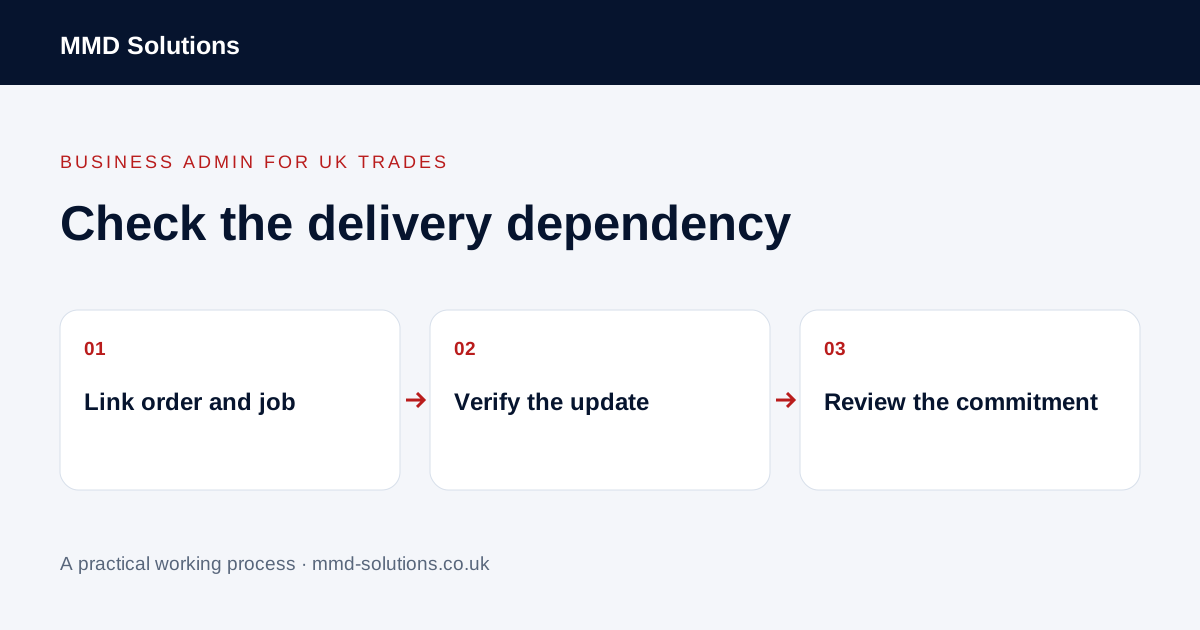
Link the order to the affected work
Record supplier and order references beside the relevant job, including which part of the business schedule depends on the delivery. One order may cover several jobs; one job may depend on several orders. Make those relationships visible instead of using the supplier’s name as the only reference.
Store the current confirmation or correspondence where authorised staff can find it. Avoid placing unrelated commercial or customer details into a widely shared calendar entry.
Label the position accurately
Distinguish ordered, expected, supplier-confirmed, dispatched, received and issue awaiting review. Use the wording supported by the information you have. A tracking update saying dispatched does not demonstrate that the right goods were received or that a job is ready to start.
Record when and from whom the update arrived. Keep the previous position in the history if a date changes. If a delivery is split, identify which dependency is affected rather than treating the whole order as complete.
Give uncertain deliveries a review point
- What latest information is confirmed?
- Which job or visit could be affected?
- Who obtains the next supplier update?
- Who decides whether the existing commitment can stand?
- Who tells the office or customer after that decision?
An administrator can gather updates and flag a conflict. They should not select substitutes, agree extra spending or promise a new customer date outside their authority. Keep those decisions with the responsible person.
An illustrative order-to-job handover
If the delivery arrives, record the receipt outcome through the normal business process. A timestamp alone should not silently clear an unresolved discrepancy.
Use notes and supported updates before another tracker
Tradify documents notes and files on job and document records, including notifications to selected staff. Those features may be enough for a small number of delivery dependencies. The notes feature is not evidence of automatic live tracking or supplier confirmation.
If updates are copied repeatedly, first map the exact source and destination field. A supported connection may help, but it needs a route for delays, partial delivery and missing references. Review the actual process before adding automation; a faster copy of an uncertain date is still uncertain.
Download the working checklist
Download the blank worksheet (CSV). Use fictional details for a trial, then adapt the fields in the system you already maintain. Do not keep a separate spreadsheet just to duplicate a working process. Protect real customer details and share only what the person handling the task needs.
Sources and review
Reviewed 26 October 2026. Tradify: notes and files on jobs and documents.
Source material supports the specific examples referenced. The checklists, worksheets and illustrative scenarios are MMD's suggested business-admin processes, not customer results. Product workflows can change; check current documentation for the software you use.