
Business admin for UK trades
When Business Automation Fails: A Monitoring and Recovery Checklist
Connecting two systems does not remove the need to notice when a handover fails. Decide who checks the result, what they can safely repeat and when the business should switch to a manual route. Start with one workflow, such as moving an enquiry into a customer record.
Define success in business terms
Write down the trigger, intended result and the record that should exist afterwards. “The connection is on” is not proof that an enquiry reached the right job. A useful success check identifies the expected customer or job reference, required fields and next action.
Separate actions that only read information from actions that create a record, send a message or issue a document. The consequences of repeating them differ. Name the person who owns failures so an alert does not simply become another unattended email.
Choose a small set of monitoring signals
- Failed or held runs reported by the existing tool.
- Expected business records missing after a known input.
- Repeated copies or messages appearing unexpectedly.
- Account-access or connection warnings.
- Work waiting beyond its agreed review point.
Use the platform’s existing history and notifications first. Avoid a second monitoring dashboard unless it answers a real question. A quiet failure list is not sufficient if the trigger never ran, so compare a small sample of actual inputs with destination records.
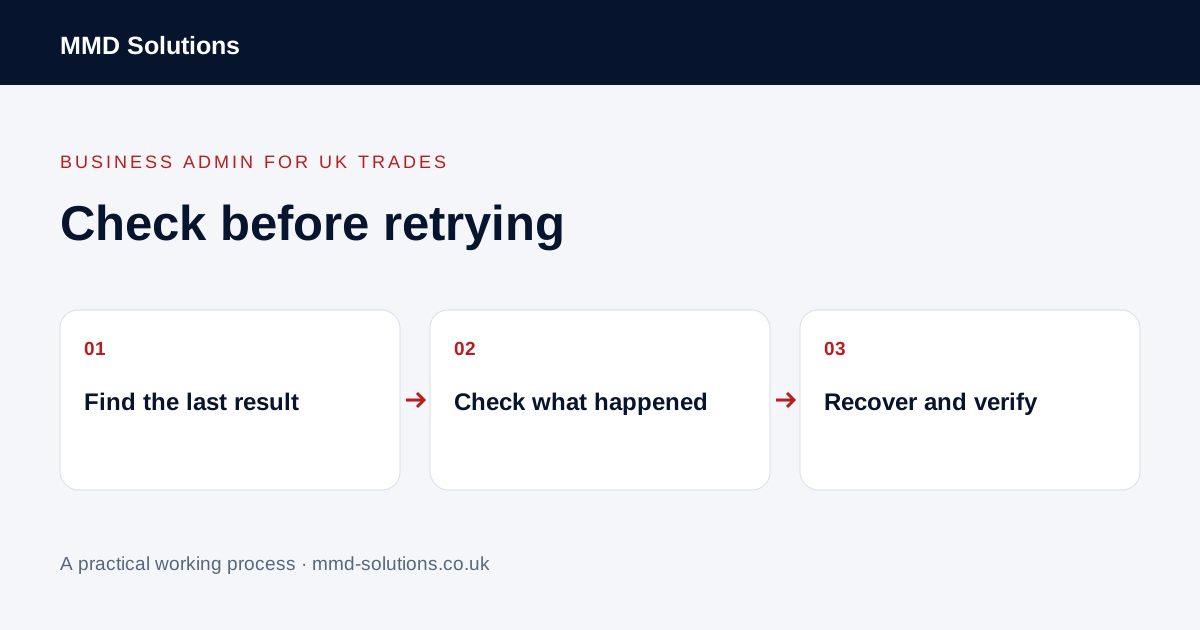
Check which actions already happened
Find the specific run or source record, note the time and read the available step results. Then look in the destination application. Zapier documents that an overall run can fail while individual earlier steps succeeded. Do not assume a failed status means that no customer record or email was created.
Keep customer details and credentials out of screenshots sent to general support channels. Share a redacted reference and the specific failure instead. If the available records cannot establish what happened, pause the affected action for review rather than guessing.
Choose a bounded recovery
Fix the cause before replaying. Check whether the software can retry just the failed step or whether it repeats the whole workflow. Zapier documents whole-run replay as including previous successful steps. That could repeat a business action unless the workflow has an appropriate duplicate check.
Use a manual fallback where safe and record it so the eventual automatic recovery does not repeat it. Keep approval for messages, documents and commercial commitments with the responsible person.
Verify the result and improve the handover
Confirm the intended record and next action, check for duplicate side effects and leave an outcome in the incident log. Restore normal operation only after the issue is understood well enough for the person responsible to monitor it.
Review whether the cause was missing information, changed permissions, a tool limit, an unavailable service or incorrect matching. These need different fixes. Automation should remain explainable to the business owner; this guide does not promise error-free operation or imply that buying a connector removes review work.
Download the working checklist
Download the blank worksheet (CSV). Use fictional details for a trial, then adapt the fields in the system you already maintain. Do not keep a separate spreadsheet just to duplicate a working process. Protect real customer details and share only what the person handling the task needs.
Sources and review
Reviewed 25 October 2026. Zapier: individual run and step details · Zapier: replay behaviour.
Source material supports the specific examples referenced. The checklists, worksheets and illustrative scenarios are MMD's suggested business-admin processes, not customer results. Product workflows can change; check current documentation for the software you use.