
Business admin for UK trades
Receipt Handover Checklist: Get Purchase Documents to Your Bookkeeper
A folder full of receipt photos can still leave the bookkeeper asking what each purchase relates to. Agree how purchase documents reach the office, what context is needed and who answers questions. This checklist covers the handover of records; your bookkeeper or accountant decides the appropriate accounting and tax treatment.
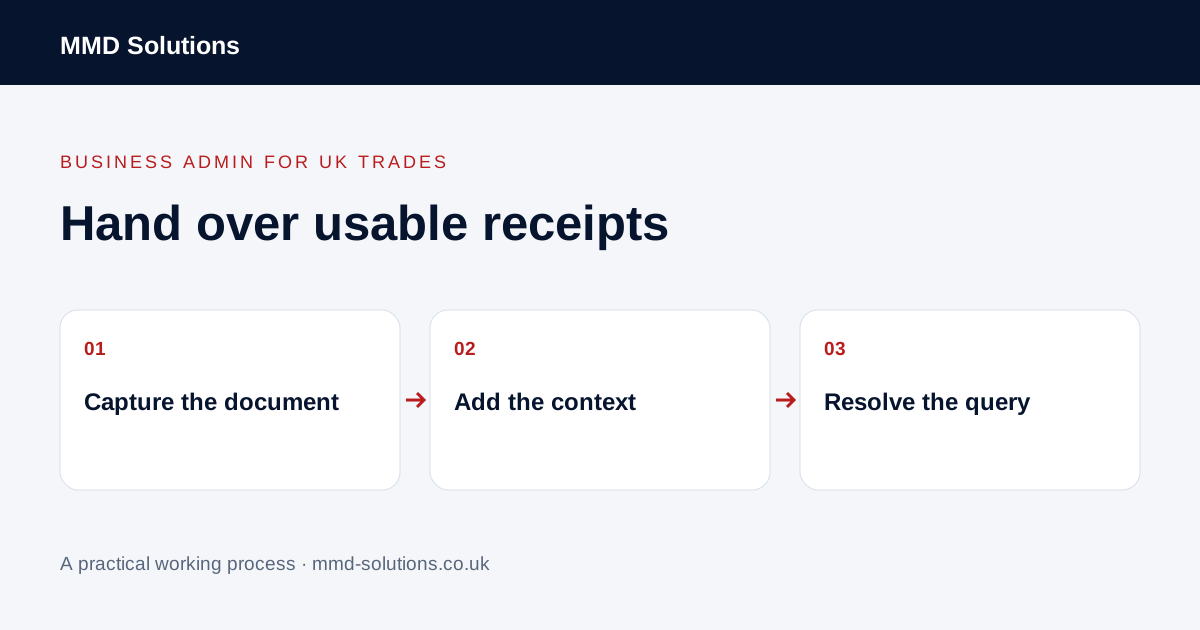
Agree one normal capture route
Ask the person preparing the books which tool or inbox they already use. Decide where a paper receipt, emailed bill and supplier download should go. Use an agreed route so the same document does not arrive through a phone message, an email and a second upload without anyone noticing.
Keep the original document through the business’s established record-keeping process. This guide does not set a retention period or say that a photograph always replaces an original. Do not delete a source merely because an upload button reported success.
Check readability before leaving the task
- The relevant pages and edges are visible.
- Supplier, date and amount can be read.
- The image is in focus and not obscured by glare.
- A multi-page document remains understandable as one record.
- The file is attached to the intended business account or record.
- A previous copy has not already been submitted.
Open the uploaded result rather than relying only on the phone thumbnail. If the source is unreadable, record the missing item and who will obtain a replacement. Do not reconstruct figures from memory to fill an extraction field.
Add the context the bookkeeper actually needs
Use a brief note identifying the related job or business purpose where relevant and requested. Keep uncertain information labelled as a question. A supplier name alone may not explain which job used a purchase, while a long narrative can bury the one detail the office needs.
Agree which questions belong with the owner rather than the person who uploaded the document. Avoid sending unrelated personal transactions, full bank statements or customer details when a small reference answers the question. Use the approved private sharing route for financial records.
Keep a query attached to its document
Useful states include captured, information needed, sent for review and query resolved. Do not label a document “booked” simply because it was received. The reviewer may still need to check duplication, context or treatment.
Use capture features without treating extraction as approval
Hubdoc documents mobile, desktop and email uploads and extraction of key document details. Review the extracted date, supplier name and amount against the readable source. Those capabilities may already cover the collection problem; check current access and the workflow agreed with your bookkeeper before adding another app.
At a regular handover, review missing documents and unanswered questions rather than re-sending every receipt. Test one fictional example end to end. The useful result is a traceable document with the required context, not the largest possible pile of uploaded images.
Download the working checklist
Download the blank worksheet (CSV). Use fictional details for a trial, then adapt the fields in the system you already maintain. Do not keep a separate spreadsheet just to duplicate a working process. Protect real customer details and share only what the person handling the task needs.
Sources and review
Reviewed 28 October 2026. Xero: document collection and data extraction with Hubdoc.
Source material supports the specific examples referenced. The checklists, worksheets and illustrative scenarios are MMD's suggested business-admin processes, not customer results. Product workflows can change; check current documentation for the software you use.