
Business admin for UK trades
Quote Document Version Control for a Small Trade Business
Files named “quote final”, “quote final new” and “quote final 2” make a simple customer question harder to answer. Give the document a stable identity and keep an issue history. The aim is to know which proposal was sent and discussed, not to decide whether a document creates a binding agreement.
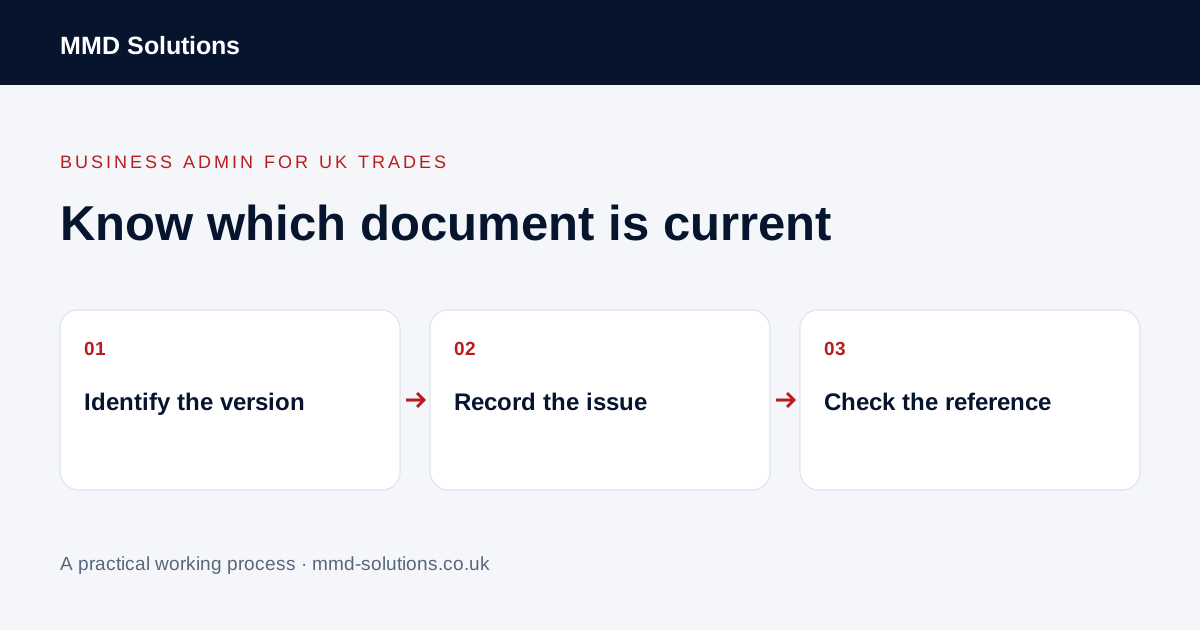
Use a reference that survives a revision
Connect the quote to the job or enquiry reference, then add a version identifier that changes when the proposal is revised. For example, an illustrative filename is A104-quote-v03-draft.pdf. The filename helps retrieval, but the document itself and the job record should also show the relevant reference and position.
Choose a simple convention that the team can apply. Avoid customer personal details in filenames where those names could appear in shared folders, links or notifications. A descriptive reference is more useful than a long filename containing every detail.
Keep document states distinct
- Draft: still being prepared or checked.
- Ready for issue: the responsible person has completed the agreed review.
- Issued: sent through the recorded route on a known date.
- Superseded: replaced in the current process by a later issue.
- Customer decision: recorded separately against the relevant version.
Saving a new draft does not mean the customer has received it. Nor does issuing a document show that its contents have been accepted. Use factual labels and retain the evidence needed to explain the sequence.
Record what was actually sent
Keep the issued file or supported system record, its version, recipient and issue date connected to the job. If the business sends a link to a live document, check how the chosen tool records the version visible at the time. Do not assume a link preserves an unchanged copy.
Make the current working reference easy for staff to find while keeping older issues distinguishable. Restrict editing to appropriate people and follow the business’s retention arrangements. This guide does not prescribe a universal retention period or replace advice about contractual documents.
Resolve a version mismatch before changing the work
Do not quietly overwrite v02 and make it appear the customer always had v03. A document-control check should expose the mismatch; the authorised person then decides how to resolve the underlying business question.
Check the document tools already available
Microsoft documents restoring earlier SharePoint file versions where version tracking is available. That can help recover an edit, but file history alone does not prove which proposal was sent to a customer or approved. Keep the issue record and communication context too.
Test your current quote system with a fictional revision: can staff retrieve both issues, identify the latest issued version and find the decision? If it already does this, use its supported workflow rather than another register. If not, start with a controlled reference list and review a real mismatch before commissioning custom automation.
Download the working checklist
Download the blank worksheet (CSV). Use fictional details for a trial, then adapt the fields in the system you already maintain. Do not keep a separate spreadsheet just to duplicate a working process. Protect real customer details and share only what the person handling the task needs.
Sources and review
Reviewed 27 October 2026. Microsoft: SharePoint version history and restoration.
Source material supports the specific examples referenced. The checklists, worksheets and illustrative scenarios are MMD's suggested business-admin processes, not customer results. Product workflows can change; check current documentation for the software you use.