
Business admin for UK trades
Job Variation Log: Record Changes Without Losing the Agreed Scope
A customer asks for one more item, a different finish or a return visit. Before the office updates the paperwork, record what was requested and who must decide. This guide covers the administration of changed work, not the legal effect of a variation or the technical judgement about doing it.
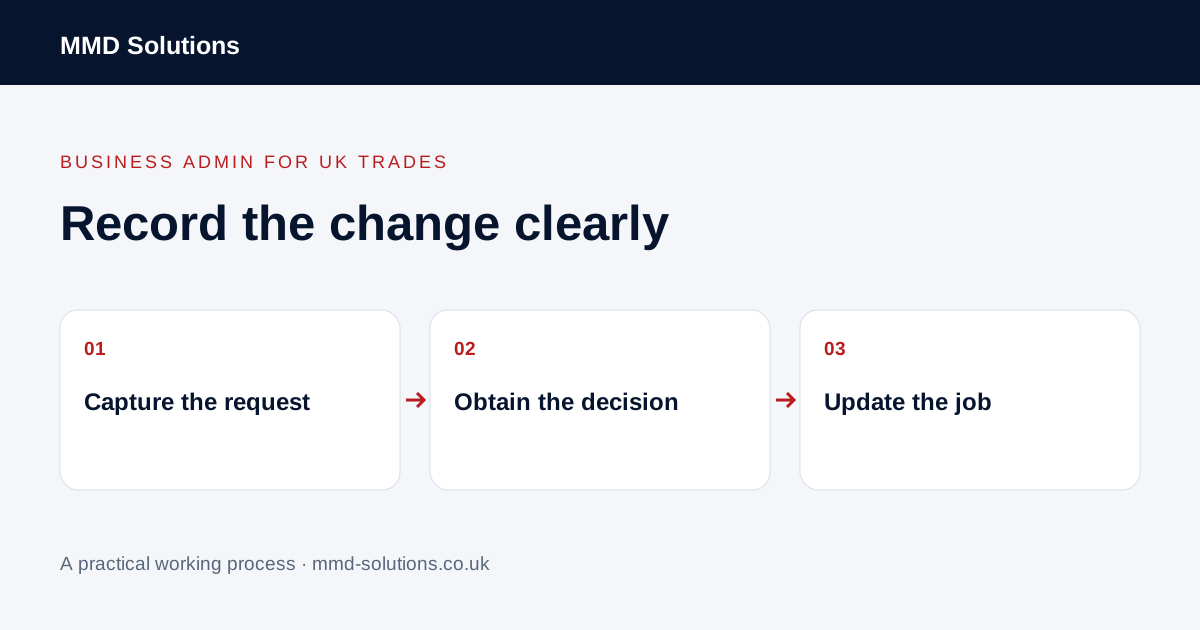
Capture the request without silently changing the job
Give the request its own change reference linked to the job. Record who asked, when, what they want changed and the document or instruction it relates to. If the request arrived by phone, write a neutral summary and check any ambiguity with the person who made it.
Keep the current approved scope visible. Do not overwrite it with a new draft that looks final. A note saying “customer mentioned more work” is a request to review, not evidence that the price, timing or work has been agreed.
Use a small change register
- Job and change references, customer and site.
- The requested difference from the current position.
- The source message, drawing or document version where appropriate.
- Who assesses the work and who can approve business commitments.
- The recorded decision and resulting document reference.
- Current status, next action and action owner.
Use factual statuses such as awaiting assessment, proposal sent, awaiting decision, approved for the agreed next step, declined or withdrawn. Avoid a single tick labelled “done” that could mean either documented or authorised.
Keep admin preparation separate from approval
An administrator can assemble the request and ask for missing information. The responsible person still needs to decide technical feasibility, price and timing through the business’s agreed process. Do not infer approval from silence, a message being opened or a calendar entry being moved.
This worksheet is not a variation contract or advice on enforceability. Follow the agreement and professional advice appropriate to your work. Where the implications are unclear, refer the decision rather than using a template to make a commitment.
An illustrative handover
The office can now see what is pending without treating the extra visit as booked. If the customer later withdraws the request, mark C02 withdrawn and retain the decision history rather than leaving an outstanding reminder.
Use existing notes and document links first
Tradify documents notes attached to jobs and documents, optional files and notifications to selected staff. Those features may be enough to keep a change request connected to its job. A staff notification is not customer approval, and this documentation does not establish a complete variation-approval workflow.
Check whether your current tool can keep the original document, a draft and the decision distinct. If it cannot, use a controlled register with links to the right records before investigating an integration. Do not create automatic work orders from unreviewed requests.
Download the blank job-change log
Download the change log (CSV). Try it on one current request. Before closing the row, verify that the job record, customer communication and next action reflect the actual decision.
At a weekly review, look for requests awaiting a named decision rather than chasing every open row. The useful outcome is that people can distinguish requested, proposed and agreed work; the number of notes added is not itself a measure of improvement.
Sources and review
Reviewed 24 October 2026. Tradify: notes, attachments and staff notifications.
Source material supports the specific examples referenced. The checklists, worksheets and illustrative scenarios are MMD's suggested business-admin processes, not customer results. Product workflows can change; check current documentation for the software you use.