
Business admin for UK trades
Completed Job, Not Invoiced? An Office Handover Checklist
A job marked complete can still be waiting for the information the office needs to prepare an invoice. Keep the reason visible instead of leaving finished work in an unexplained queue. This guide concerns the handover, not the tax content of an invoice or a customer’s payment obligations.
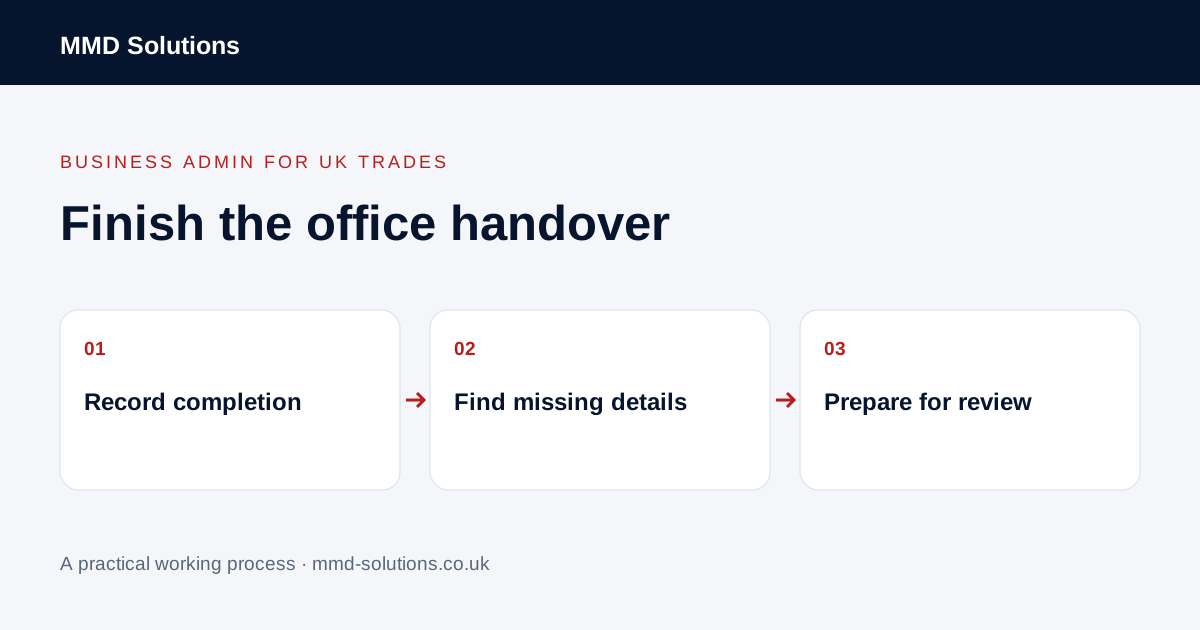
Give completion and invoice readiness separate meanings
Use a recorded work position and a separate invoice-preparation position. For example, the visit may be complete while an approved change reference or the customer’s billing instruction is still missing. Closing the diary entry does not settle those questions.
Start with a small list of finished jobs awaiting office action. Do not use “not invoiced” as a reason to issue a document automatically: there may be an agreed billing milestone, a review in progress or another genuine reason to wait.
Check the completion handover
- The correct job, customer and site reference.
- The recorded completion position and any outstanding return visit.
- The approved proposal or instruction version.
- Changes and additions referred for the appropriate review.
- Required business records supplied by the team.
- The customer’s confirmed billing contact and references.
Use information the business actually requires. Do not invent time, quantities, approval or completion evidence to make a job appear ready. Refer disagreements about the work or price to the owner.
Name the blocker and the person resolving it
Replace “waiting for paperwork” with the specific missing item and its source. Assign the request to one person and set a realistic review point. Keep the task with the job so the field team and office see the same position.
Group recurring blockers at a review: missing reference, unclear scope version, unreviewed change or completion details not handed over. Each suggests a different fix. Payment chasing is a later process and will not solve an invoice that has not yet been prepared correctly.
A completion-to-office example
The example keeps the decision visible without asking the administrator to approve extra work. The same approach works with a job system task rather than a second list.
Check the existing job-to-invoice route
Tradify documents preparing invoices from a job and reusing information from existing records. Such features may remove retyping, but they do not confirm that every input is correct or approved. Test the route with a safe example and check the resulting draft before issuing it.
After handing work over, verify that the office received enough context and that any remaining action has an owner. Track actual reasons for delays in your own business; this checklist does not promise that every completed job should be invoiced immediately or that automation determines the right accounting treatment.
Download the working checklist
Download the blank worksheet (CSV). Use fictional details for a trial, then adapt the fields in the system you already maintain. Do not keep a separate spreadsheet just to duplicate a working process. Protect real customer details and share only what the person handling the task needs.
Sources and review
Reviewed 26 October 2026. Tradify: job-to-invoice and reuse workflows.
Source material supports the specific examples referenced. The checklists, worksheets and illustrative scenarios are MMD's suggested business-admin processes, not customer results. Product workflows can change; check current documentation for the software you use.