
Business admin for UK trades
New Customer Onboarding Checklist for a Trade Business
Once a customer has given the agreed go-ahead, make the working arrangements clear before the office starts booking and sending documents. Onboarding is the setup of that relationship, not another sales form or a reason to collect every possible detail.
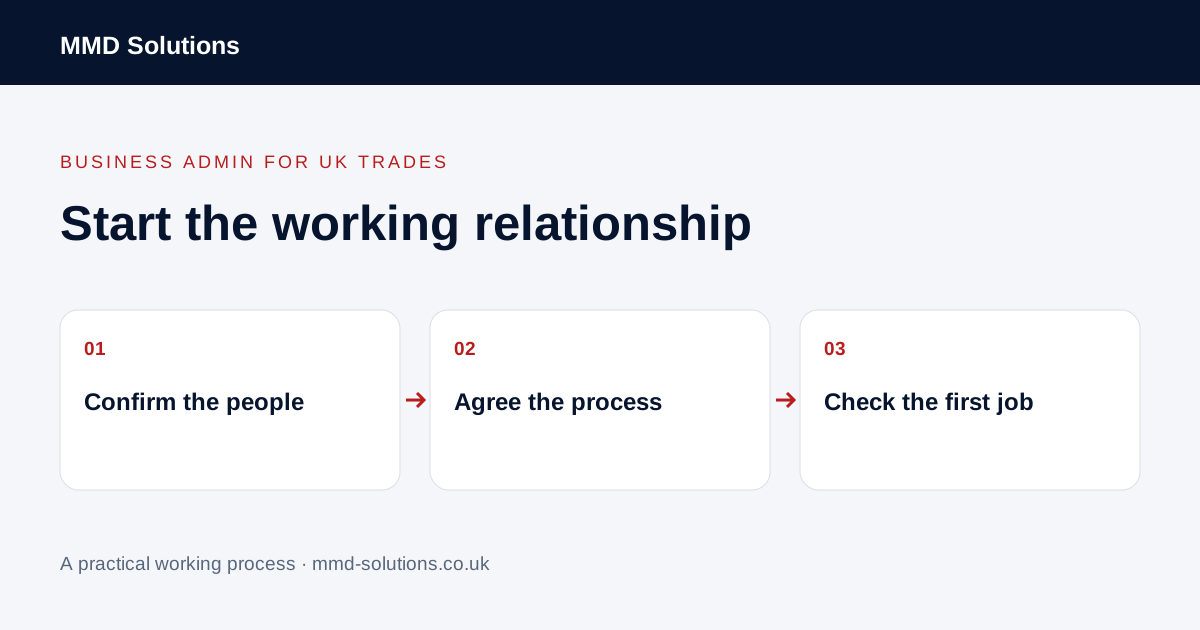
Identify the point at which setup starts
Record the decision or instruction that starts the work and the job or proposal it relates to. Keep the source and document version findable. A request for availability, an enquiry and permission to proceed are different positions; do not let a new customer record blur those distinctions.
For a returning customer, check the existing record instead of creating another contact. Their current site, ordering contact or billing arrangement may have changed even if the name is familiar.
Separate customer, site and contact roles
Record who orders the work, who can arrange access, who receives updates and who handles billing. One person may cover several roles, but that should be explicit. A property manager handling access is not automatically the person authorised to agree extra work.
Keep the organisation, each site and the individual job connected. Collect information needed for the actual process rather than building a speculative customer profile. Check any uncertain contact details against the customer’s instructions before sending information.
Agree the practical communication routine
- Where do new requests and changes go?
- Who is the normal business contact?
- Which updates have actually been agreed?
- Who confirms dates and access arrangements?
- What information does the office need for invoice preparation?
- Who handles exceptions when the usual person is unavailable?
Keep the customer’s agreed route distinct from internal staff notes. Do not promise continuous monitoring or response times the business cannot provide. Leave uncertain points open with a named person to confirm them.
Check one first-job example
Ask the person handling that first job to explain the next step using only the record. If they need to search the owner’s personal messages, a setup detail may still be missing.
Use existing records and review the first handover
HubSpot documents record properties and associations, illustrating that customer details can be held in linked records. Your existing CRM or job system may already support the setup. Check it before introducing a separate onboarding app or duplicating the same fields in a form and spreadsheet.
After the first job, review unclear contacts, missing references and repeated questions. Update the process where needed. Onboarding is complete when the relevant people can follow the agreed workflow, not simply when every box on a generic template is filled.
Download the working checklist
Download the blank worksheet (CSV). Use fictional details for a trial, then adapt the fields in the system you already maintain. Do not keep a separate spreadsheet just to duplicate a working process. Protect real customer details and share only what the person handling the task needs.
Sources and review
Reviewed 26 October 2026. HubSpot: record properties and associations.
Source material supports the specific examples referenced. The checklists, worksheets and illustrative scenarios are MMD's suggested business-admin processes, not customer results. Product workflows can change; check current documentation for the software you use.