
Business admin for UK trades
Several Visits, One Job: Keep the Office Record Connected
A job that needs several visits can disappear into separate calendar entries. Keep the visits linked to the same job, while recording what each appointment is for and what remains afterwards. The office can then answer “what happens next?” without assuming the last completed diary entry means the whole job is finished.
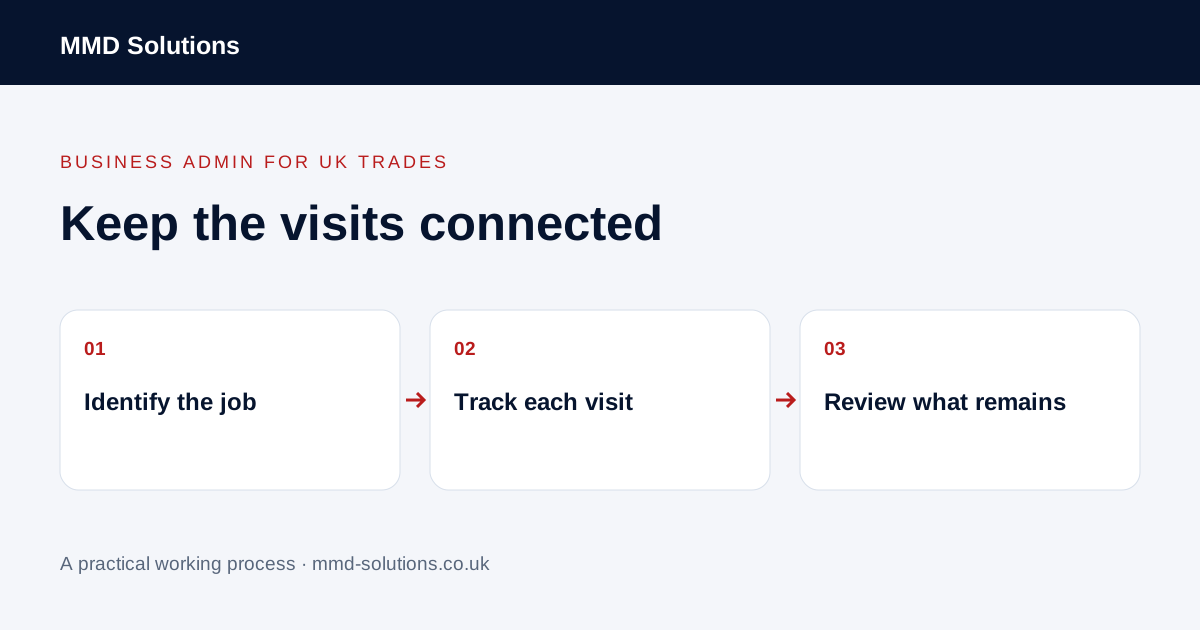
Give the job and each visit separate identities
Use the job reference for the overall agreed work and a visit reference for each attendance. Keep customer and site information linked to the job rather than creating a new customer every time someone returns. Make the distinction visible in the diary and the office record.
A return visit may continue existing work or relate to a new request. Refer that distinction to the responsible person before attaching it to a job. This guide does not decide technical scope, warranty treatment or whether extra work should be charged.
Record the position of each visit
- The administrative purpose of the visit.
- Whether a date is proposed, confirmed or not yet arranged.
- The agreed contact and access route.
- Any dependency that must be checked before booking.
- The visit outcome reported by the team.
- The next office action and its owner.
Keep a placeholder distinguishable from a customer commitment. “Return visit needed” is useful information even if no date is agreed. Do not choose an arbitrary date merely to make an unscheduled queue look tidy.
Review dependencies without inventing a programme
If a later appointment depends on an earlier update, a supplier confirmation or a customer decision, record that connection. The administrator can obtain information and flag a conflict; the authorised person decides whether the work is ready and which dates can be committed.
When one visit changes, check which later arrangements are affected. Some can stay as agreed, while others need review. Avoid automatically shifting every appointment by the same number of days without checking the actual dependencies and people involved.
Use an overall job summary alongside visit detail
The summary makes the remaining action clear without changing the recorded outcome of V01. If another person takes over the office, they can find both the history and the next step instead of interpreting a series of unexplained appointments.
Check how your current system treats visits
Jobber distinguishes the overall job from individual visits and documents scheduled, anytime and unscheduled visits. Its visit guidance also distinguishes changes to one visit from updates applied to future visits. Check the actual option and effect in your software before saving a series-wide change.
Try a fictional two-visit job and verify the team view, office view and any customer messages. At completion, check whether further work remains and whether records have returned. A multi-visit worksheet is useful for diagnosing a gap; if your job system already holds these relationships reliably, keep the working record there.
Download the working checklist
Download the blank worksheet (CSV). Use fictional details for a trial, then adapt the fields in the system you already maintain. Do not keep a separate spreadsheet just to duplicate a working process. Protect real customer details and share only what the person handling the task needs.
Sources and review
Reviewed 29 October 2026. Jobber: jobs, visits and visit-level updates.
Source material supports the specific examples referenced. The checklists, worksheets and illustrative scenarios are MMD's suggested business-admin processes, not customer results. Product workflows can change; check current documentation for the software you use.