
Business admin for UK trades
Holiday Admin Cover: A Checklist for a Small Trade Business
An out-of-office message tells people you are away. It does not decide who handles a booking change or a job waiting for approval. Prepare cover around the work that will actually fall due, with clear limits for the person helping. A sole trader can use the same exercise to decide which administration pauses during a planned break.
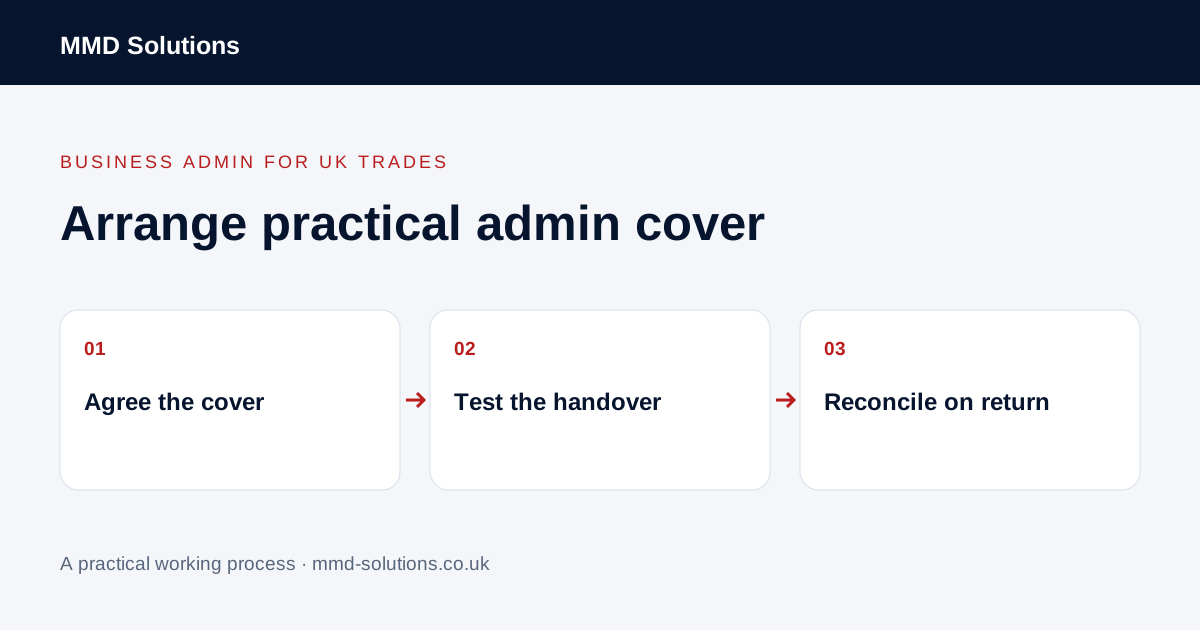
Define what continues during the absence
Record the cover dates and which channels will be checked. Separate tasks that continue, tasks that wait and commitments that need a decision before departure. Avoid implying the business offers continuous monitoring if the cover person checks messages only at agreed times.
For a sole trader without cover, set a truthful availability message and review time-sensitive commitments in advance. Do not direct customers to someone who has not agreed to help. This is an administration plan, not a promise that every service can continue while the owner is away.
Hand over the few queues that matter
- Enquiries needing a response during the cover period.
- Visits awaiting confirmed access or a customer update.
- Quotes or changes awaiting an authorised decision.
- Finished jobs awaiting office information.
- Supplier updates affecting booked work.
- Existing complaints or sensitive conversations requiring continuity.
Link each item to the current record and name the next action. Do not copy an entire customer database into a holiday spreadsheet. Mark the handover current as of a particular point so later changes can be reconciled.
Test one realistic cover scenario
Ask the cover person to find the source record and explain what they would do. Resolve missing information before departure rather than relying on the owner remembering to answer messages during their break.
Check messages and reconcile on return
Microsoft documents scheduled automatic replies for supported Outlook accounts; setup differs by account and version. Check the actual service you use and test the message. Avoid exposing unnecessary details about your location or forwarding customer correspondence to an unapproved personal account.
On return, review what changed, outstanding decisions and any temporary tasks. Confirm ownership has returned, turn off temporary notices where required and reconcile the live job records. Keep the useful history rather than replacing it with a second account of what happened.
Download the working checklist
Download the blank worksheet (CSV). Use fictional details for a trial, then adapt the fields in the system you already maintain. Do not keep a separate spreadsheet just to duplicate a working process. Protect real customer details and share only what the person handling the task needs.
Sources and review
Reviewed 27 October 2026. Microsoft: account-dependent Outlook automatic replies.
Source material supports the specific examples referenced. The checklists, worksheets and illustrative scenarios are MMD's suggested business-admin processes, not customer results. Product workflows can change; check current documentation for the software you use.