
Business admin for UK trades
Customer Phone Call Notes: Record the Next Action Clearly
After a live customer call, “spoke to customer” tells the office very little. A short note should help the next person understand the relevant facts and the next action without reconstructing the conversation from memory. Keep it connected to the job or enquiry rather than in a second unsearchable notebook.
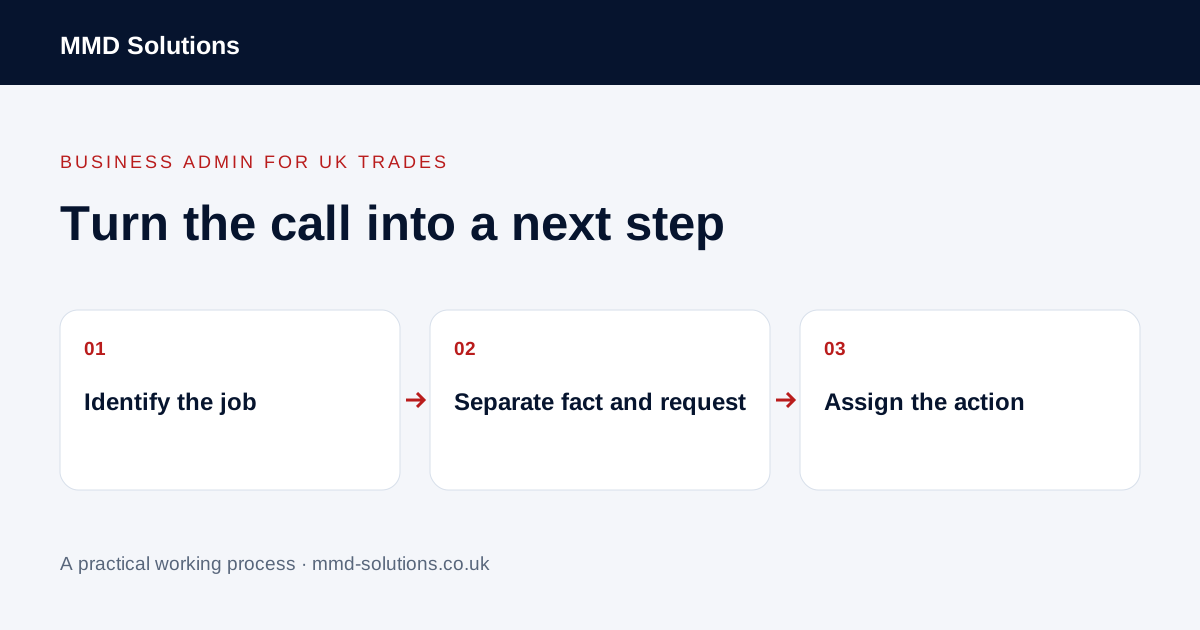
Identify the conversation and the work
Record when the call happened, who participated in their business role and the relevant job, enquiry or document reference. Distinguish an organisation's contact from the occupant of a particular property. Check that the note is attached to the intended record before saving it.
The useful question is what someone handling the next step needs to know. Do not write an unnecessary account of the customer's personal circumstances or fill the note with assumptions about their motives.
Separate statements, requests and decisions
Summarise relevant information the customer supplied. Label a request as a request and uncertainty as uncertainty. If the caller proposed a different visit date, that does not mean the office has confirmed it. If they asked about extra work, the price and scope may still need review.
Keep the distinction between a customer instruction and the business's response. Where the implications require an owner decision, record that referral instead of making the note sound as though an administrator approved a new commitment.
Finish with an action and an owner
A compact note can answer five questions:
- Which job or enquiry was discussed?
- What new fact or request matters?
- What was actually agreed about the next step?
- Who is responsible for that action?
- What remains open, and when should it be reviewed?
The example is not a script for accepting a variation or determining contractual rights.
Clarify ambiguity through the right route
If a detail is unclear, ask for clarification rather than turning an uncertain recollection into a definite instruction. Where appropriate, prepare a concise factual summary for review or for the existing customer conversation. Do not imply that silence after a message confirms agreement.
This routine does not require recording or transcribing calls. If the business uses those tools, their outputs still need an appropriate checking process; they should not automatically approve work, set a price or decide what a customer intended.
Use existing record activities
HubSpot documents manually logging calls, notes and other activities on records. Your current CRM or job software may already provide a suitable place for this note and its action. Check whether a note and a task are separate items: saving the conversation may not create a reminder for the person who needs to act.
Try the format on a safe example and ask a colleague to explain the next step using only the record. If they cannot tell who owns the action, improve that part rather than making every note longer. Check duplicates when both a call integration and a person create an activity for the same conversation.
Keep customer-facing summaries separate from internal deliberation where the system supports appropriate permissions. The aim is usable context and a reliable next step, not a count of notes written or a claim that every conversation can be automated.
Download the working checklist
Download the blank worksheet (CSV). Use fictional details for a trial, then adapt the fields in the system you already maintain. Do not keep a separate spreadsheet just to duplicate a working process. Protect real customer details and share only what the person handling the task needs.
Sources and review
Reviewed 2 November 2026. HubSpot: record activities.
Source material supports the specific examples referenced. The checklists, worksheets and illustrative scenarios are MMD's suggested business-admin processes, not customer results. Product workflows can change; check current documentation for the software you use.