
Business admin for UK trades
Customer Email Bounced? An Office Checklist Before You Try Again
A quote, appointment update or invoice email can appear in Sent while the recipient has not received it. Treat a delivery report as an office task linked to the original message. The useful result is a verified next action, rather than repeated sends to an address that may be wrong.
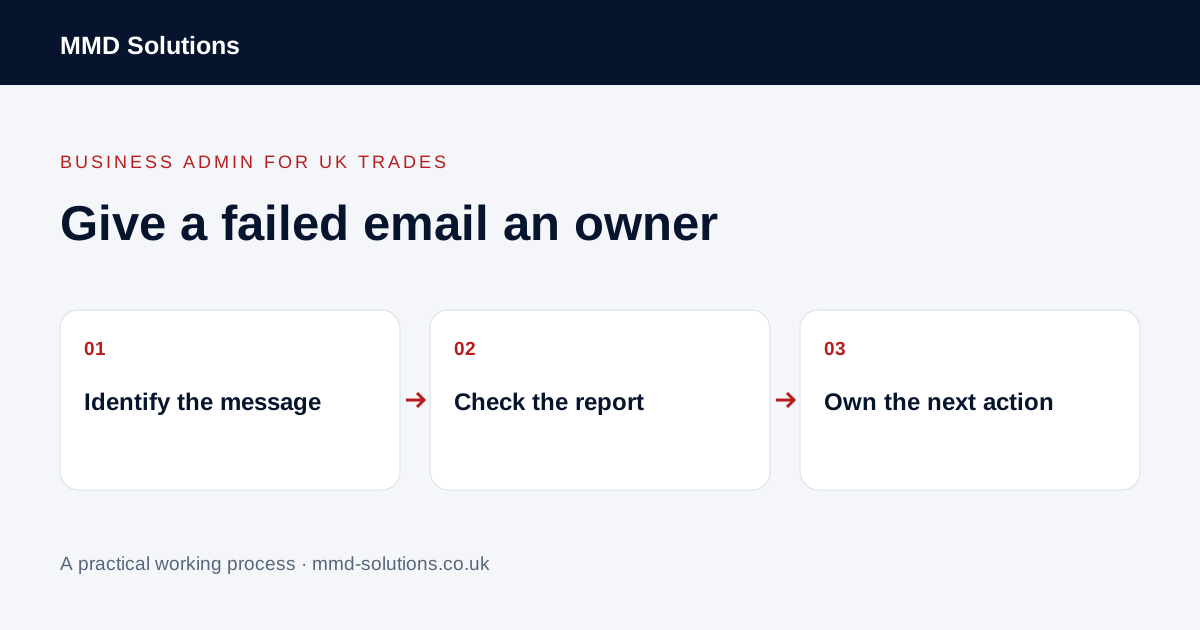
Find the message that failed
Record which customer communication the report concerns, its date, intended recipient and job or document reference. Keep the original message and the relevant delivery report findable through the approved business system. A generic note saying “email issue” does not help the person responsible decide what needs attention.
Distinguish an explicit failed-delivery report from an out-of-office acknowledgement, an unanswered message or someone saying they cannot find an email. Each is a different position. Absence of a bounce is not proof that the message was read, and an automatic response is not approval of the document sent.
Read the reported reason
Google's Gmail help explains that a bounceback contains an error message and lists several different causes, including an invalid address, temporary rejection and storage problems. Use the actual report rather than assuming every failure is a spelling mistake.
Capture the short diagnostic needed by the person handling the query. If the report says the sending service is still attempting delivery, check that before starting another send. Authentication or wider delivery problems belong with the authorised email administrator; an office checklist should not suggest weakening protections to get a message through.
Check the intended destination
Compare the address with the customer's current confirmed contact details. An old autocomplete entry can differ from the job record. If an address needs clarification, use an appropriate existing contact route rather than guessing alternative addresses or sending the same customer information to several possible recipients.
Separate contact corrections from unexpected instructions to change payment details or account access. Refer those requests through the business's normal verification process. Do not forward a complete delivery report containing private correspondence to an unrelated person just to ask for help.
Give the query a clear owner
Use a small action record:
- Original message and job reference.
- Intended recipient and reported failure.
- Contact detail that needs checking.
- Person responsible for the next action.
- Whether a retry is authorised or the address must remain stopped.
- Outcome and evidence checked afterwards.
Check the outcome and the wider queue
If an authorised correction or retry is made, record it against the original query and review the resulting status. Do not label it delivered solely because the second message appears in Sent. Check whether an automated reminder still contains the old address before allowing that workflow to continue.
Use existing email delivery reports, CRM notes and task ownership first. A bounce handler can flag a failed message, but it cannot infer the right recipient or override an opt-out. Repeated failures across unrelated customers may need a service-level investigation rather than more manual contact edits.
Download the working checklist
Download the blank worksheet (CSV). Use fictional details for a trial, then adapt the fields in the system you already maintain. Do not keep a separate spreadsheet just to duplicate a working process. Protect real customer details and share only what the person handling the task needs.
Sources and review
Reviewed 2 November 2026. Google Gmail: bounced or rejected email · Microsoft: failed-delivery reports.
Source material supports the specific examples referenced. The checklists, worksheets and illustrative scenarios are MMD's suggested business-admin processes, not customer results. Product workflows can change; check current documentation for the software you use.