
Business admin for UK trades
Customer Contact Details Changed? Check Every Working Copy
When a customer changes an email address, updating one screen may leave a quote draft, booking reminder or accounting contact using the old detail. Treat the change as a small controlled handover. Identify which person and field changed, where the current value belongs and which working copies need review.
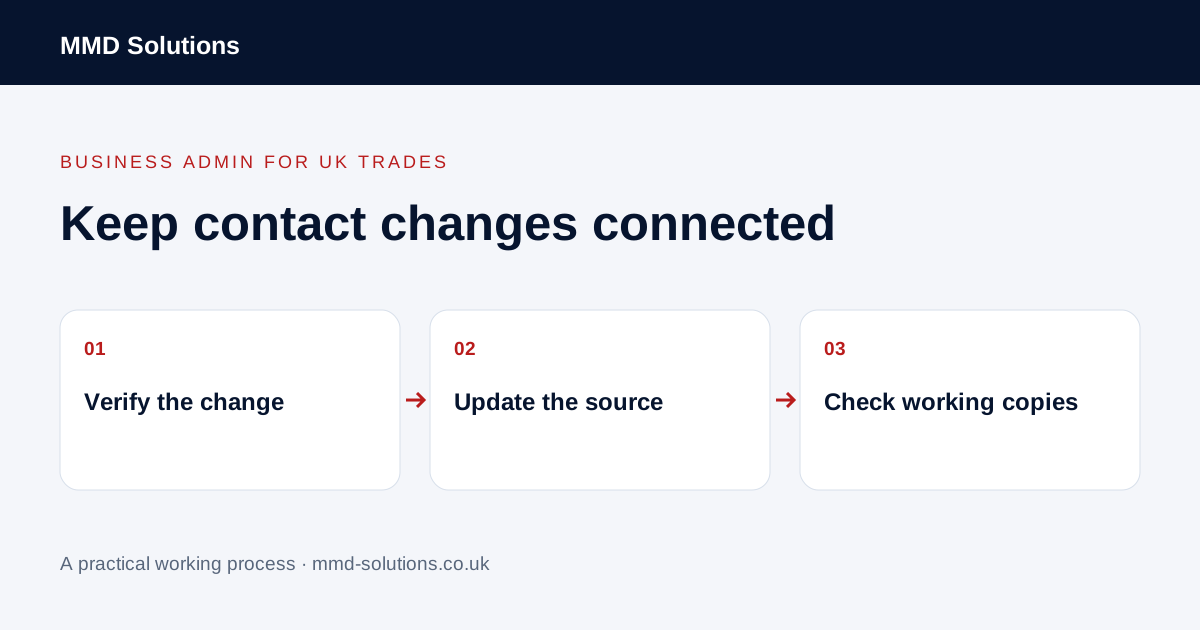
Identify the exact record and field
Start with the customer or organisation reference. Separate a person's email or phone number from a job's site address and the organisation's billing address. “Address changed” is not precise enough when a property manager works with several sites.
Record the source and date of the instruction. Confirm uncertainty through the appropriate business process before updating another person's record. A request received on a shared email thread may concern one contact rather than every customer associated with that organisation.
Choose the authoritative record
Identify the maintained customer record and the person responsible for it. List the systems that legitimately use the detail: job management, accounting, a current quote or an approved communication workflow. Do not create a second customer simply to hold a new email address unless the supported process requires a separate person record.
Existing CRM and accounting tools usually provide contact editing. Xero's official contact-editing guidance is one example; it is not evidence that changing a value in one app automatically updates every other tool. Check the current documentation and the specific connection used by the business.
Check current work separately from history
Review active jobs, draft documents and queued messages that may still use a copied value. Keep the customer's actual historical correspondence intact. A new contact detail does not mean an older issued document should silently appear to have been sent somewhere else.
Decide which open items need a refreshed value or a reviewer decision. The responsible person should handle any implications for an already issued invoice or agreement. This checklist concerns record coordination; it does not authorise altering accounting documents or contractual history.
Test the direction of a connection
For connected systems, ask which app sends the field and which receives it. Is the connection one-way, two-way or limited to new records? Does a later import replace existing values? Test with fictional details before relying on a workflow that might overwrite the correction.
The example is a process suggestion, not a claim about an integration MMD supplies.
Close the change with evidence
Use a short register containing the record reference, changed field, instruction source, maintained location, affected copies, checker and unresolved issue. Record completion only when the relevant active outputs have been checked, not when the first screen has been saved.
Keep a contact update separate from a change to someone's communication preferences. A corrected address does not automatically authorise a new marketing channel or wider use of their information. Collect and share only what the task requires through approved business tools.
If repeated contact corrections cause trouble, investigate the source of stale values before building another synchronisation. Existing field mappings, supported update actions or a clearer record owner may solve the problem.
Download the working checklist
Download the blank worksheet (CSV). Use fictional details for a trial, then adapt the fields in the system you already maintain. Do not keep a separate spreadsheet just to duplicate a working process. Protect real customer details and share only what the person handling the task needs.
Sources and review
Reviewed 2 November 2026. Xero: edit a contact.
Source material supports the specific examples referenced. The checklists, worksheets and illustrative scenarios are MMD's suggested business-admin processes, not customer results. Product workflows can change; check current documentation for the software you use.