
Business admin for UK trades
Customer Complaint Log for a Small Trade Business
When a customer raises a concern, a message buried in an inbox is a poor place to track who is reviewing it. Keep a simple case record linked to the job and an explicit next update. This is an administration checklist, not a decision about fault, legal rights or the technical work.
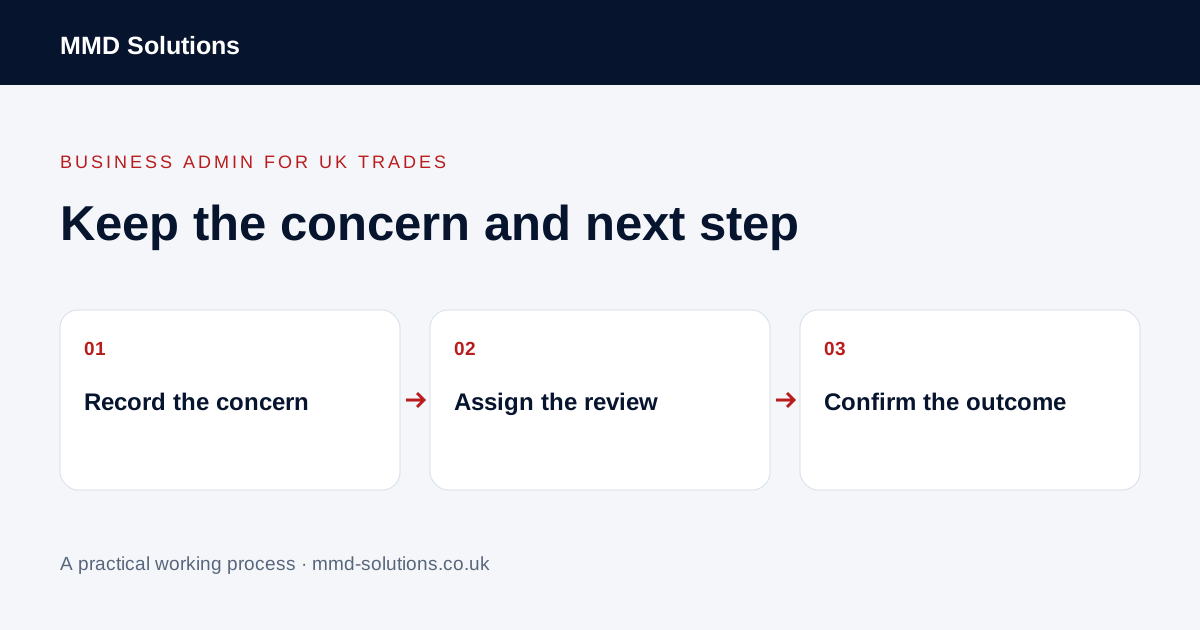
Record the concern neutrally
Capture when it arrived, which job it concerns, what the customer says and what they are asking to happen. Link the original correspondence where appropriate. Keep the customer’s account separate from verified facts and the business’s response.
Use a case reference so later messages can be found without treating every message as a new complaint. A concern may relate to a particular visit or document version. Check that link before asking somebody to investigate the wrong job.
Assign review and decision authority
Give the case one review owner. The administrator may acknowledge receipt, gather information and organise an update, but should not make an unsupported technical judgement, promise a refund or agree additional work beyond their authority.
Use the business’s appropriate escalation route for urgent safety concerns, disputes or matters requiring professional advice. Do not leave them in an ordinary weekly queue. An automated acknowledgement can confirm that a message arrived; it cannot determine whether the concern has been resolved.
Acknowledge only what you know
Use a realistic update point the responsible person has accepted. Do not insert a deadline simply because it appears in a template. This wording is not a substitute for any response process or requirements that apply to the business.
Keep the evidence and actions connected
- Original concern and relevant job record.
- Information requested, from whom and when.
- Owner review and any decision still needed.
- Customer updates actually sent.
- Agreed next action and review point.
- Outcome and the customer’s response, where known.
Restrict sensitive information to people handling the case. If new work is requested, keep the request and approval linked through the normal change process. A complaint note should not silently overwrite the agreed job scope.
Close on an outcome, not on silence
Record what was done and communicated, and whether anything remains open. “We sent a reply” and “customer confirmed the outcome” are different facts. If the case is closed under the business’s process without a customer response, say that accurately rather than inventing acceptance.
Existing CRM fields and linked records may be sufficient for a small volume of cases. HubSpot’s record-creation documentation describes properties and associations; check your own tool before buying a dedicated tracker. Review recurring administrative causes such as missed updates or the wrong document being sent. A tidy log can improve follow-through, but does not itself resolve a technical or legal dispute.
Download the working checklist
Download the blank worksheet (CSV). Use fictional details for a trial, then adapt the fields in the system you already maintain. Do not keep a separate spreadsheet just to duplicate a working process. Protect real customer details and share only what the person handling the task needs.
Sources and review
Reviewed 25 October 2026. HubSpot: record properties and associations.
Source material supports the specific examples referenced. The checklists, worksheets and illustrative scenarios are MMD's suggested business-admin processes, not customer results. Product workflows can change; check current documentation for the software you use.