
Business admin for UK trades
CRM Export or Usable Backup? Check What You Can Recover
Downloading a customer CSV does not demonstrate that you could recover the business's working records. Find out what the export contains, what it leaves out and how the relevant information could be used again. This guide helps an owner ask practical recovery questions; it is not a product-specific restore procedure.
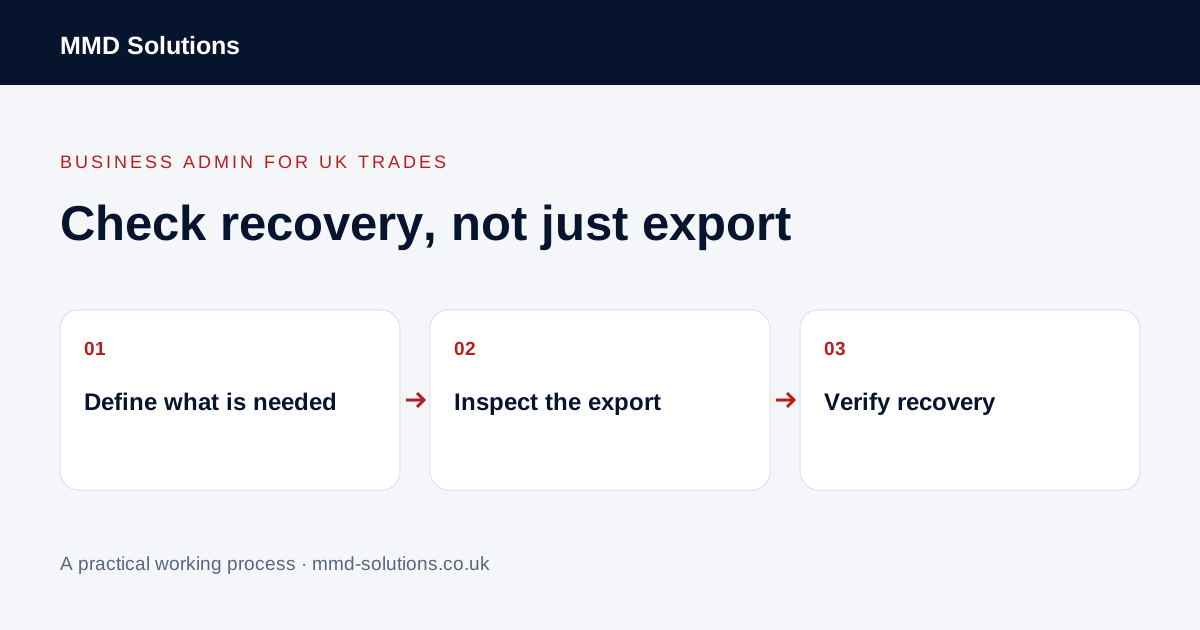
Define the information the business needs
List the records required for a working day: customers, organisations, job references, open actions and the documents or history the team relies on. Separate them by type rather than assuming a customer row includes everything connected to that customer.
The NCSC advises small organisations to make a backup copy of the data needed to operate. Apply that to the process you actually run. A list of names may be useful but may not restore an open job, its next action or the document that explains an outstanding decision.
Check the documented export scope
Use the vendor's current guidance for the record type, permissions and export options involved. HubSpot provides record export guidance; check its supported content rather than inferring that every attached file or activity will be included in one download.
Record the date, selected view or filters, record types and format. Distinguish a full required-data export from a filtered list of current customers. If the file contains links to documents, find out whether those links still depend on access to the original account.
Inspect a representative sample
Choose a small set covering a simple customer, an organisation with several contacts, a multi-visit job and an open action. Check identifiers, dates, statuses and relationships. Use authorised access and protect real records; an unredacted export should not be sent to a general project inbox for help.
An export that opens successfully is one check. It does not establish that omitted information can be reconstructed later.
Agree a safe recovery check
Ask the product provider or responsible administrator what supported test environment or recovery route is available. Do not import a test file into live records merely to see what happens. An import may create duplicates, overwrite values or start connected workflows.
Agree what success looks like: the reviewer can find the intended customer, related work, required document and current next action. Record what could and could not be recovered. A provider's storage backup and a customer-accessible record export may serve different purposes; ask about the specific recovery available to your account.
Keep the process owned and current
Name who maintains the recovery plan, where the appropriate protected copies are kept and when the next verification is needed. Follow the business's retention and access arrangements rather than keeping unrestricted exports indefinitely. This guide does not prescribe a universal schedule or change account permissions.
After a software or workflow change, revisit the scope. New custom fields or attachments may change what the business needs to recover. If an existing supported backup process already covers the requirement and has been tested appropriately, avoid duplicating it with an unmanaged spreadsheet routine.
Download the working checklist
Download the blank worksheet (CSV). Use fictional details for a trial, then adapt the fields in the system you already maintain. Do not keep a separate spreadsheet just to duplicate a working process. Protect real customer details and share only what the person handling the task needs.
Sources and review
Reviewed 2 November 2026. HubSpot: record export scope · NCSC: backing up business data.
Source material supports the specific examples referenced. The checklists, worksheets and illustrative scenarios are MMD's suggested business-admin processes, not customer results. Product workflows can change; check current documentation for the software you use.