
Business admin for UK trades
Compare Business Automation Proposals Before Choosing a Supplier
Two providers can quote for “automating enquiries” while proposing very different work. Compare them against the same task and examples before choosing. The aim is a clear buying decision, not a universal supplier score or an assumption that custom development is always better than configuring software you already have.
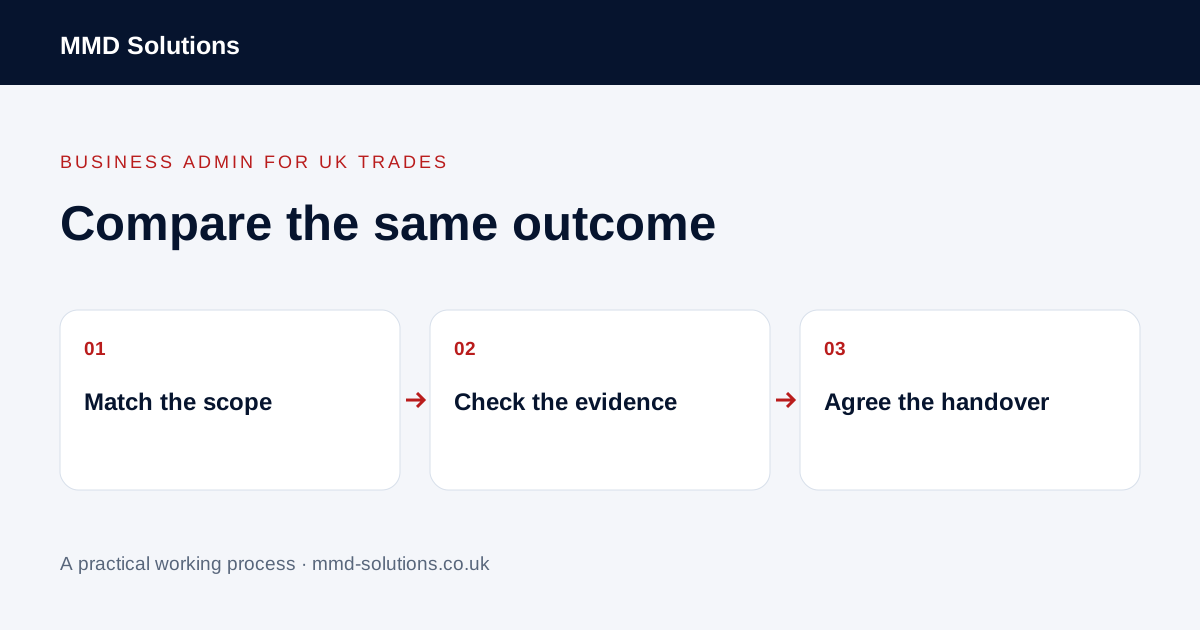
Give each provider the same bounded outcome
Start with a short brief describing the task, current tools, intended result and human approvals. Identify what is included and excluded: setup, data preparation, testing, training, documentation and later changes may be separate pieces of work.
Use the same fictional input and expected result with each proposal. Ask whether the provider would use a native feature, a supported connection or custom code, and why. An answer that the existing system is sufficient can be useful rather than a reason to expand the project.
Check the specific connection rather than the logo
Ask which event starts the process, which fields are available and which action the receiving tool supports. Zapier describes workflows in terms of triggers and actions. A system appearing in a connector directory does not establish that the particular event, field or update you require is available.
- Which product accounts and plan features are required?
- How are existing customers and jobs matched?
- What happens to duplicate or repeated input?
- Where does missing information go?
- What stops a cancelled job producing a customer message?
- Which actions require a person’s approval?
Compare ongoing commitments and ownership
Ask for setup, subscriptions, usage-dependent charges, support and change work to be identified separately. Request the assumptions behind an estimate, including volume limits. Do not compare a one-off demonstration price with an offer that includes monitoring and a full handover.
Clarify which business owns the working accounts, configuration, documentation and any custom deliverables under the proposed agreement. Ask what can be exported or transferred if the relationship ends. Get uncertain terms clarified through the appropriate review; a comparison worksheet does not decide contractual rights.
Ask for acceptance examples, not only a demo
Agree what evidence demonstrates completion and who checks it. A polished screen showing one successful example is not proof of recovery from failure, correct handling of exceptions or suitability for your current accounts.
Make the operating arrangement explicit
Ask who receives an error, who can pause the workflow, how work continues manually and what happens when an app changes. Confirm the handover includes usable instructions and a route for support. Keep access setup through supported, appropriately authorised accounts; do not send passwords in a general proposal document.
Mark open questions as unknown rather than assigning an invented score. Compare the scope you can actually verify and consider a bounded trial before a wider commitment. This guide does not recommend a named supplier or promise savings; it helps an owner judge whether the offer solves the stated task on understandable terms.
Download the working checklist
Download the blank worksheet (CSV). Use fictional details for a trial, then adapt the fields in the system you already maintain. Do not keep a separate spreadsheet just to duplicate a working process. Protect real customer details and share only what the person handling the task needs.
Sources and review
Reviewed 29 October 2026. Zapier: workflow triggers and actions.
Source material supports the specific examples referenced. The checklists, worksheets and illustrative scenarios are MMD's suggested business-admin processes, not customer results. Product workflows can change; check current documentation for the software you use.