
Business admin for UK trades
A Business Subscription Renewal Diary: Review Before the Deadline
A renewal reminder is useful only if it arrives early enough for someone to make a decision. Keep software and business-service agreements in a short review diary, with dates verified from the actual account or agreement. This is an internal administration method, not advice about cancellation rights or a universal notice period.
List the services that need a decision
Start with software, hosting, phone services and other business subscriptions the owner wants reviewed. Record the supplier, account reference, decision owner and where the current agreement or account information can be found. Avoid putting passwords or payment-card details into the diary.
Separate monthly billing from an annual commitment where applicable. A payment leaving the account does not by itself explain the renewal conditions. If a service is managed by an accountant, agency or another supplier, confirm who can obtain the information and make changes.
Verify three different dates
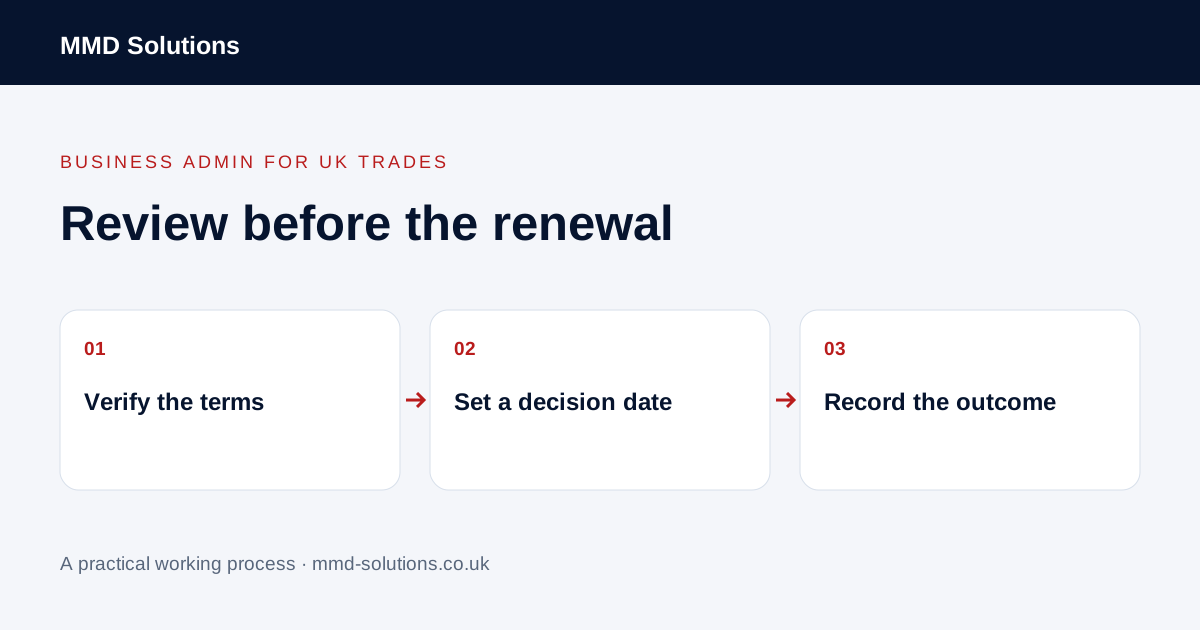
- The renewal or current term-end date stated for the account.
- Any notice requirement that needs checking in the applicable agreement.
- An internal review date that leaves time for a decision and any authorised action.
Link to the source and record when it was checked. Leave uncertain terms as a named verification task. Do not copy a standard “30 days” rule into every row or assume a consumer cancellation rule applies to a business agreement.
Review usefulness and dependencies before changing anything
Ask who uses the service, which current process depends on it and what records must remain accessible. Check the actual cost through the business’s normal records rather than relying on a remembered headline price. Confirm whether another current tool already covers the required work.
A rarely opened account may still run an important connection or store needed documents. Refer contractual uncertainty to the supplier or an appropriate adviser. The administrator can prepare the facts; the authorised owner decides whether to continue, change or investigate further.
Give the reminder a clear next action
Google documents dated tasks appearing in Calendar. An existing task or calendar may be sufficient, but test who actually sees it. A reminder cannot check the agreement, make the decision or prove that a supplier received a cancellation.
Record the action and verify the result
After an authorised decision, record what was done, by whom, through which supported route and the confirmation reference. If a cancellation or change is requested, keep it pending until the relevant response or account position has been checked. Do not mark an account closed merely because an internal task is ticked.
For a continued subscription, update the next verified review point. For a changeover, use a migration plan so records and workflows remain usable. Keep a backup reviewer for important dates and include unresolved items in the weekly admin review. The goal is a deliberate decision with evidence, not automatically cancelling every recurring cost.
Download the working checklist
Download the blank worksheet (CSV). Use fictional details for a trial, then adapt the fields in the system you already maintain. Do not keep a separate spreadsheet just to duplicate a working process. Protect real customer details and share only what the person handling the task needs.
Sources and review
Reviewed 27 October 2026. Google: dated tasks in Calendar.
Source material supports the specific examples referenced. The checklists, worksheets and illustrative scenarios are MMD's suggested business-admin processes, not customer results. Product workflows can change; check current documentation for the software you use.