
Business admin for UK trades
Write a Business Admin SOP That Someone Else Can Follow
A standard operating procedure, or SOP, explains how a repeated task is done. For a small trade business, one useful page can be enough: where to start, which records to use, what to check and when to ask for a decision. Write it for the person doing the work rather than as a description of how organised the business hopes to be.
Choose one task with a clear boundary
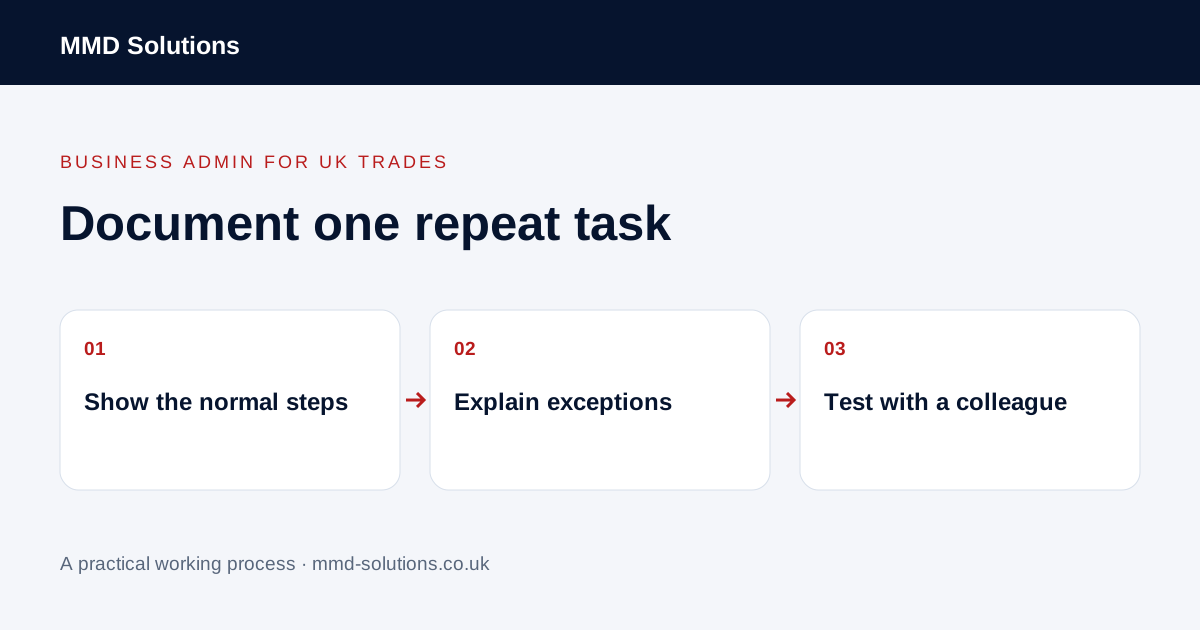
Start with a routine such as recording a new enquiry or preparing a completed-job information pack. Say what triggers the task and what a finished handover looks like. Keep the instructions separate from the individual customer or job record.
Watch or work through a real example with appropriate consent, then describe the actual steps. If the process changes each time because a key decision is unclear, resolve that decision before turning the confusion into a permanent checklist.
List what the person needs before starting
- The correct system or approved working location.
- The record type and minimum reference needed.
- The source information and how to find it.
- The role responsible for completing the task.
- Any review or approval needed before an external action.
- The expected result and where it is recorded.
Refer to approved access arrangements rather than including passwords. Use fictional or properly redacted examples. A general training document should not become an uncontrolled copy of live customer information.
Write actions and checks together
Use short steps with a visible result: “Find the existing customer using the agreed identifiers; check the site before adding the enquiry.” A button name alone does not explain what the user must confirm. Include a small screenshot only where it resolves a genuine ambiguity, and give it a review owner.
Explain the boundaries of the role. Preparing a draft response, issuing it and approving a changed price are different actions. Show where the person must stop rather than assuming software access gives them authority to make every decision.
Include a normal example and an exception
A colleague should be able to follow both routes. Include what to do when a tool is unavailable, information conflicts or the action was already completed. Do not write “contact the owner” without naming the working escalation route and what information to provide.
Test it and maintain one current copy
Ask another authorised person to try the instructions using a safe example. Note where they hesitate and whether they can verify the outcome. Improve the instructions at those points rather than adding every possible detail to the opening paragraph.
Give the document an owner and version, link to the current copy and review it when software or the process changes. Microsoft documents SharePoint version history and restoring earlier versions where available; your existing document tool may already help. Version history supports maintenance but does not prove the instructions are correct or that someone has been trained. Keep task evidence in the actual job system.
Download the working checklist
Download the blank worksheet (CSV). Use fictional details for a trial, then adapt the fields in the system you already maintain. Do not keep a separate spreadsheet just to duplicate a working process. Protect real customer details and share only what the person handling the task needs.
Sources and review
Reviewed 29 October 2026. Microsoft: supported document version history and restoration.
Source material supports the specific examples referenced. The checklists, worksheets and illustrative scenarios are MMD's suggested business-admin processes, not customer results. Product workflows can change; check current documentation for the software you use.