
Business admin for UK trades
How to Ask for Google Reviews After a Trade Job
A short, honest invitation is more useful than asking a customer to write a five-star review. Keep the review link correct, avoid repeat requests from different people and leave the customer free to describe their actual experience. Reviews are optional feedback, not something the office should manufacture to meet a target.
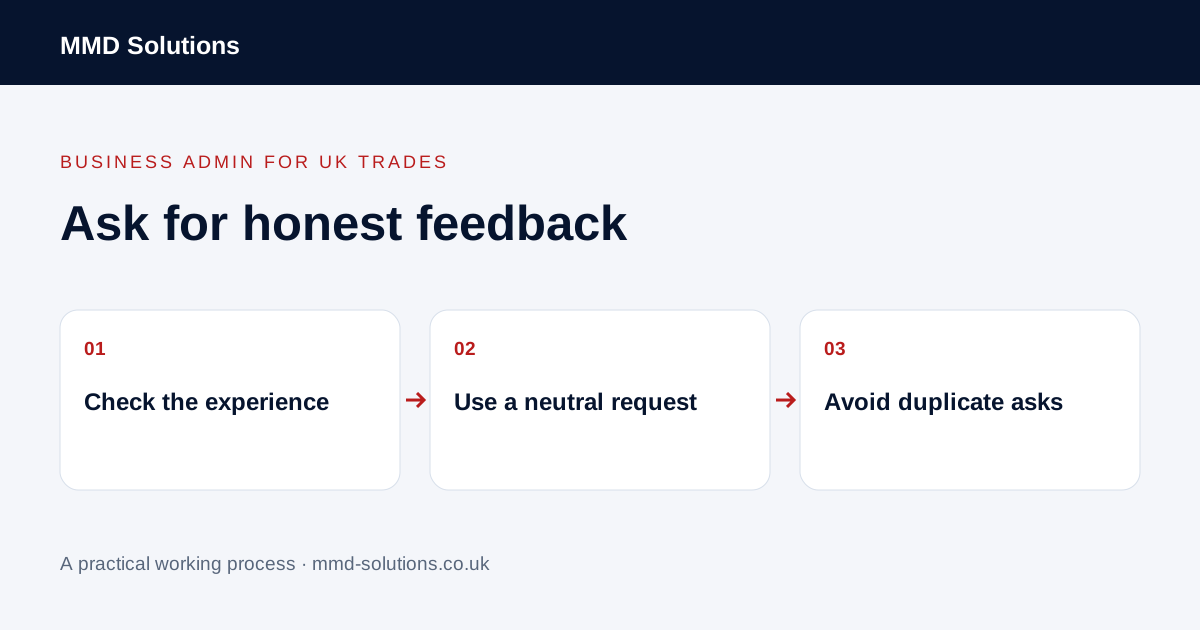
Start with genuine experience and neutral selection
Google says reviews must reflect a genuine experience. Its policies prohibit incentives for reviews and selectively soliciting positive reviews. Do not offer a discount, ask friends to pose as customers or use a preliminary satisfaction score to show the public review link only to happy respondents.
Choose a consistent process based on a genuine customer experience, rather than an expected rating. Do not suppress a person’s opportunity to review because they raised a concern. Deal with their concern through the appropriate service process without bargaining over a public rating.
Check the correct profile and request route
Google’s help explains that a business can share a review link or QR code. Obtain the link through the relevant Business Profile process and test that it opens the intended business. A general website link or a map search for a similar name is not the same as a checked review route.
Use the customer contact route your business is entitled to use and respect their communication preferences and applicable requirements. This guide does not determine permission to send a particular email or text campaign. A review tool’s send button does not make that decision for you.
Keep the request short and optional
Leave the wording and rating to the customer. Google also prohibits pressuring people to leave a rating on the premises or requesting specific review content. Avoid providing a ready-made testimonial for them to paste or asking them to mention a particular employee.
Give the request one owner
- Confirm which job or genuine experience the request relates to.
- Check the business profile link.
- Check the appropriate contact route.
- Record whether a request has already been made.
- Respect a request not to be contacted again.
- Keep a customer concern with the person handling it.
Separate review invitations from invoice reminders and general marketing. Closing an office task does not prove an invitation was delivered, read or acted on. A customer does not owe the business a review.
Check existing tools before adding review software
Look for supported review links, communication history and controls in the job or customer system you already use. If automating any part, test cancellation, duplicate jobs and communication preferences with fictional examples. Do not trigger a review request simply because a record changed status without checking what that status means.
Handle public replies thoughtfully and avoid exposing customer or job details. This process can make requests consistent; it cannot guarantee reviews, ratings, traffic or rankings. Track whether the office followed the agreed routine rather than setting a quota for staff to obtain positive reviews.
Download the working checklist
Download the blank worksheet (CSV). Use fictional details for a trial, then adapt the fields in the system you already maintain. Do not keep a separate spreadsheet just to duplicate a working process. Protect real customer details and share only what the person handling the task needs.
Sources and review
Reviewed 29 October 2026. Google: review requests and Business Profile review links · Google Maps: genuine reviews and rating manipulation policy.
Source material supports the specific examples referenced. The checklists, worksheets and illustrative scenarios are MMD's suggested business-admin processes, not customer results. Product workflows can change; check current documentation for the software you use.