
Business admin for UK trades
Customer Paid Without an Invoice Reference? An Admin Checklist
A customer says they paid, but the office cannot tell which invoice a receipt belongs to. Before sending another payment reminder, gather the evidence for the person responsible for reconciliation. This is a clarification checklist, not accounting advice or permission to allocate money to whichever invoice looks closest.
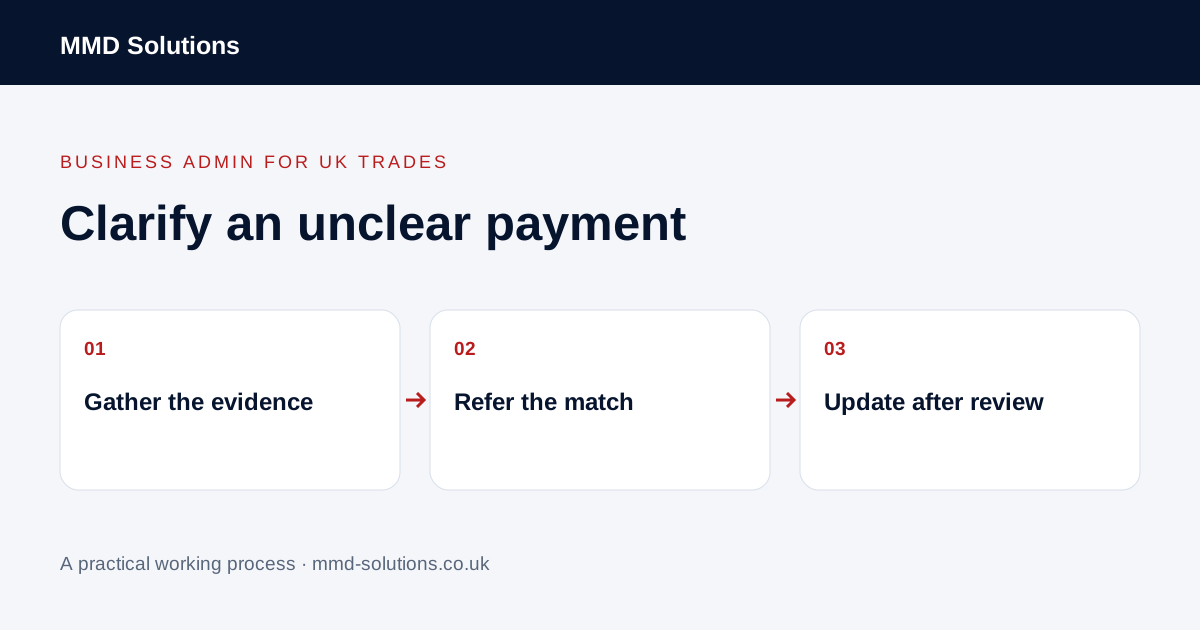
Record what is known without filling the gaps
Use the business’s authorised financial records to note the statement date, amount, payer description and reference exactly as shown. Keep the query connected to that source rather than pasting a bank screenshot into a general job chat. Dates and names may need clarification; a similar amount is only a possible clue.
Keep the customer’s statement separate from the bank evidence. “Customer emailed that payment was sent” is different from “receipt visible in the account”. Neither statement on its own confirms which invoice the payment settles.
Assemble the possible invoice context
- Which customer or organisation is involved?
- Which invoices could the customer be referring to?
- Is there remittance information listing invoice numbers?
- Has another team member already resolved the receipt?
- Is an existing query or duplicate record involved?
- Who is authorised to confirm the match?
A single receipt might relate to more than one item, or an amount may differ for a reason the reviewer needs to investigate. Do not invent an adjustment, assume a discount or change an invoice simply to make the figures line up.
Ask for a reference through the usual contact route
Adapt the message to what is actually missing. There is normally no reason to request passwords, card details or an entire personal statement for this administrative query. Check unexpected payment instructions through a trusted existing contact rather than changing account details from a message alone.
Keep chasing and reconciliation coordinated
Name one reviewer and a review point. Tell the person responsible for reminders that a payment query is open so they can review the appropriate action under the business’s process. Do not globally stop all customer reminders or mark an invoice paid solely on an unverified email.
Once the responsible reviewer confirms the outcome, update the customer record and any reminder queue that depends on it. If the evidence is still insufficient, leave the query open with a specific next action. A completed internal task is not proof that the customer balance is correct.
Check the accounting system before building a matching tool
Xero documents suggested transaction matches, a find-and-match route and a Discuss tab for uncertain statement lines. Existing accounting tools may therefore already provide the appropriate review queue. A suggestion is not an independently verified match.
Keep accounting decisions with the authorised owner or bookkeeper. MMD may help connect an administrative query to its job or invoice reference; this article does not claim MMD Tracker reconciles bank transactions or recommend automatically posting uncertain receipts. Fix missing references and handovers before commissioning another matching system.
Download the working checklist
Download the blank worksheet (CSV). Use fictional details for a trial, then adapt the fields in the system you already maintain. Do not keep a separate spreadsheet just to duplicate a working process. Protect real customer details and share only what the person handling the task needs.
Sources and review
Reviewed 28 October 2026. Xero: reconciliation, suggested matches and discussion.
Source material supports the specific examples referenced. The checklists, worksheets and illustrative scenarios are MMD's suggested business-admin processes, not customer results. Product workflows can change; check current documentation for the software you use.