
Business admin for UK trades
A Short-Notice Waiting List for Trade Appointments
A cancelled appointment may leave space in the diary, but that does not mean every waiting customer is suitable for it. A short list can help the office identify people who asked to hear about an earlier visit. Keep that preference separate from a confirmed booking and check the actual work requirements before making an offer.
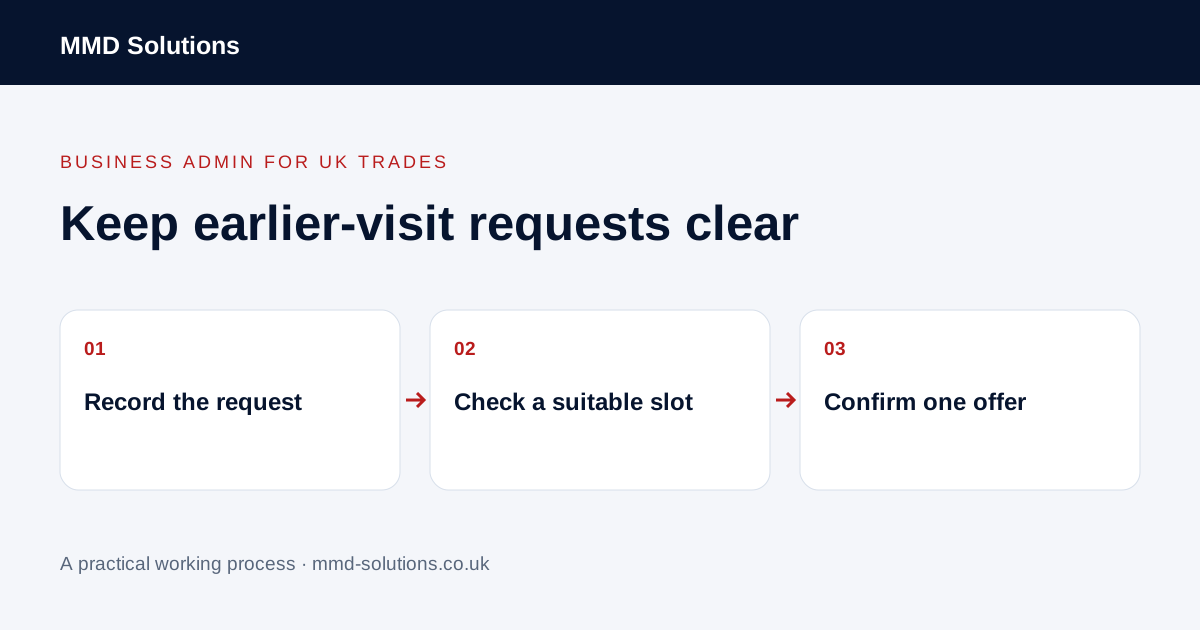
Record the customer's request accurately
Note which enquiry or job is involved, the relevant area and the practical timing preferences the customer volunteered. Record that they asked to be considered for an earlier appointment and how the office should contact them. Do not assume everyone with an outstanding quote wants repeated short-notice messages.
Explain that the list is an option to discuss availability, not a guaranteed appointment or a promise of priority. Avoid collecting unrelated personal information to rank people. If the customer no longer wants these updates, make that change visible to the person working the list.
Check the released space before contacting anyone
Confirm that the original booking really changed and the responsible person considers the slot available. Review travel, team availability, the administrative purpose of the visit and any known dependency. The owner decides whether the work fits; a free calendar gap alone is not a technical assessment.
Keep an existing confirmed booking in place until an alternative has been agreed through the normal process. Do not remove it merely because the customer appears on an earlier-appointment list.
Give an offer a visible position
Use simple states such as waiting, offer being discussed, confirmed, declined and no longer wanted. Name one person to coordinate a particular slot. Avoid several administrators offering the same time independently while each assumes the diary is free.
Any offer expiry or response arrangement needs to be explained truthfully; do not invent urgency to obtain a booking. An unanswered message remains unanswered, not accepted.
Keep the existing job record as the working record
Jobber documents scheduled, anytime and unscheduled visits. That distinguishes visits without a date or time from visits with specified timing; a scheduled entry alone does not prove customer agreement, and it does not establish that Jobber provides this exact waiting-list workflow. Check your current system before adding a separate application.
A task, label or small controlled worksheet may be enough for a trial. Link the entry to the enquiry or job rather than making a new customer record. If the request becomes a booking, update the normal diary and remove or close the waiting-list action to avoid later duplicate offers.
Review the list without turning it into a campaign
At an agreed review, confirm which requests remain current and which have been resolved elsewhere. Use the customer's requested contact arrangement, applicable requirements and the business's communication preferences. A waiting list is not a reason to send unrelated promotions or disclose other customers' appointments.
Measure actual outcomes such as duplicate offers, stale requests or extra coordination effort during a bounded trial. Do not promise a fuller diary or higher revenue. If the current booking process already manages earlier-date preferences reliably, keep using it.
Download the working checklist
Download the blank worksheet (CSV). Use fictional details for a trial, then adapt the fields in the system you already maintain. Do not keep a separate spreadsheet just to duplicate a working process. Protect real customer details and share only what the person handling the task needs.
Sources and review
Reviewed 2 November 2026. Jobber: visit types and scheduling.
Source material supports the specific examples referenced. The checklists, worksheets and illustrative scenarios are MMD's suggested business-admin processes, not customer results. Product workflows can change; check current documentation for the software you use.